
Smart Key vs Flip Key: Which Replacement Fits?
A damaged remote casing, a missing spare or a key that has stopped responding can quickly turn a normal drive into an urgent replacement job. In the smart key vs flip key decision, the right choice is not simply the newer-looking option. It depends on how your vehicle starts, the locking system it uses and the exact specification of the existing key.
For vehicle owners, choosing correctly avoids paying for a key that will not programme or fit. For locksmiths and garages, it keeps jobs moving without unnecessary returns. The starting point is understanding what each key does – and what it does not do.
Smart key vs flip key: the core difference
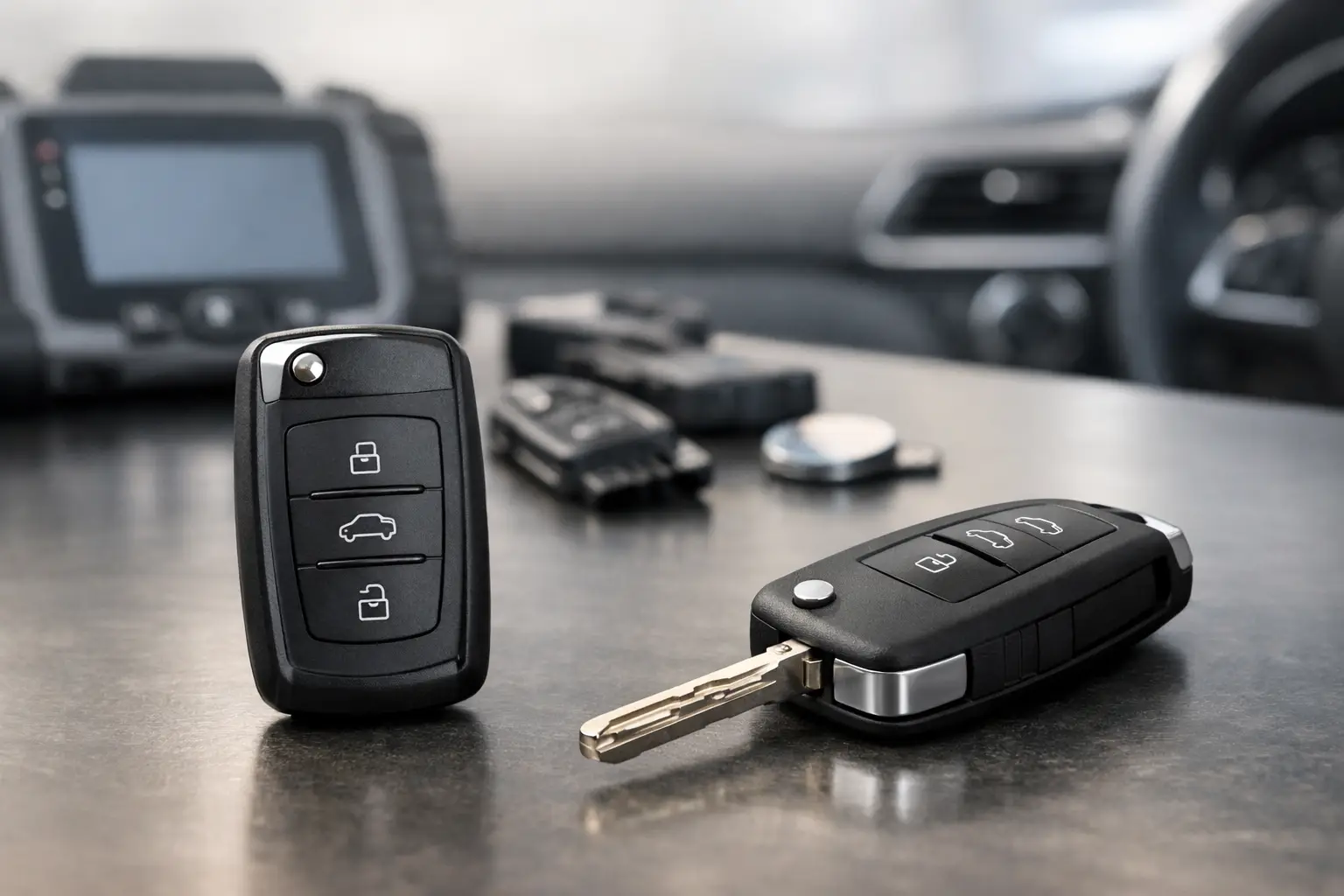
A flip key has a mechanical blade that folds into the remote body when not in use. Pressing a release button flips the blade out, ready to turn in the ignition or unlock the door manually. Most flip keys combine remote central locking buttons with a transponder chip that communicates with the vehicle immobiliser.
A smart key, sometimes called a proximity key or keyless entry remote, normally has no ignition blade to turn. The driver can keep it in a pocket or bag while the vehicle detects its presence. Depending on the vehicle, the doors may unlock when the handle is touched, and the engine starts using a push-button system.
Some smart keys still contain an emergency mechanical blade. This is usually removed from the fob and used only if the key battery is flat, the vehicle battery has failed or a manual entry point is needed. That does not make it a flip key. The key distinction is how the vehicle authorises starting: turning a blade in an ignition barrel versus detecting a programmed proximity fob.
How a flip key works
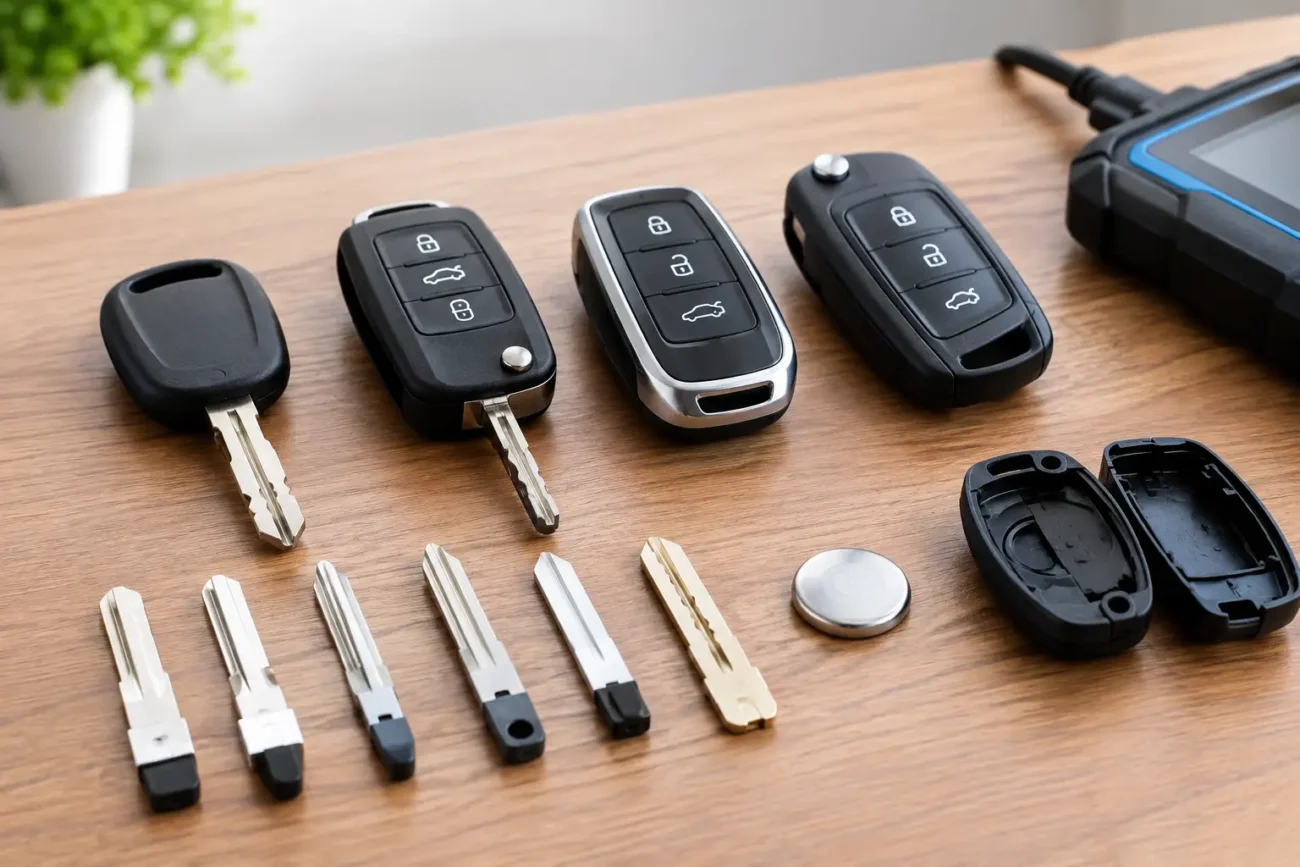
Flip keys are common across many Ford, Peugeot, Citroen, Vauxhall, Volkswagen Group, Renault and Fiat applications, among others. Their design is familiar, compact and practical. The blade folds away to reduce the chance of it catching in a pocket, while the remote buttons lock, unlock and sometimes operate a boot release or panic function.
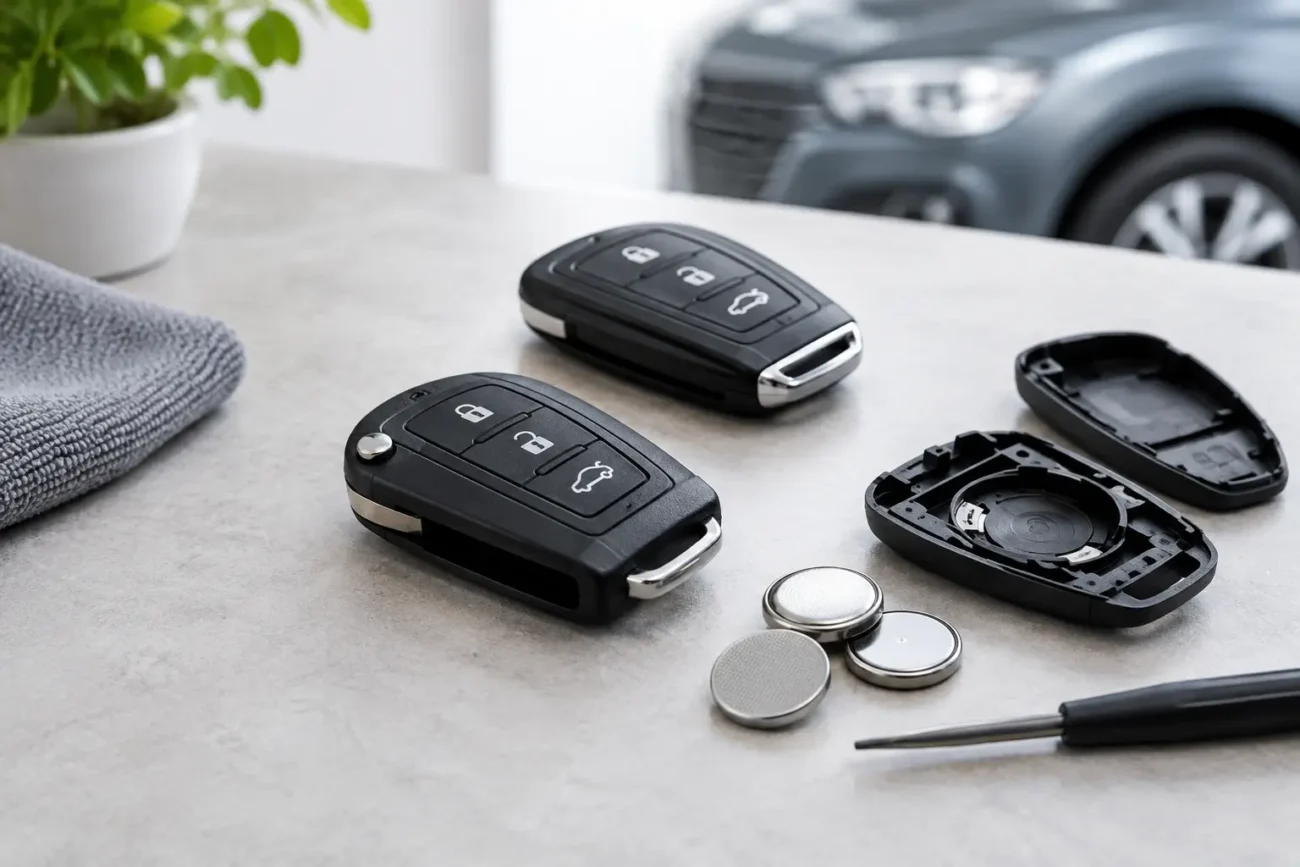
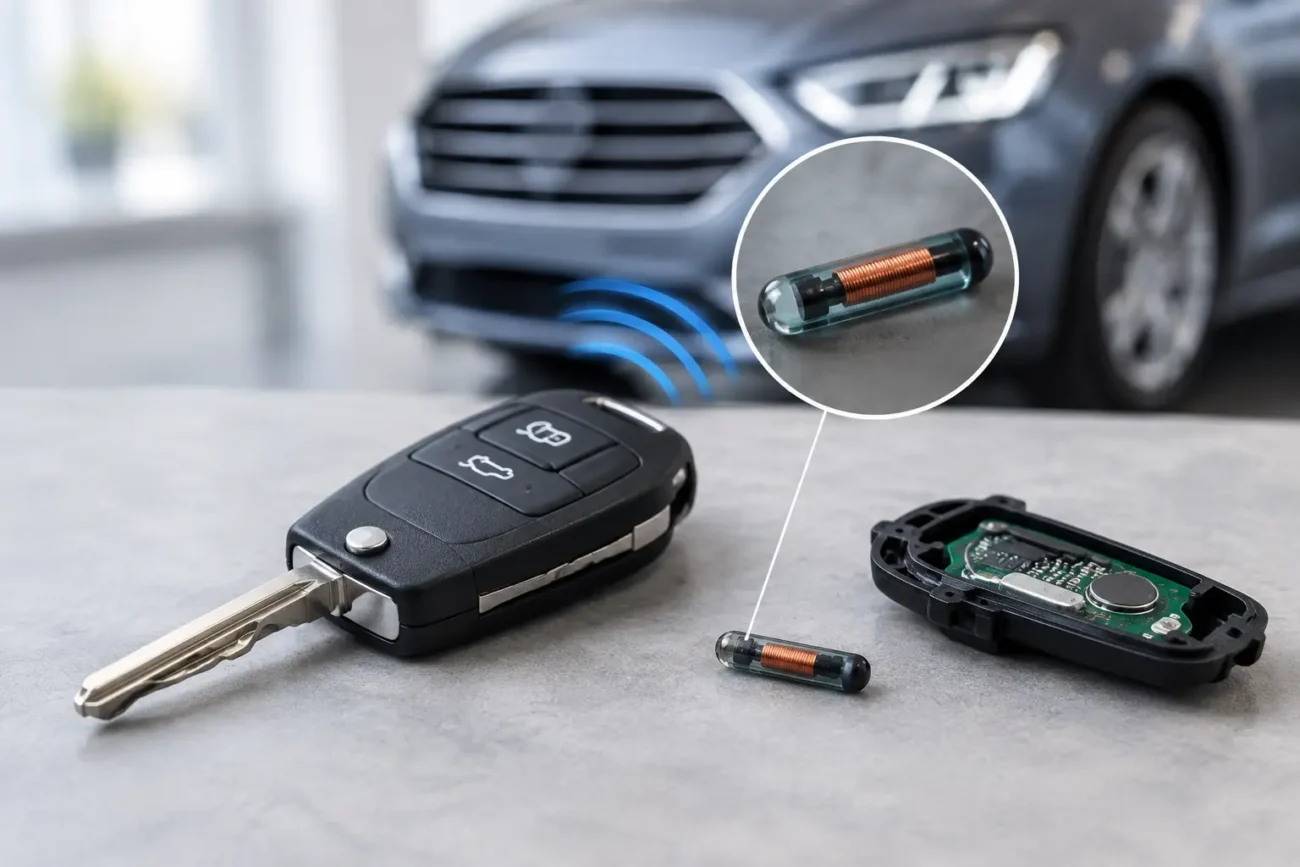
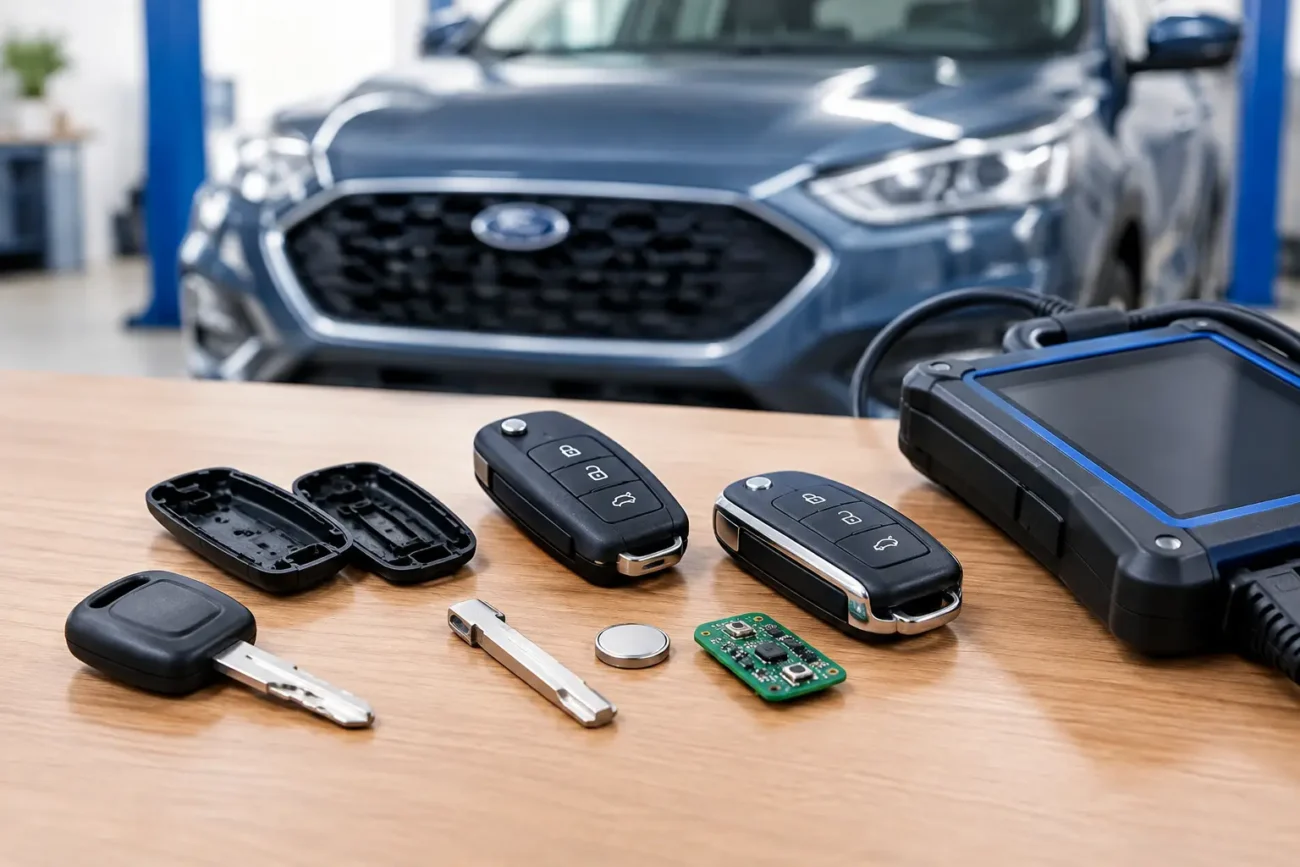
Inside the casing, there may be several separate components: a remote circuit board, button contacts, a battery and an immobiliser transponder chip. On some keys, the chip is integrated into the board. On others, it is a separate glass or carbon unit. This distinction matters when replacing a shell. Moving only the circuit board but leaving the transponder behind can mean the remote functions work while the car will not start.
A flip key replacement can be relatively straightforward when the original electronics still work and only the housing, blade or buttons are worn. A replacement shell with the correct button layout and blade profile may be all that is required, followed by blade cutting. If the original key is lost or the circuit board has failed, a complete remote key and programming procedure may be needed.
Strengths and limitations of flip keys
The main advantage is simplicity. A flip key gives the driver a physical blade ready for normal use, and replacement options can be cost-effective where the existing electronics are reusable. It is also easy to spot common physical faults, such as a loose blade pivot, broken release button or cracked casing.
The trade-off is convenience. The driver must press a button to unlock the vehicle and insert the key into the ignition on most applications. Moving parts can wear over time, particularly the blade hinge and release mechanism. A worn flip key shell is not necessarily a failed key, but it should be repaired before the blade breaks away or the board becomes exposed to moisture.
How a smart key works
Smart keys use short-range radio communication between the fob and the vehicle. When the key is within range, the vehicle checks for an authorised signal before allowing keyless entry or push-button starting. The process is more involved than standard remote locking, which is why smart key compatibility and programming need closer attention.
The smart key itself may look simple, but its specification is not. Button count, frequency, transponder type, circuit board layout and vehicle platform can all affect whether it is suitable. A visually similar fob is not enough. Two keys with the same number of buttons can use different frequencies or electronic configurations, even within the same manufacturer range.
For many drivers, the benefit is immediate: the key stays in a pocket or handbag, entry is quicker and starting does not involve searching for an ignition slot. This is especially useful for frequent short journeys, school runs, deliveries or trade vehicles where getting in and out of the vehicle happens repeatedly.
Strengths and limitations of smart keys
Smart keys offer the greatest day-to-day convenience, but they can cost more to replace because of the technology involved. A replacement usually needs professional programming to add it to the vehicle, and certain applications require specialist diagnostic equipment, key data preparation or an OEM-board solution.
Battery condition also has a greater effect on convenience. A weak smart key battery may reduce operating range or stop keyless functions working consistently. The emergency blade can provide manual access, but it will not always solve a starting issue if the vehicle cannot detect the fob. The vehicle handbook will usually explain the emergency start position or backup recognition method for that model.
Which key should you buy?
You cannot usually choose between a smart key and a flip key as an upgrade based on preference alone. The vehicle’s original locking, ignition and immobiliser system determines the key type required. A car supplied with a flip key cannot normally be converted into a smart-key vehicle by purchasing a proximity fob, and a smart-key vehicle cannot be served by a standard flip remote.
Instead, identify the type of key your vehicle already uses, then match the replacement precisely. Start with the part number printed on the back of the fob or on the circuit board where available. Also check the manufacturer, model, year, button layout, key blade profile and frequency. If the product information specifies a chip type or board reference, compare that too.
For a shell-only replacement, confirm that the internal board shape, battery holder position, transponder location and blade attachment match your original. For a complete key, make sure the listing is suitable for the vehicle application and that you have a clear plan for cutting and programming. A key can be physically correct yet still need programming before it will operate remote locking or start the engine.
Programming: where the real difference shows
Both key types can require programming, but the level of work varies by vehicle. A replacement flip key may need remote synchronisation, immobiliser programming or both. Reusing the original working circuit board and transponder in a new shell often avoids electronic programming, although the new blade will still need cutting.
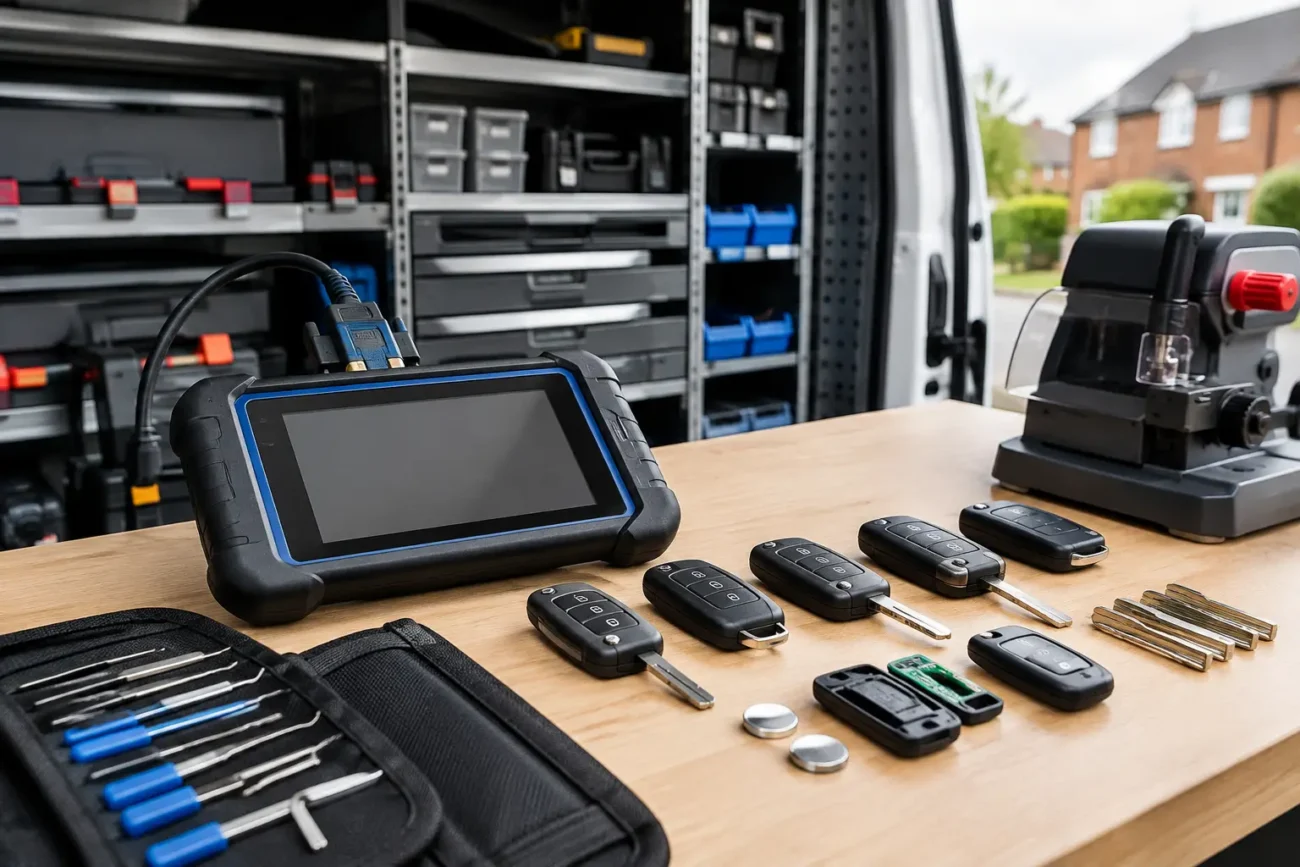
Smart key programming is more commonly a professional task. The process may require a compatible diagnostic tool, security access, an existing working key or vehicle-specific procedures. Trade buyers should verify whether the job calls for a universal programmable remote, a model-specific smart key, a virgin board, a locked board or additional adapters and software.
Avoid assumptions based on the vehicle badge alone. A 2018 model from one manufacturer may use a different system from another trim level, production period or market variant. Checking the vehicle registration details can help narrow the application, but part numbers and original key markings remain the strongest guide.
Replacement cost and practical value
A flip key is often the lower-cost route when only the shell has failed or the original electronics can be transferred. It is a sensible repair for drivers whose remote still locks and unlocks reliably but whose buttons are worn, blade is loose or casing has split.
A smart key may involve a higher initial outlay, but it restores the feature set the vehicle was designed to have. Replacing it with the correct compatible unit preserves keyless access and push-button start rather than forcing the owner to work around a missing convenience feature.
For both types, buying a spare before the last working key is lost is usually the more efficient choice. It gives you time to check specification, arrange blade cutting and organise programming without the pressure of a vehicle that cannot be used.
A better way to order a replacement key
Take clear photos of the front and rear of the original fob, including any printed reference numbers. Note how many buttons it has, whether the blade flips out or is stored separately, and whether your car starts with an ignition barrel or a start button. These details make it far easier to compare the correct replacement.
If you are unsure, do not rely on appearance alone. Check the product fitment information and compare part numbers, frequency, blade type, button layout and chip details before ordering. Global Keys Direct stocks a broad range of vehicle-compatible shells, remotes, blades and smart keys for both retail and trade requirements.
The best replacement is the one that matches your vehicle accurately and restores normal use without creating another problem. Keep one working spare where possible, replace tired casings early and treat every part number as a useful clue rather than a detail to overlook.
Add a review
Your email address will not be published. Required fields are marked *