
Car Key Batteries: Signs, Types and Replacement
A remote that only works beside the driver’s door is rarely a key programming problem. More often, it is a warning that the coin cell inside the fob is losing power. Key batteries are inexpensive components, but selecting the wrong type can leave a perfectly good remote unusable – or lead to an unnecessary replacement purchase.
For vehicle owners, a fresh battery can restore the everyday convenience of central locking and remote boot release. For locksmiths, garages and technicians, accurate battery identification avoids delays on a straightforward customer job. The key is to check the existing cell and the remote’s fitment details rather than relying on the vehicle make alone.
When do car key batteries need replacing?
A weakening battery usually gives warning before it fails completely. The remote range may become noticeably shorter, so you need to stand close to the vehicle before the buttons respond. Locking may work inconsistently, or one press may be ignored before the next works. On some vehicles with keyless entry or smart key systems, the dashboard may display a key battery warning message.
These signs are useful, but they are not conclusive. Intermittent operation can also result from damaged button switches, moisture ingress, a cracked circuit board, worn battery contacts or a remote that has lost synchronisation. If fitting the correct new battery makes no difference, avoid forcing the case shut or ordering another battery type at random. Inspect the fob for visible damage and assess whether the fault is with the shell, buttons or electronic board.
A completely flat battery will normally affect remote functions rather than the mechanical blade. Where a key includes an emergency blade, it may still unlock the door manually. Smart-key vehicles often have a designated location or procedure for starting when the remote battery is depleted, but this varies by model. Refer to the vehicle handbook for the manufacturer’s intended process.
Key batteries: identify the correct cell first
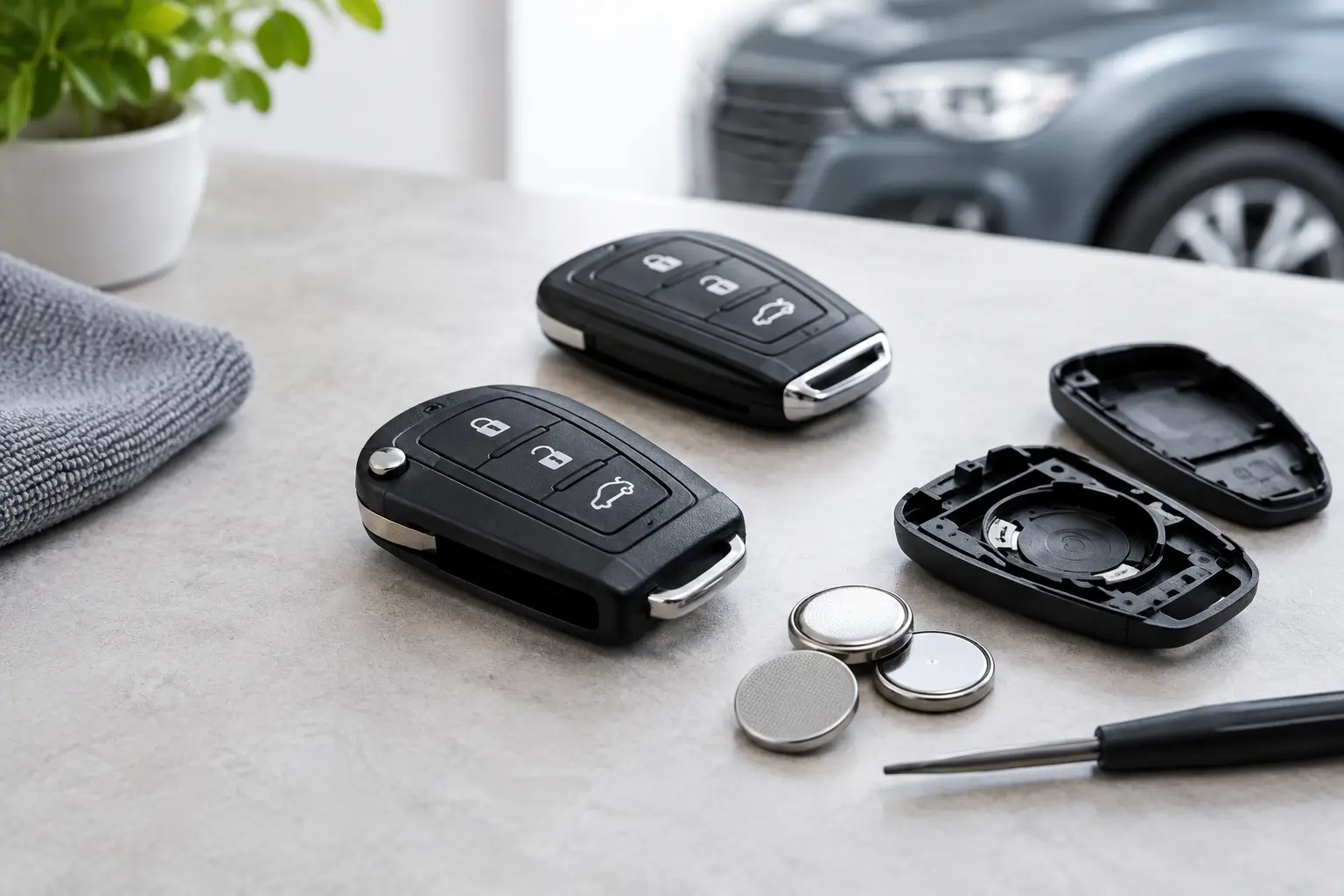
The safest way to select replacement key batteries is to read the marking on the cell already fitted. Most car remotes use lithium coin cells, commonly marked with a CR code such as CR2032, CR2025, CR2016 or CR1220. The code is not interchangeable shorthand: it identifies the cell’s dimensions.
For example, CR2032 and CR2025 batteries share a 20 mm diameter, but the CR2032 is thicker. A holder designed for one may not hold the other securely, even if the battery appears to fit. A loose cell can cause intermittent operation, while a battery that is too thick may prevent the case from closing correctly or put pressure on the circuit board.
The battery marking is usually visible once the fob is opened. If the original battery is missing, consult the key’s product specification, vehicle handbook or a reliable application guide. For replacement remotes, match the battery specification supplied for that exact remote style, not simply the badge on the bonnet.
Why vehicle make and model are not enough
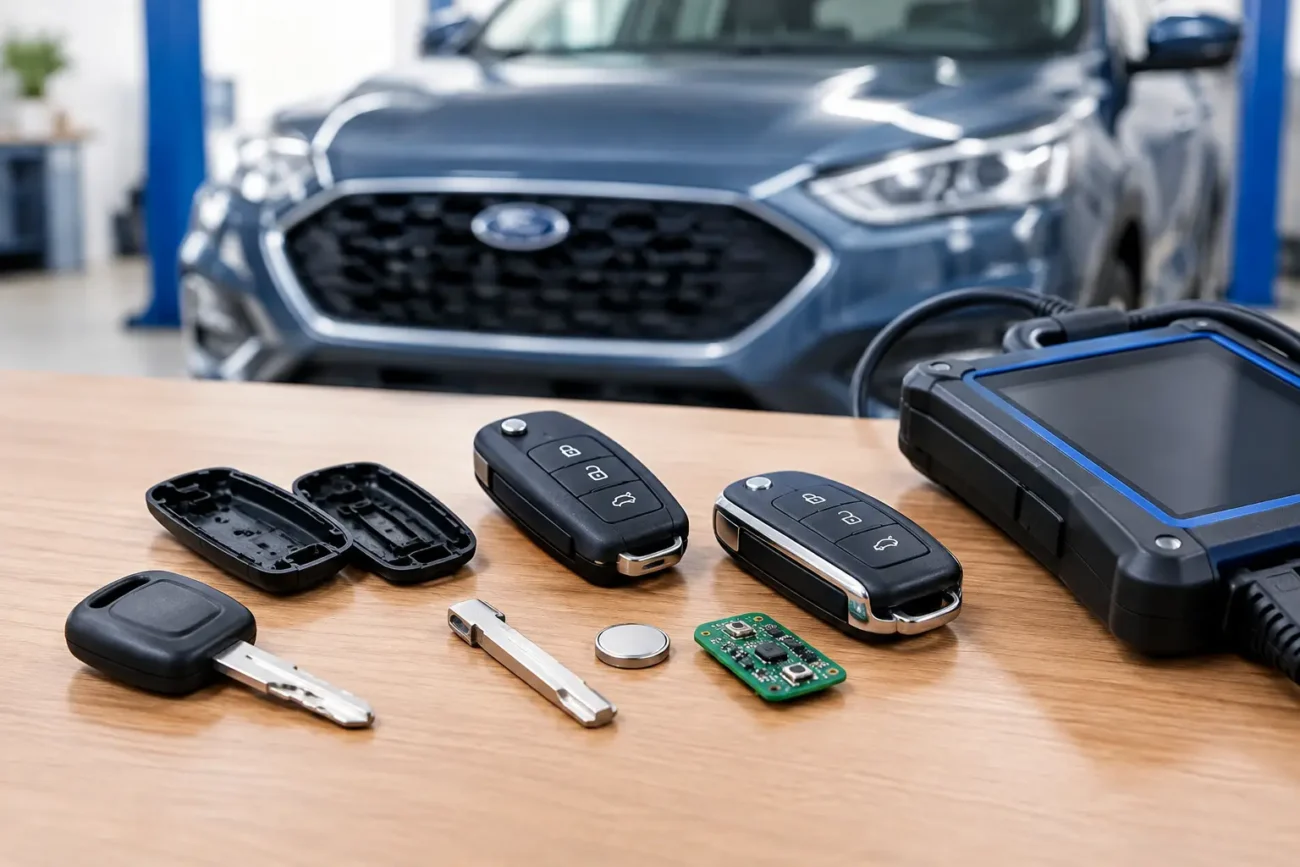
Manufacturers often use more than one key design during the same production period. A Ford, BMW, Toyota, Vauxhall or Mercedes key may differ according to year, trim level, keyless-entry specification, market and remote generation. The same car can also have a standard remote key, a flip key and a proximity smart key, each with different internal layouts.
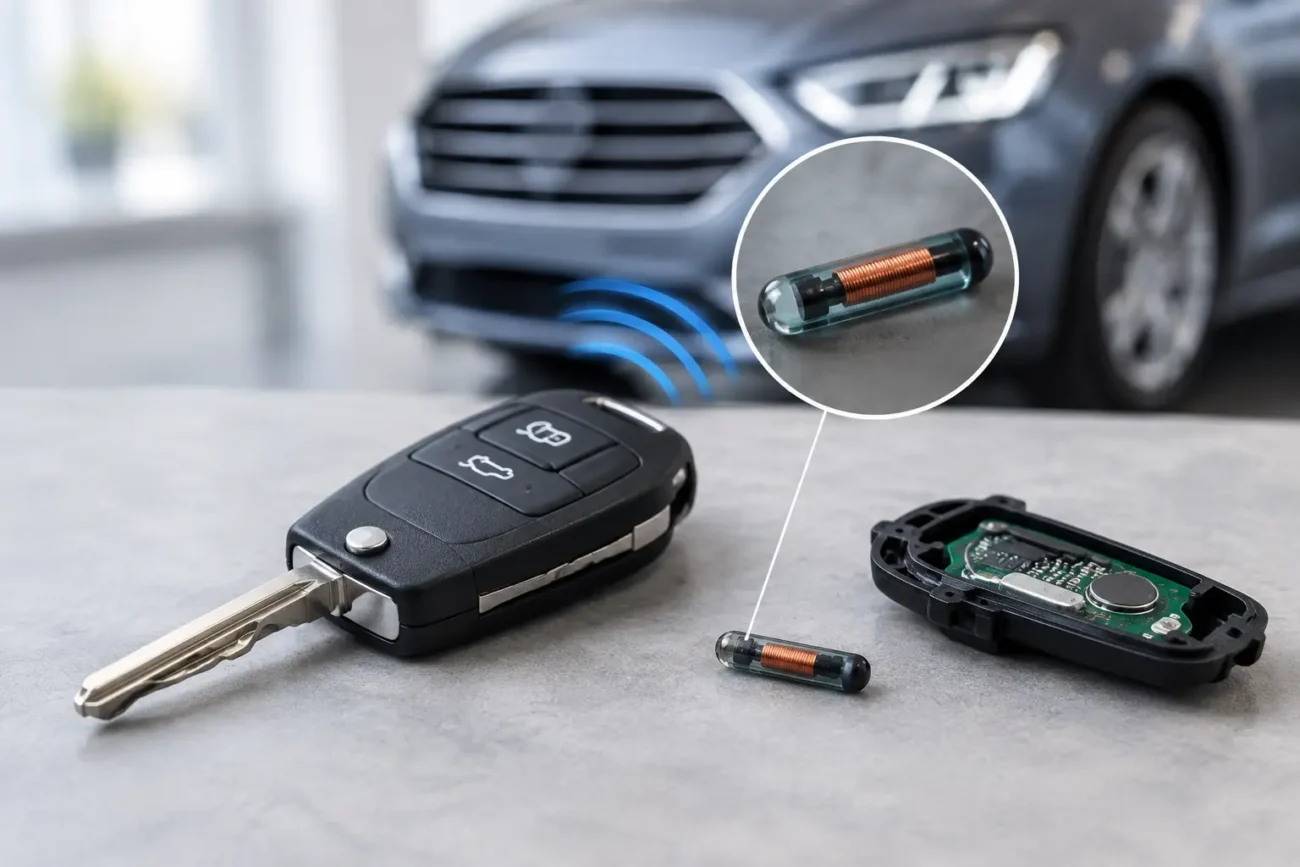
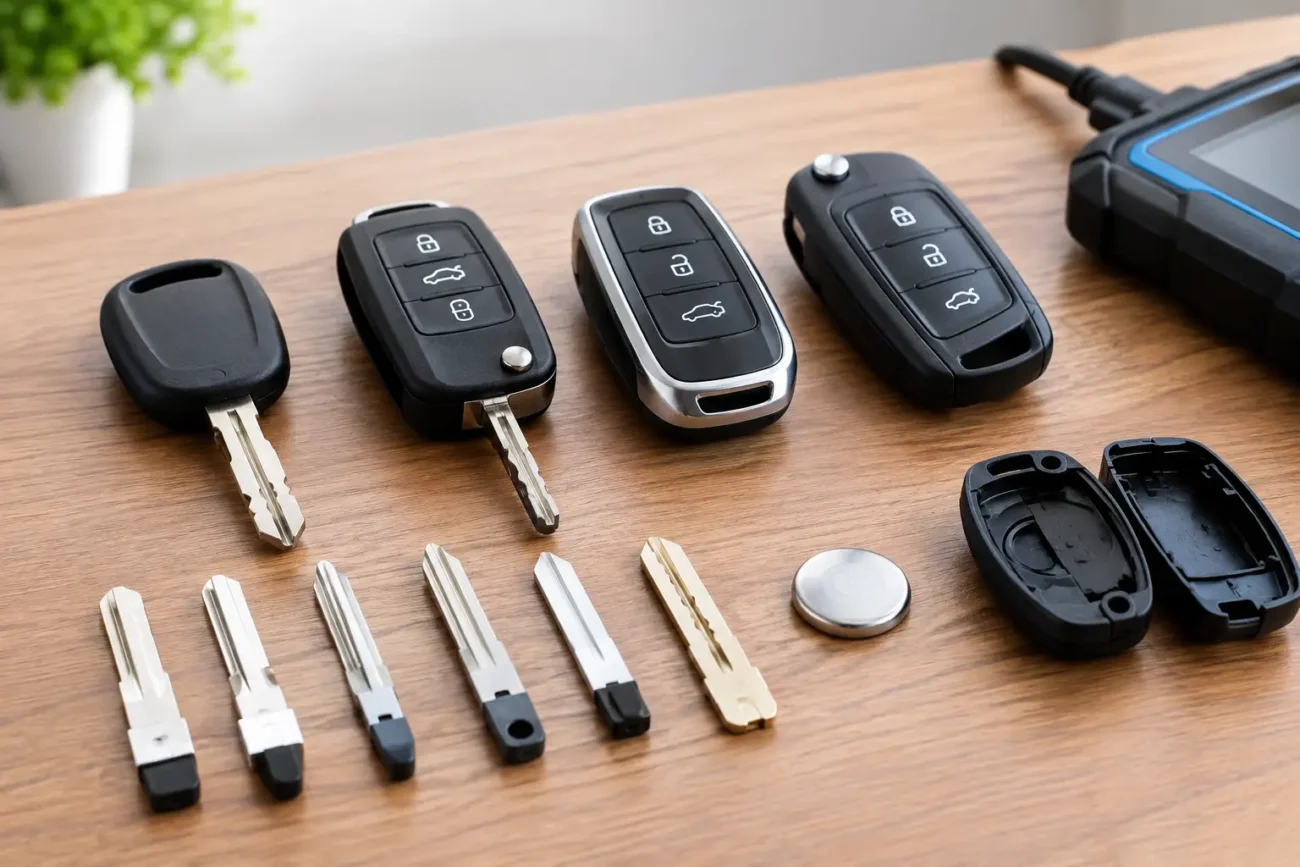
Before ordering, check the number of buttons, case shape, battery code and, where relevant, the part number on the remote board or housing. Professional buyers should also confirm frequency, transponder type and blade profile when sourcing complete replacement keys. The battery may be a small part of the job, but accurate identification supports the wider compatibility check.
Replacing a car key fob battery without damage
Many remote cases are designed to be opened at a small seam or access point. Others require the emergency blade to be removed first. Use a suitable plastic trim tool where possible, or a small tool with controlled pressure, to avoid marking the housing or damaging the retaining clips.
Once open, note the polarity of the old cell before lifting it out. Coin-cell holders normally show a plus symbol, but the battery orientation should still be checked carefully. Fit the new battery with clean, dry hands and avoid bending the metal contacts. Do not use excessive force to lever against the circuit board.
After reassembling the case, test every relevant function from a sensible distance: lock, unlock, boot release, panic button where fitted, and passive entry if applicable. A basic battery change does not usually require programming, but there are exceptions. If the remote was already faulty, or if the key has sustained physical damage, a new cell cannot repair its electronics.
If the case clips no longer close securely, it may be time to replace the key shell. A worn shell can allow dirt and moisture into the remote, place strain on the button pads and eventually damage the board. Rehousing a working board into the correct replacement shell can be a cost-effective repair, provided the blade, button layout and key design are matched correctly.
When a new battery will not fix the fault
There is a practical limit to battery troubleshooting. If a new, correctly fitted cell produces no response at all, look for other clues. Buttons that feel loose or do not click may point to a worn microswitch or button pad. Corrosion around the battery holder can interrupt power. A remote dropped into water may work briefly before internal damage becomes apparent.
For a flip key, inspect the blade hinge and case separately from the electronics. For a smart key, check whether the casing is cracked or whether the internal emergency blade has been lost. In trade work, testing the remote’s signal and inspecting the board can prevent replacing serviceable parts unnecessarily.
A replacement remote or smart key may need programming to the vehicle, depending on its design and the job being carried out. That is separate from changing a battery. Do not assume that moving a battery between fobs, or fitting a new shell around a different board, will make a key operate the vehicle.
Choosing quality key batteries for stock or spares
For a household spare, buy the exact cell type needed and keep it sealed until required. Battery life depends on the remote design, frequency of use, temperature and the quality of the cell. Keyless-entry fobs can draw power continuously while they wait to communicate with the vehicle, so they may need replacement sooner than a conventional button-operated remote.
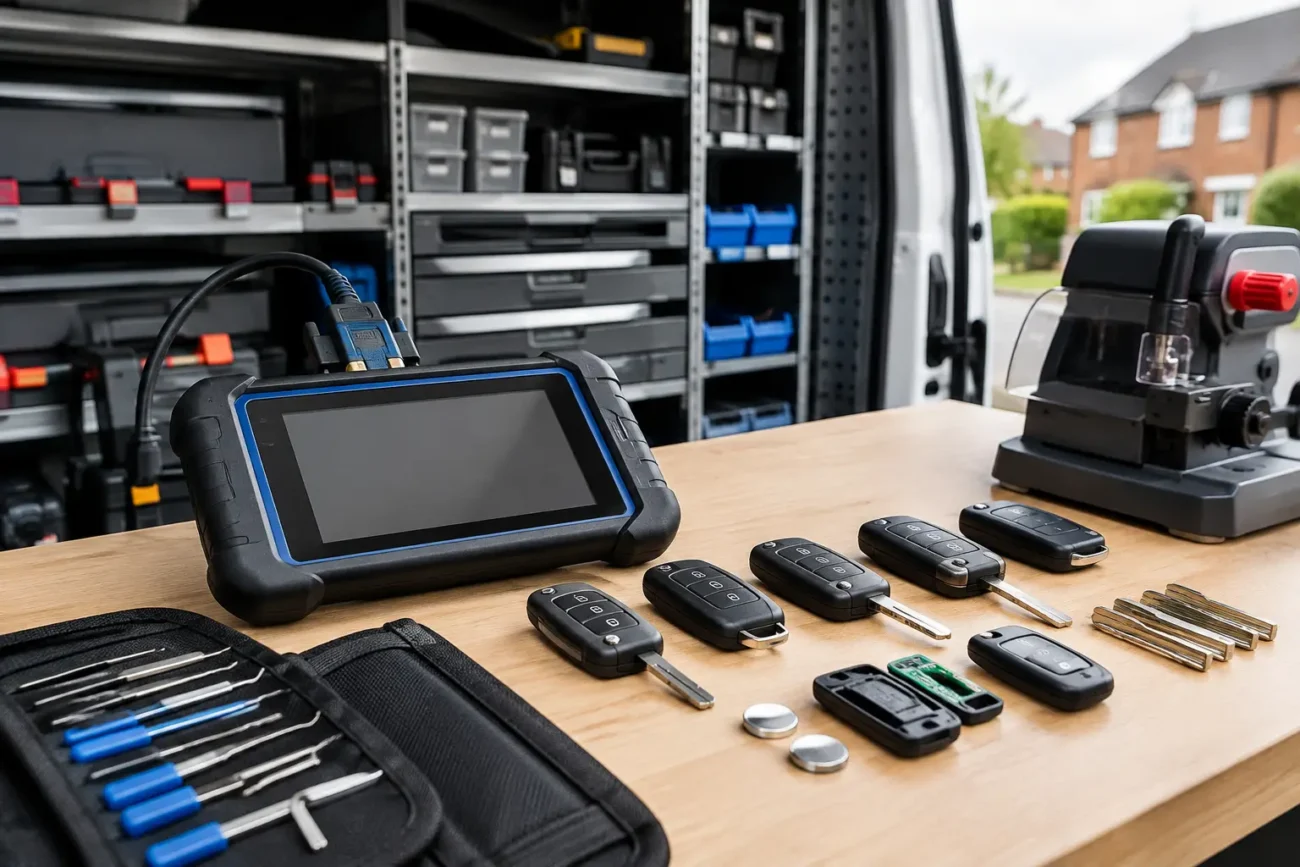
For workshops and locksmiths, keeping the most common coin-cell sizes in organised stock makes minor repairs faster and avoids holding up a key-cutting, shell replacement or programming job. Store cells in their original packaging in a cool, dry place, and rotate stock so older packs are used first. Never mix loose cells with metal tools, keys or other batteries, as this can create a short circuit.
Lithium coin cells must also be kept away from children. If a battery is swallowed, seek urgent medical help immediately. Used cells should be recycled through an appropriate battery collection point rather than placed in household waste.
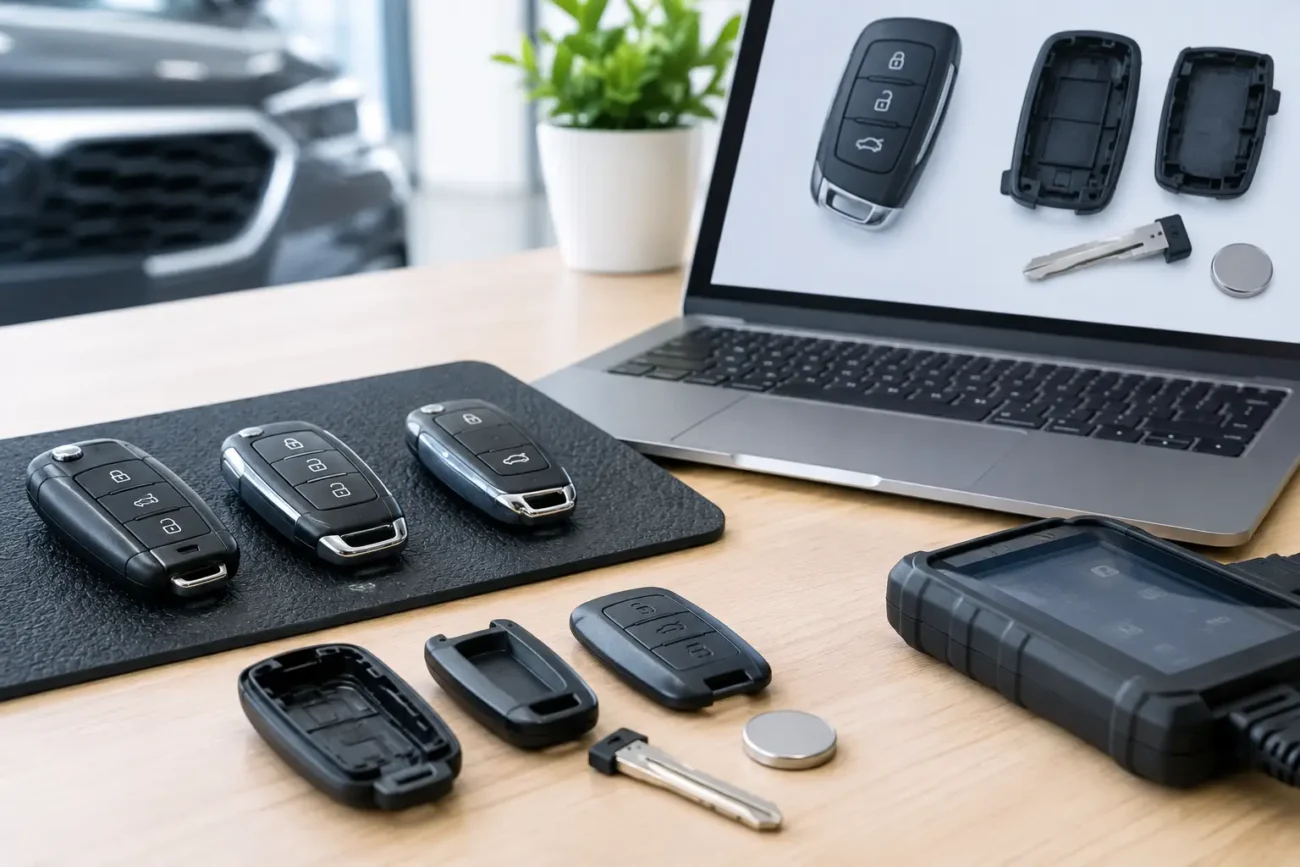
Global Keys Direct supplies car key products for everyday replacement needs and professional automotive key work, with product details designed to help buyers check the right specification before ordering. When selecting a battery alongside a shell, remote or smart key, treat each item as part of the same compatibility check.
A fresh battery is one of the quickest ways to restore a fading remote, but precision matters more than guesswork. Read the code, confirm the fitment, fit it carefully and test the key before the next journey makes a weak fob an urgent problem.
Add a review
Your email address will not be published. Required fields are marked *