
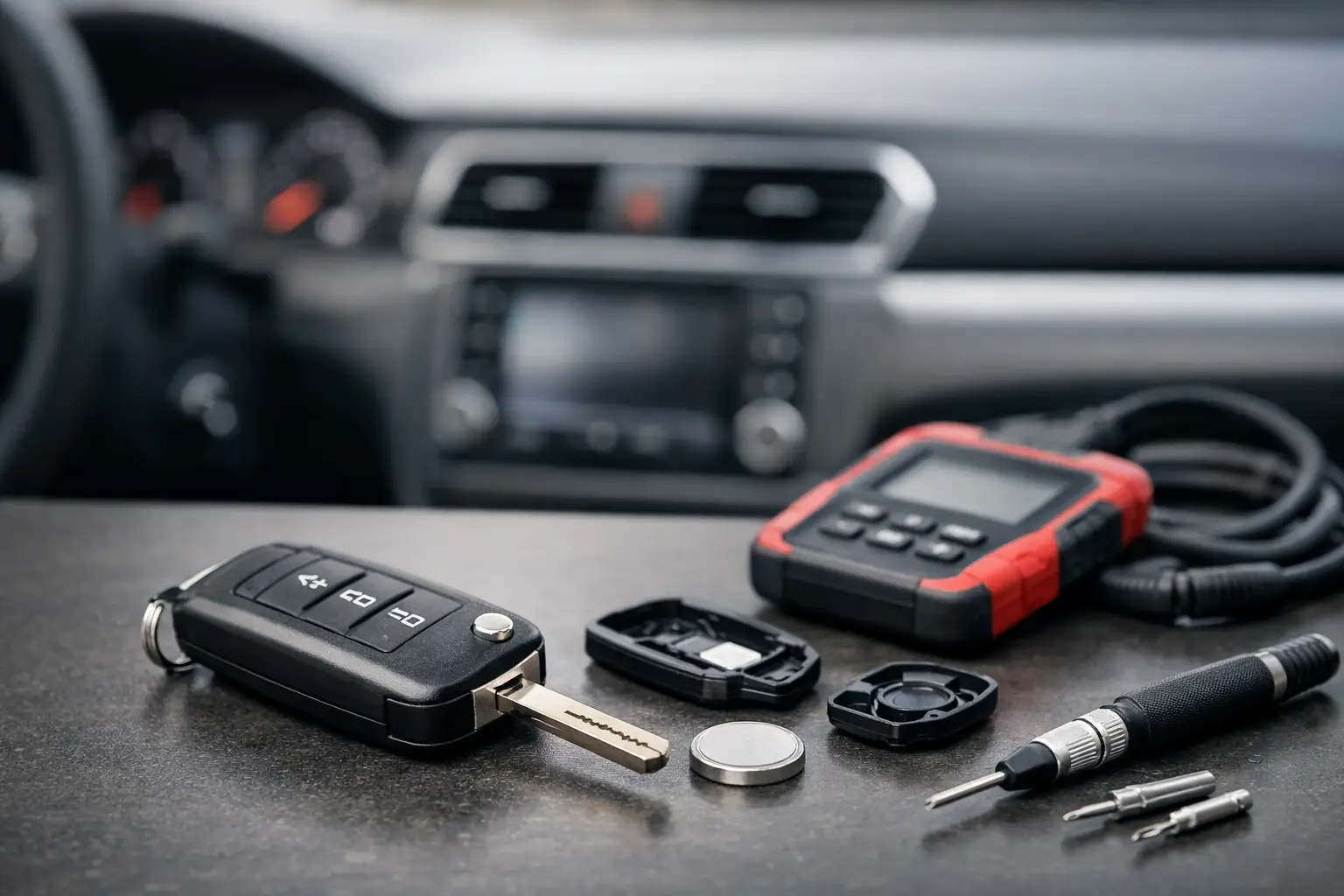
Why Is Your Key Fob Not Responding? Common Fixes
You press the unlock button outside your car and nothing happens. No flash of the indicators, no central locking movement, and perhaps no response when you try to start a keyless vehicle. If you are asking, why is key fob not responding, the fault may be as simple as a flat coin-cell battery – but it can also point to damage inside the remote, lost programming, radio interference or a vehicle-side issue.
The quickest route to the right fix is to separate a remote-fob problem from a car problem before buying parts. That prevents wasted time, avoids ordering an incompatible replacement, and gets you back to using the vehicle sooner.
Why is your key fob not responding?
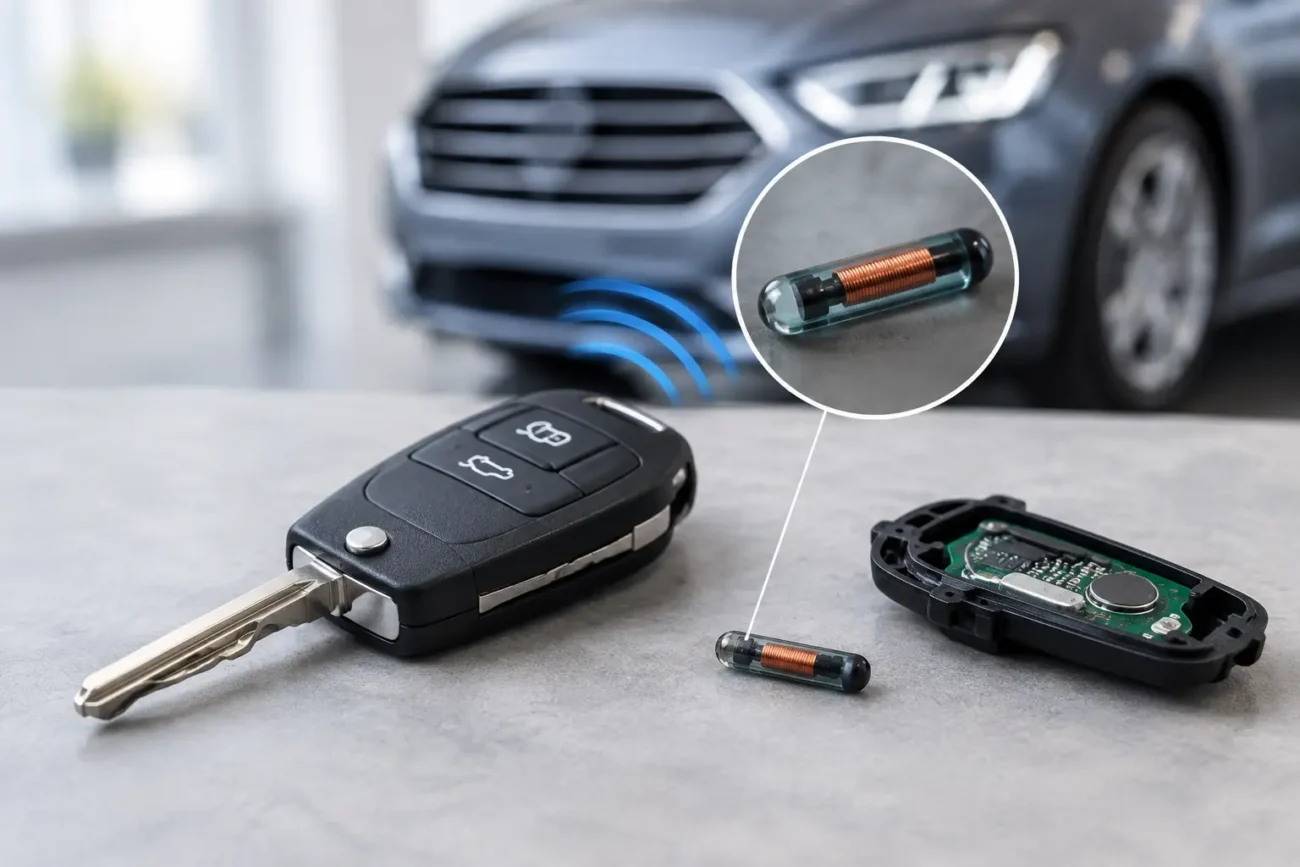
A key fob sends a short radio signal to the vehicle. On keyless-entry and smart-key systems, it may also communicate with proximity antennas and the immobiliser system. If any part of that chain fails, the symptoms can look very similar.
Start by considering exactly what has stopped working. If the buttons do not lock or unlock the car but it still starts normally, the remote function is the likely area to investigate. If a keyless car also displays a message such as “key not detected”, struggles to start, or only works when the fob is held close to the start button or designated backup area, battery condition or smart-key detection may be involved.
Where you have a spare key, test it in the same location. A working spare is useful evidence: it suggests the vehicle’s receiver, central locking and battery are more likely to be sound, while the non-working key requires attention. If neither key works, do not assume both remotes have failed at once. Check the vehicle battery and central locking system as well.
The most common causes of a non-responsive fob
A weak or flat key fob battery
This is the most frequent cause and the best place to start. Coin-cell batteries can lose voltage gradually, so the range may become shorter before the fob stops responding altogether. You may find the remote works only when standing close to the car, or works intermittently in cold weather.
Open the fob carefully and fit the specified battery type, observing the polarity marked inside the case. Common sizes include CR2032, CR2025 and CR2016, but the correct battery depends on the remote design. Similar-looking cells are not always interchangeable, particularly where thickness affects contact pressure.
Check the battery contacts while the case is open. Bent, oxidised or loose terminals may stop a new battery from making a reliable connection. Avoid forcing the battery into place or touching electronic components unnecessarily. If the buttons have been weak for some time, replacing the cell is a sensible first repair before considering a new remote.
Worn buttons, a split shell or water damage
A fob lives a hard life in pockets, bags, cup holders and occasionally the washing machine. The plastic shell may crack, the rubber button pad may wear through, or the small switches on the circuit board may become damaged. A button that feels soft, sticks, sits lower than the others or has no positive click can indicate a physical fault.
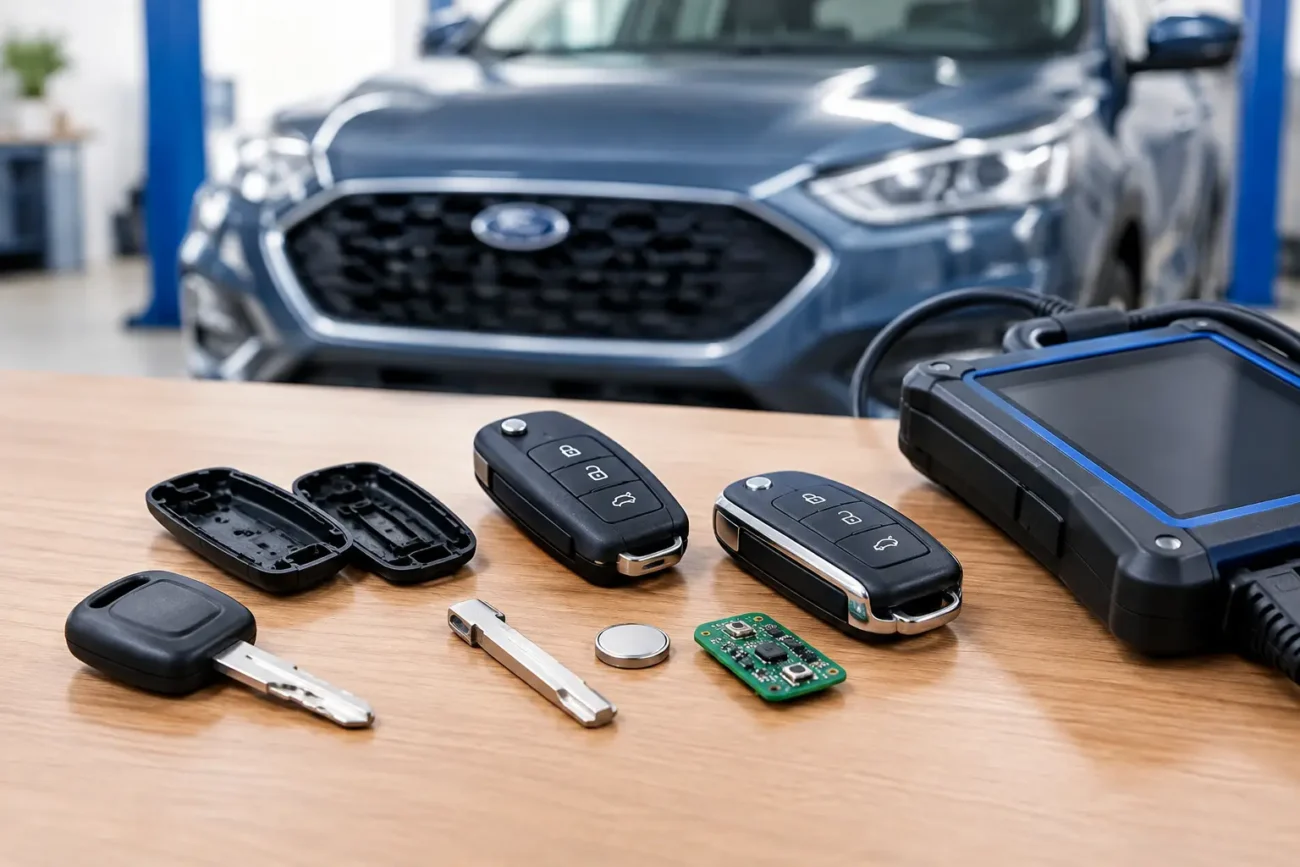
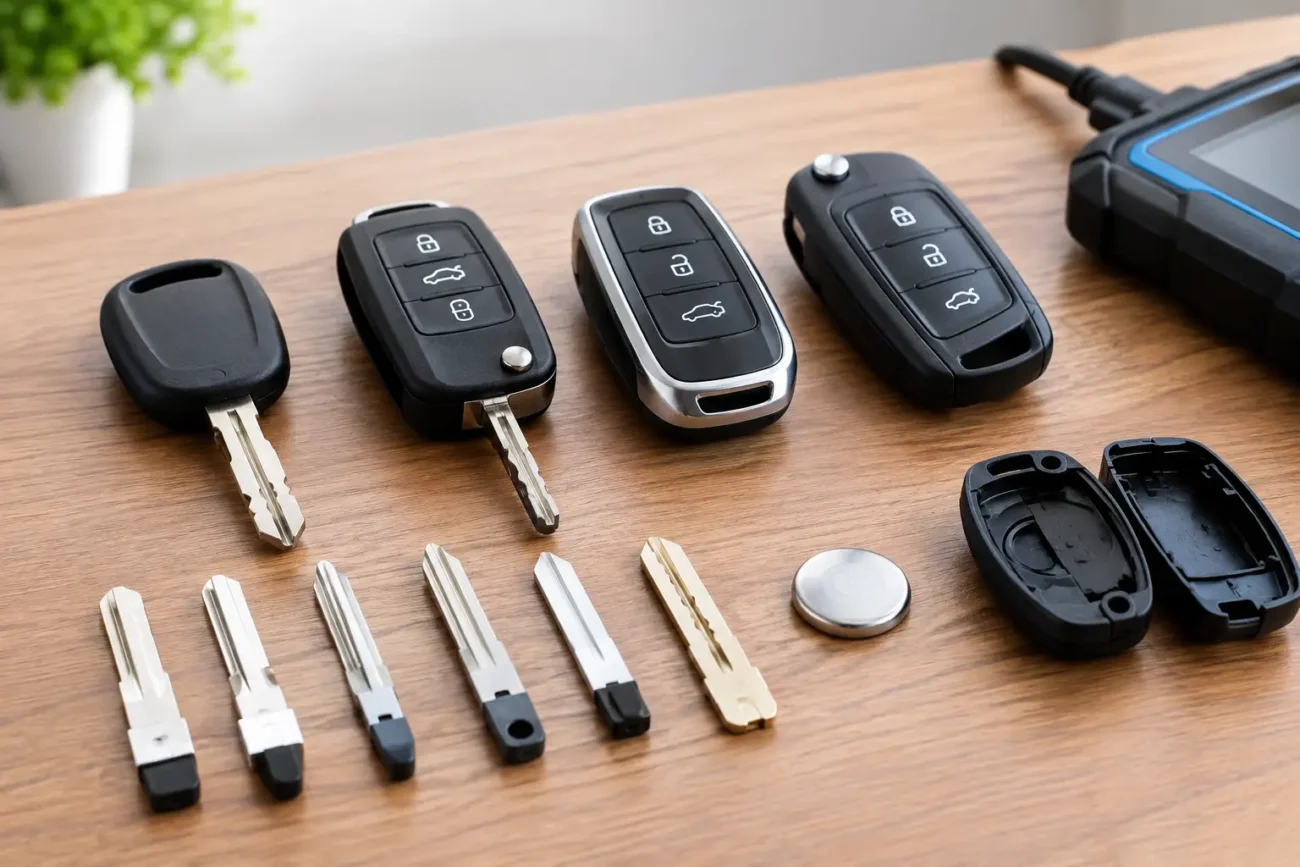
A replacement key shell can be a cost-effective answer when the electronics, transponder chip and blade are still working. The original internal components are transferred into a matching shell, restoring the button mechanism and protecting the circuit board. It is essential to match the button layout, blade type and casing style before ordering.
Water damage is less predictable. Corrosion on the circuit board can cause intermittent operation, reduced range or complete failure. Drying the remote may not restore damaged tracks or components, especially if it has been wet for some time. A professional can assess whether the original board is repairable or whether a replacement remote is the more reliable option.
Lost synchronisation or programming
Some vehicles can lose remote synchronisation after a battery has gone flat, after electrical work, or following a fault. In other cases, the remote’s electronics are operational but it is no longer correctly recognised by the vehicle.
The required remedy depends entirely on the make, model, year and key system. Some older vehicles have a manufacturer-specific resynchronisation procedure, while many later remotes and smart keys need diagnostic programming. Do not rely on a generic online sequence, as using the wrong procedure is unlikely to help and can create confusion during diagnosis.
If a replacement key is needed, programming may be required for the remote functions, the immobiliser transponder, or both. A shell-only replacement is different: when you reuse your existing electronics and chip, programming is normally not part of the shell change itself.
Radio interference and poor operating conditions
If the fob fails only in one particular place but works normally elsewhere, local radio interference is possible. Busy car parks, areas near transmission equipment and certain electronic devices can occasionally affect remote range. Move the vehicle or try the key again away from the area before replacing parts.
Very low temperatures can also expose a marginal battery. A fob that works again after warming up should still be checked, because the cell may be close to the end of its service life. Interference is usually location-specific; a fault that follows the fob everywhere is more likely to be the battery, casing, board or programming.
A vehicle battery or receiver fault
The fob is not always the culprit. A weak 12-volt vehicle battery can affect central locking, keyless entry and electronic modules, particularly after the car has been parked for several days. Signs such as slow cranking, dim interior lights, warning messages or erratic locking point towards the vehicle battery rather than the key fob alone.
A blown fuse, central locking fault, damaged door-lock actuator or receiver issue can also stop the car responding. When both keys fail and the vehicle battery is healthy, a garage or automotive locksmith can diagnose the car-side system rather than repeatedly replacing remotes.
A practical check before ordering a replacement
Before choosing a replacement remote, establish whether you need a battery, shell, blade, complete remote or smart key. A complete key may look right but still be unsuitable if the frequency, transponder type or internal board specification differs from your original.
Use the details printed on the existing fob or circuit board wherever possible. Check the vehicle make, model and year, but also compare the number of buttons, button icons, blade profile, part number, frequency and chip specification. Two keys for the same model range can differ by production year, trim level or market.
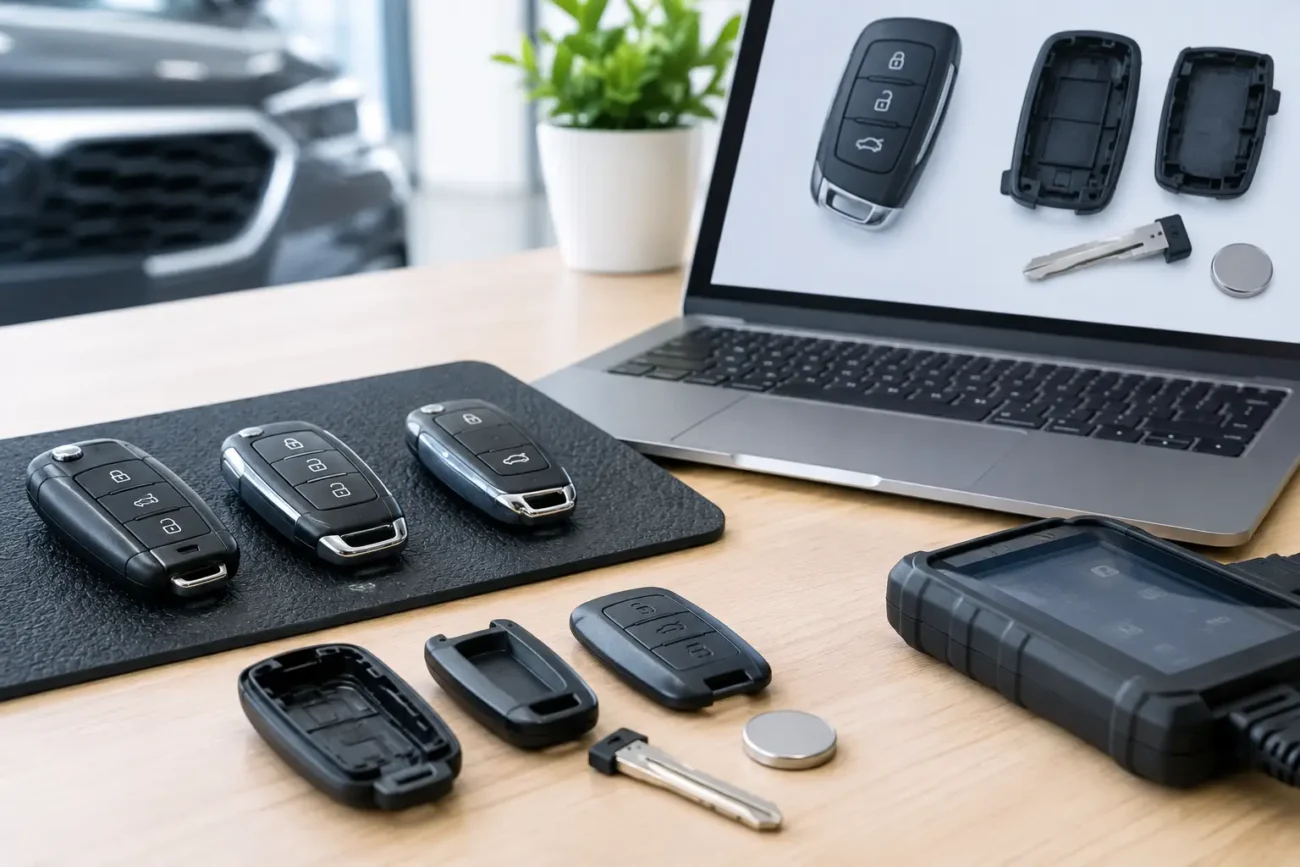
For fold-out remotes, inspect the key blade and hinge arrangement. For smart keys, compare the case shape, emergency blade format and all printed identifiers. For professionals handling customer jobs, confirming the board reference and frequency before ordering helps avoid delays at the programming stage.
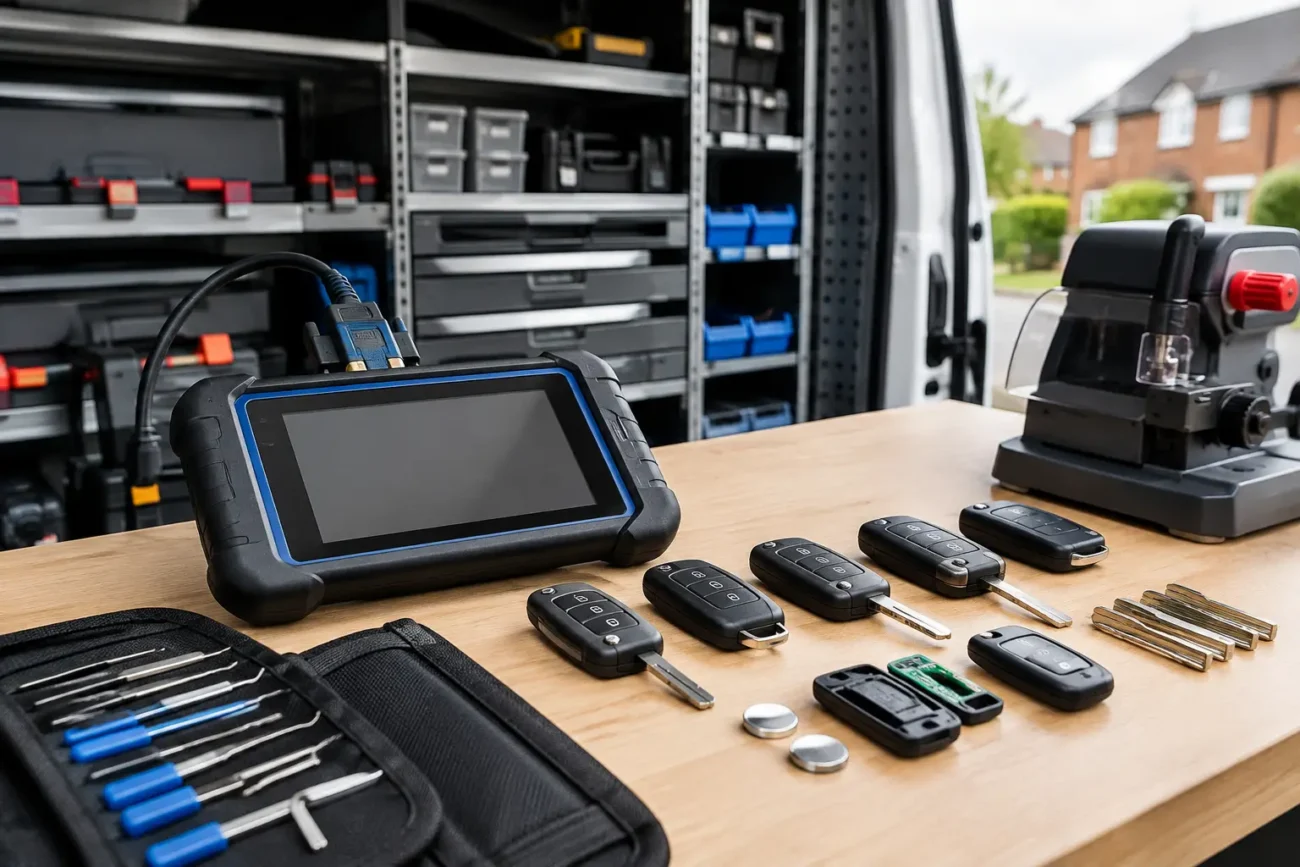
Global Keys Direct stocks model-specific replacement shells, remotes, blades, batteries and specialist key equipment for a wide range of vehicles. Product fitment information is there to help narrow the choice, but the original key details should always be checked against the listing before purchase.
When repair is the better value option
Replacing the whole key is not always necessary. If the remote still transmits, the car recognises the key and the fault is clearly a broken button or damaged outer case, a replacement shell can preserve the original electronics and reduce cost. It can also retain a working transponder chip that would otherwise need programming into the vehicle.
A complete replacement is more appropriate where the circuit board is corroded, a switch has detached, the remote has been lost, or the key is beyond sensible repair. The trade-off is that a complete remote may require cutting the blade and programming it to the vehicle. For many drivers, having a tested spare made while one working key remains is easier and less disruptive than waiting until the only key fails.
When to seek professional diagnosis
Arrange professional help if the car will not recognise any key, if warning messages remain after fitting the correct fob battery, or if you suspect a vehicle battery, receiver or immobiliser-related fault. This is particularly relevant for modern proximity keys, where remote locking and starting authorisation can be separate functions.
Keep the original remote, even if it appears dead. Its part number, chip and blade information can be valuable when identifying the correct replacement. A clear photo of the front, rear and internal board can also make compatibility checks much more accurate.
A non-responsive key fob is often a small fault with a straightforward solution. Begin with the battery and visible condition, test any spare key, then match replacement parts to the exact specifications of the original. That method is quicker, more cost-effective and far more reliable than choosing a key on appearance alone.
Add a review
Your email address will not be published. Required fields are marked *