
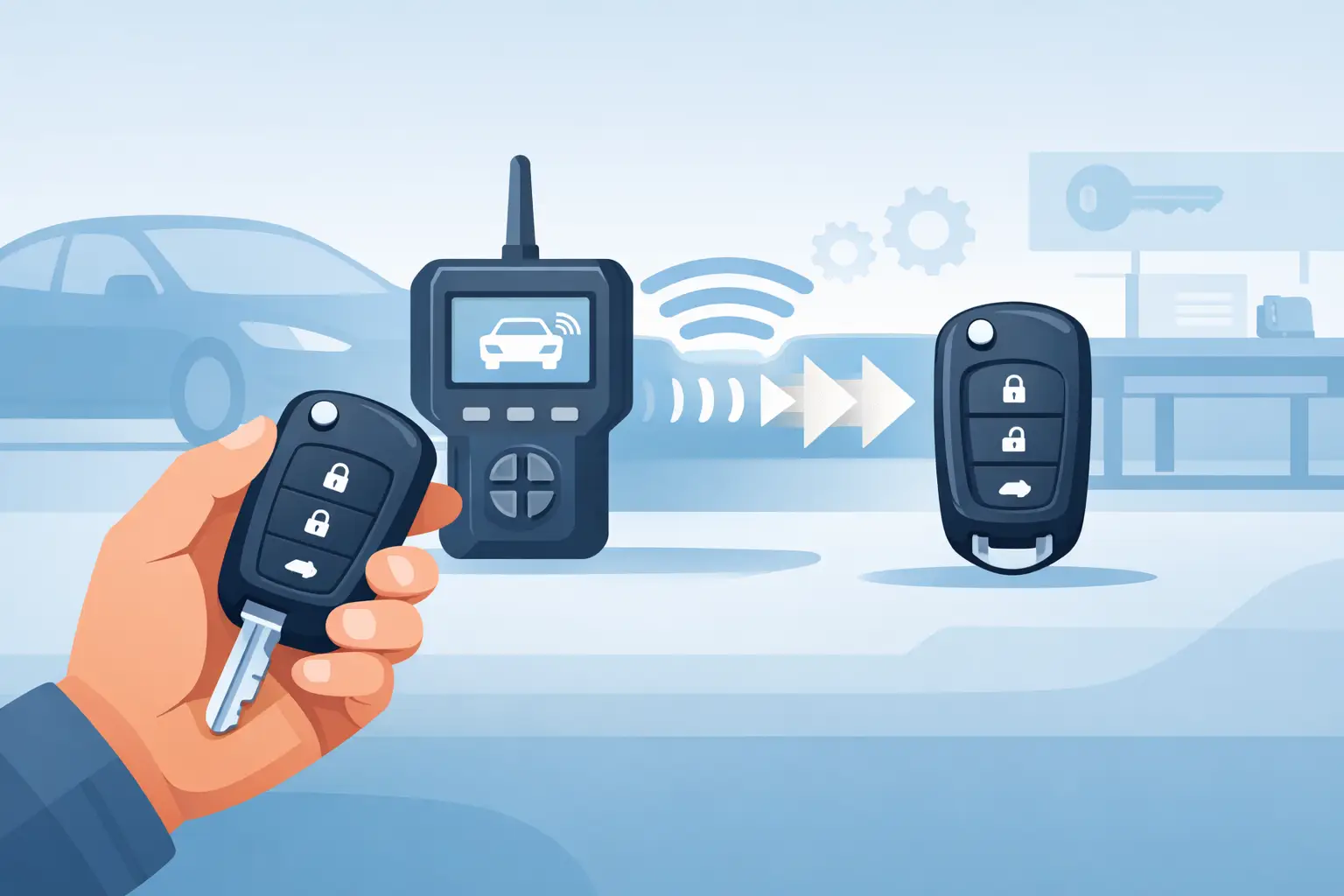
How to Program a Spare Car Key
Losing time over a key issue usually starts with one small mistake – waiting until you only have one working key left. If you are searching for how to programme a spare car key, the real answer depends on your vehicle’s age, key type, immobiliser system and whether the remote and transponder are even compatible in the first place.
For some cars, adding a spare key is straightforward if you already have two working keys or a vehicle that supports an onboard programming sequence. For many newer models, though, programming is not just a case of pressing a few buttons. The remote locking functions, the transponder chip and the emergency blade can all be separate parts of the job, and each one needs to match the vehicle correctly.
How to programme a spare car key depends on the key type
Before looking at any programming method, identify what kind of key you actually need. A basic manual key with no chip is very different from a flip key, a remote fob, or a proximity smart key. Many buyers assume that if the blade cuts correctly, the key will start the car. On immobiliser-equipped vehicles, that is rarely enough.
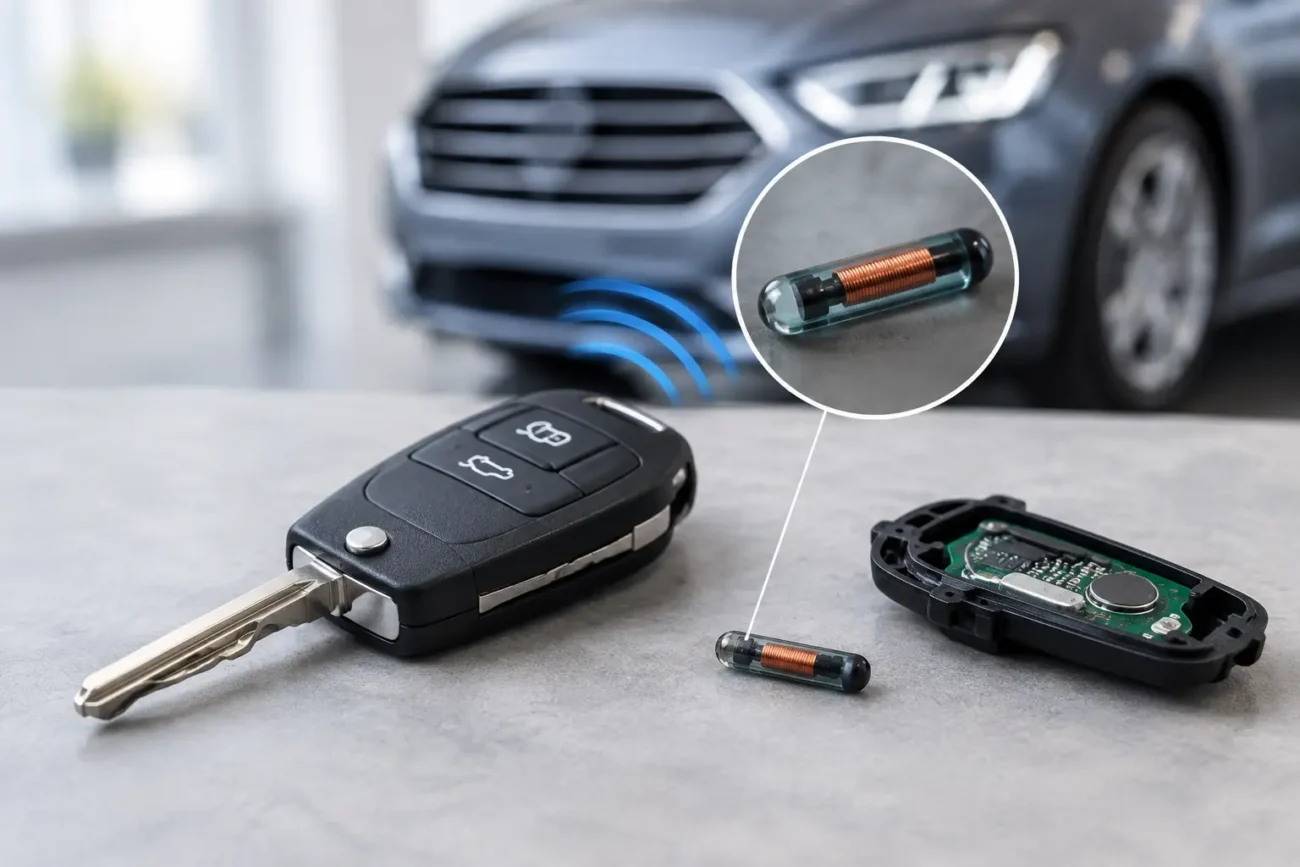
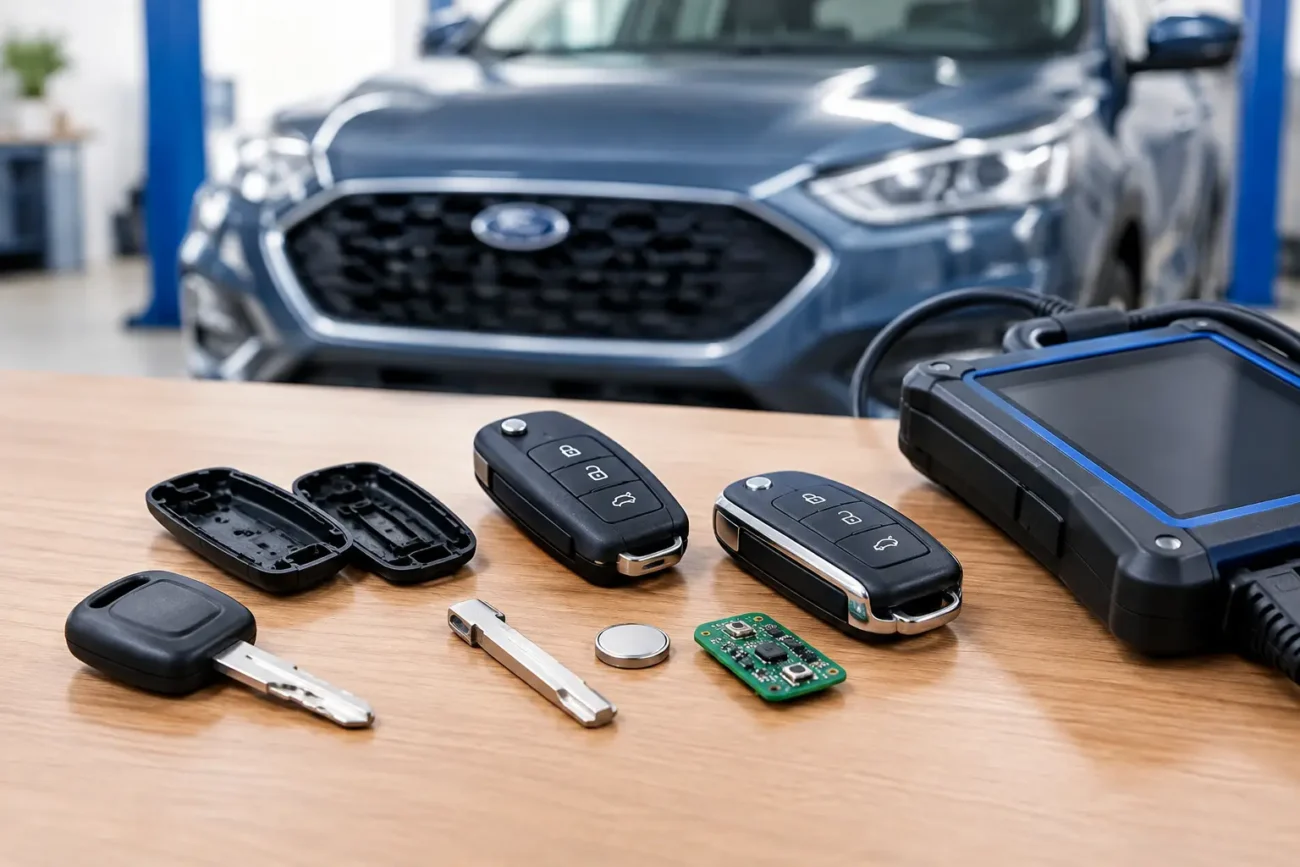
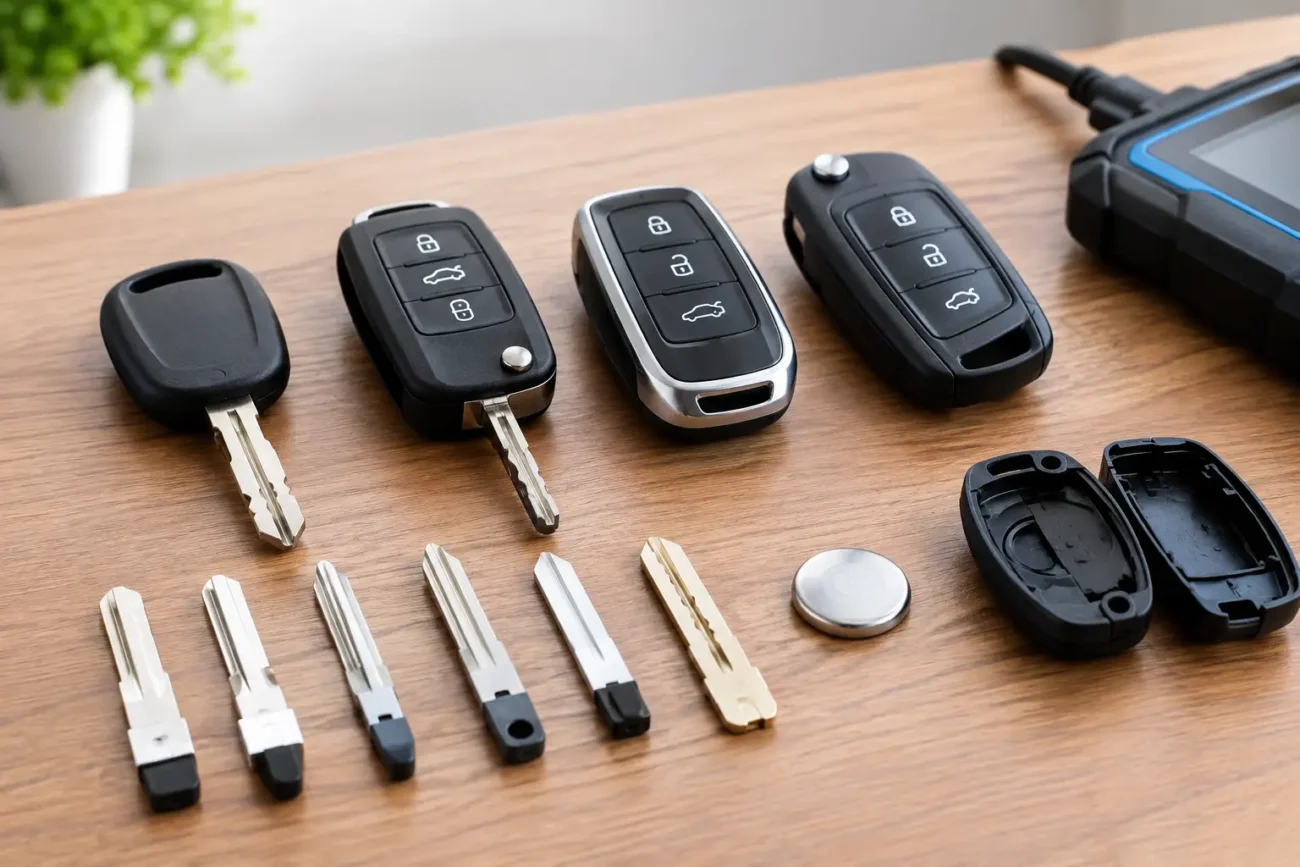
A spare car key can involve up to three separate elements. The first is the cut blade that turns in the ignition or door lock. The second is the transponder chip, which communicates with the immobiliser. The third is the remote circuit board that controls locking, unlocking or boot release. Some vehicles allow remote pairing without programming the immobiliser chip. Others require specialist tools to code both.
That distinction matters because people often say a key is “programmed” when only the buttons are working. If the remote locks the car but the engine will not start, the transponder has not been correctly matched to the vehicle.
When DIY programming is realistic
There are still vehicles on the road that support onboard programming, especially older Ford, Vauxhall, Peugeot and some Japanese models. In those cases, the car may accept a new remote or transponder through a sequence using the ignition, pedals, door locks or an existing master key.
Even then, there are conditions. Some systems require two already programmed keys before a third can be added. Some will only pair remote central locking and not the immobiliser. Some will refuse aftermarket boards with the wrong frequency or chip type, even if the shell looks identical.
If you are a vehicle owner rather than a trade user, DIY programming is most realistic when all of the following apply: the car is older, the key type is well documented, you have at least one working key, and you have confirmed the exact frequency, chip and part style. Miss one of those details and the cheap spare quickly becomes a false economy.
How professionals programme a spare car key
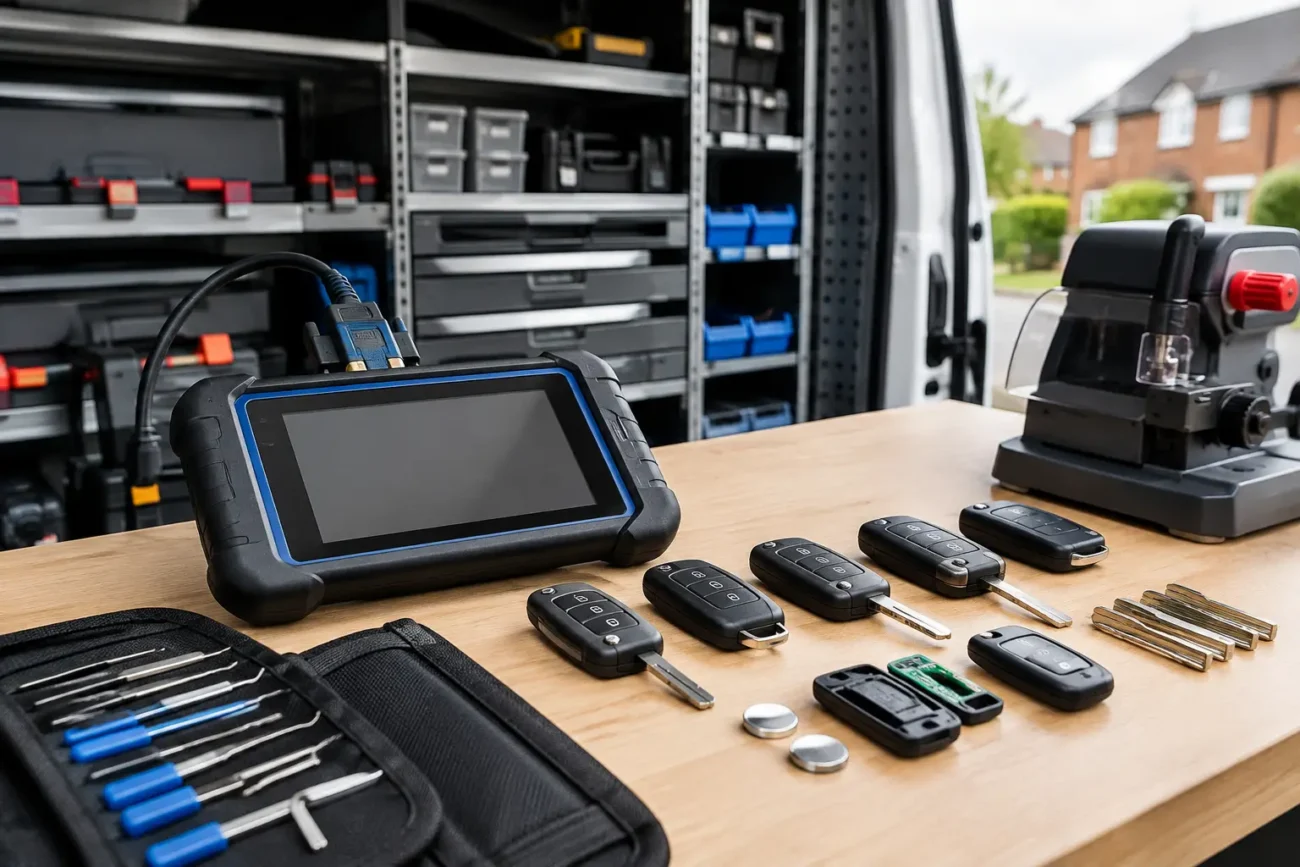
For newer vehicles, professional programming is usually the sensible route. Locksmiths and garages use dedicated tools to access immobiliser data, add keys, erase lost keys where needed, and sync remotes to the vehicle. Depending on the make and model, that can involve OBD programming, EEPROM work, bench procedures, or pre-coding before the key is introduced to the car.
BMW, Mercedes, Audi, Land Rover and many late-model Ford, Hyundai, Kia and Toyota systems are a good example of where complexity rises fast. Smart keys may need a pre-configured board, a specific PCF or ID chip, correct frequency for the UK market, and tool support that matches the vehicle platform. If one part is wrong, programming may fail even though the key appears to be the correct shape.
Trade buyers already know this, but it is worth stating clearly for retail customers: there is a difference between buying a replacement key and buying a key that is ready to program. A shell, an uncut blade, a remote board and a complete smart key are not interchangeable products.
The compatibility checks that matter most
If you want to know how to programme a spare car key successfully, start with compatibility rather than procedure. The most important checks are usually the vehicle make, model, year, frequency, button layout, transponder chip type and original part number.
Frequency is one of the most common reasons for failure. A 433MHz remote and a 315MHz remote may look identical but will not perform the same job in the UK market. Chip type is another. Different vehicles use different transponder families, and some aftermarket keys are supplied with blank chips that must be generated or unlocked before use.
Blade profile matters too. Even with a correctly programmed transponder, an incorrectly cut HU66, VA2, TOY48 or similar blade profile is not going to help. On smart keys, the emergency blade often gets overlooked, but drivers still need it for manual access if the battery fails.
This is why model-specific sourcing saves time. A supplier that lists key products with clear compatibility detail, board references and chip information makes programming far less risky than buying on appearance alone.
Common mistakes people make
The biggest mistake is assuming all keys for the same badge are interchangeable. A 2014 Ford Fiesta and a 2016 Ford Fiesta may use different systems. A Toyota key with the same number of buttons may still carry the wrong board, chip or frequency.
Another common problem is buying a used key without checking whether it can be unlocked or renewed. Some remotes and smart keys can be reset for reuse. Others are single-use or only practical with specialist renewal procedures. If the key is locked to another vehicle, standard programming may not work.
There is also confusion between remote syncing and immobiliser programming. Owners often follow an online sequence, get the locking functions working, and assume the job is complete. Then the dashboard shows a key warning and the car will not start. The remote side and the transponder side are often separate processes.
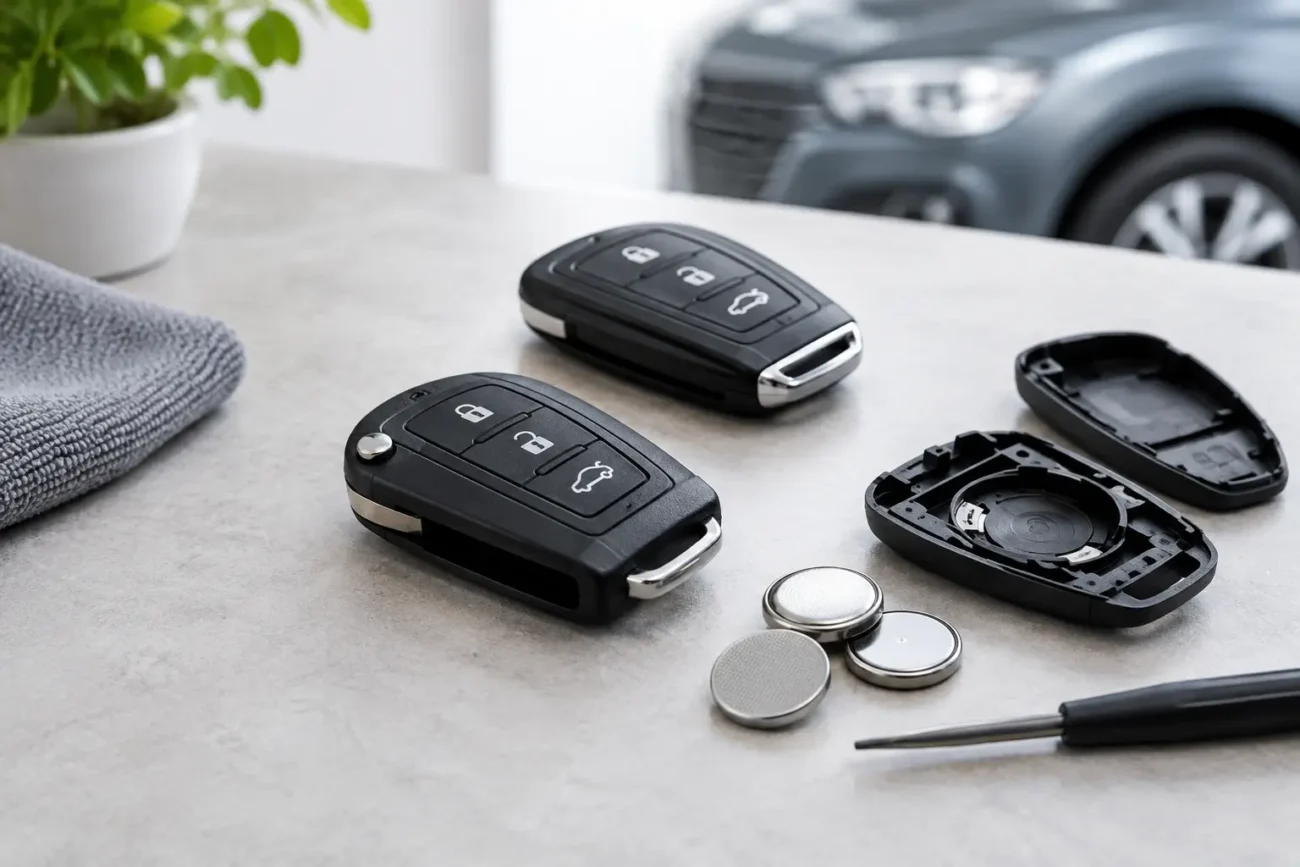
Battery condition can interfere as well. A weak vehicle battery or low fob battery can cause inconsistent results during pairing. It sounds basic, but on key jobs, basic checks save unnecessary replacement costs.
How to programme a spare car key without wasting money
The cheapest route is not always the lowest-priced key. It is the route that gets the right result first time. For some drivers, that means buying a correctly matched aftermarket remote or smart key and paying a locksmith to cut and programme it. For others, especially on older vehicles, a remote shell replacement or blade-only solution may be enough if the original electronics are still usable.
For trade customers, efficiency comes from stock accuracy. Keeping the right remotes, shells, chips and programmer support for common UK vehicles reduces comebacks and failed attempts. The time lost to one incompatible key often costs more than the price difference between a guess and a verified part.
It is also worth deciding what kind of spare you actually need. A full-function spare with remote locking is ideal for everyday use, but in some cases a basic transponder key is the more practical backup. If the goal is simply to avoid being stranded, a non-remote spare can be a cost-effective option where the vehicle supports it.
When the dealer is not the only answer
Main dealers can supply and programme keys, but they are not always the fastest or most cost-effective option. Lead times, coding appointments and higher pricing can be a problem, especially if you need a working spare quickly. Independent automotive locksmiths and specialist key suppliers often provide more flexible options, particularly for older vehicles and common aftermarket-compatible models.
That said, there are cases where dealer involvement is still likely. Brand-new platforms, encrypted systems, security gateway restrictions and certain proximity keys may have limited aftermarket support. The sensible approach is not dealer versus aftermarket as a blanket rule. It is choosing the route that matches the vehicle’s security system, the available tooling and the urgency of the job.
For buyers sourcing parts online, accuracy comes first. Global Keys Direct supplies a broad range of model-specific key products and programming-related stock, which is exactly what helps avoid the usual mismatch between what looks right and what actually works.
A sensible approach before you order anything
Check the existing key carefully. Note the button configuration, frequency markings, blade style and any part number on the circuit board or casing. Confirm the exact vehicle year and model variant, not just the badge on the bonnet. If possible, verify whether the vehicle uses onboard programming or requires diagnostic equipment.
If you are unsure, treat the key as a technical part rather than a generic accessory. That mindset prevents most ordering errors. For trade users, it is standard practice. For everyday drivers, it is the difference between one correct purchase and two or three failed ones.
A spare key is easiest to sort while you still have a working original. Once all keys are lost, costs rise quickly because the job can involve more than simple programming. If there is one useful rule to keep in mind, it is this: buy for exact compatibility first, then choose the programming route that suits the vehicle.
Pingback: Car Key Compatibility Guide UK for Buyers - GLOBAL KEYS DIRECT LTD
Pingback: 7 Best Spare Key Options for Families - GLOBAL KEYS DIRECT LTD