
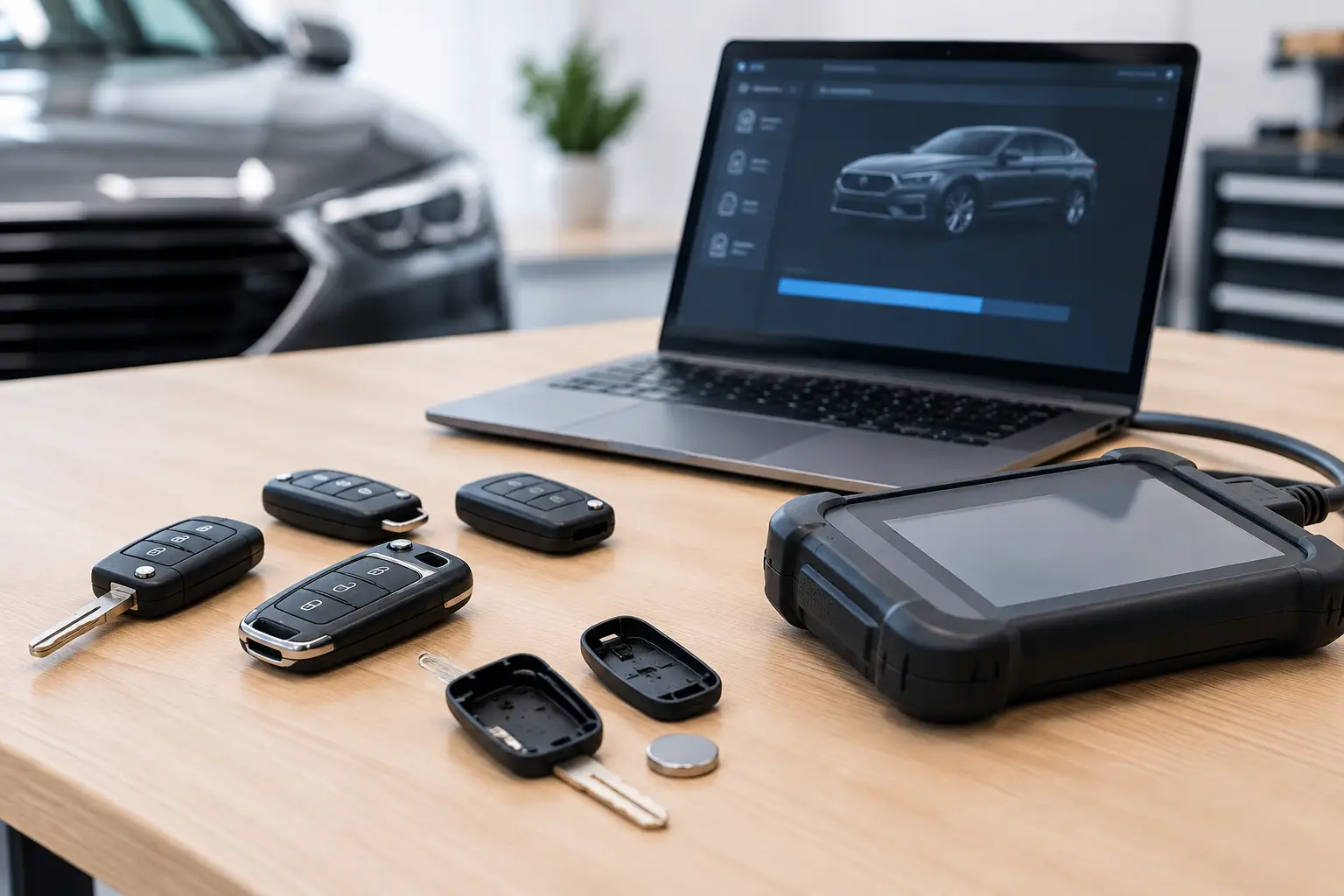
8 Key Programming Errors That Waste Time and Money
A replacement key can look right, power up correctly and still fail at the final stage. Key programming errors are rarely caused by one dramatic fault. More often, they result from a missed compatibility detail, weak vehicle voltage, outdated diagnostic software or a rushed handover. For vehicle owners, that can mean another period without a working spare. For locksmiths and garages, it can turn a straightforward job into lost time, repeat visits and unnecessary stock costs.
The good news is that most programming failures can be reduced with a disciplined process. The exact procedure will always depend on the vehicle, key type and programming equipment being used, but the checks below apply across many remote, transponder and smart key jobs.
The key programming errors behind failed jobs
1. Ordering the wrong key specification
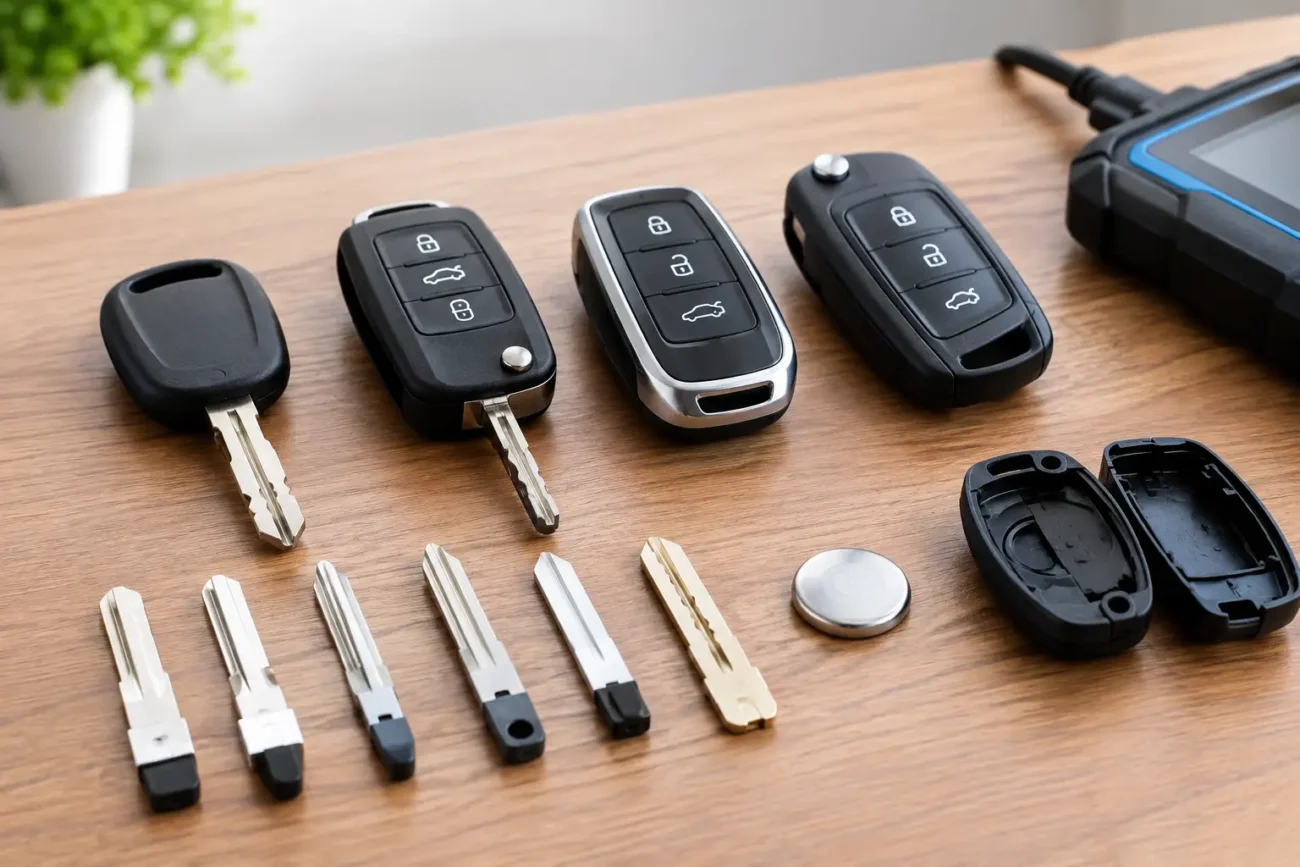
The most common problem begins before any programming tool is connected. Two keys may share a similar case shape, blade profile or button arrangement while using different frequencies, transponder chips, circuit boards or vehicle-specific configurations. A remote that looks identical is not automatically suitable.
Before ordering, check the original key where possible. Compare its part number, frequency, button layout, blade type and transponder information with the replacement product specification. On smart keys, also check whether the vehicle uses keyless entry, keyless start or both, as these differences can affect suitability.
Registration marks, model years and vehicle trims are useful starting points, but they should not be the only basis for selection. Manufacturers can change key systems during a model run. For trade work, recording the original key details before placing the order saves more time than trying to diagnose a mismatch once the vehicle is on site.
2. Treating remote programming and immobiliser programming as the same job
A key can operate central locking yet fail to start the vehicle. Equally, a key may start the vehicle but have no remote locking functions. These are separate functions on many vehicles and may require different programming or synchronisation processes.
This distinction matters when diagnosing a customer complaint. If the engine starts but the buttons do nothing, investigate the remote section first: battery condition, frequency, board specification and the relevant remote-learning process. If the remote operates but the engine will not start, the issue may relate to the transponder or smart key authorisation rather than the buttons.
Avoid assuming that one successful function confirms the whole key is correct. Test each intended function separately before declaring the job complete.
3. Starting with low vehicle voltage
Modern vehicles are sensitive to voltage drops during diagnostic work. A weak main battery can interrupt communication between the vehicle and programming equipment, generate fault messages or cause a procedure to stop partway through. This is particularly relevant when ignition cycles, module communication or extended diagnostic sessions are involved.
Check the vehicle battery condition before beginning. Where appropriate for professional use, maintain stable voltage with suitable battery support equipment. Also consider the key battery. A low coin-cell battery may still illuminate an LED or allow occasional button operation, but it can create inconsistent remote performance that looks like a programming fault.
Voltage issues do not always produce an obvious warning. If a process fails intermittently or communication drops in and out, power stability should be near the top of the diagnostic list.
4. Using outdated tool software or incomplete coverage
Programming tools rely on current vehicle coverage, software updates and, in some cases, compatible cables, adapters or accessories. An otherwise capable device may not support a particular model year, system version or key type until it has been updated.
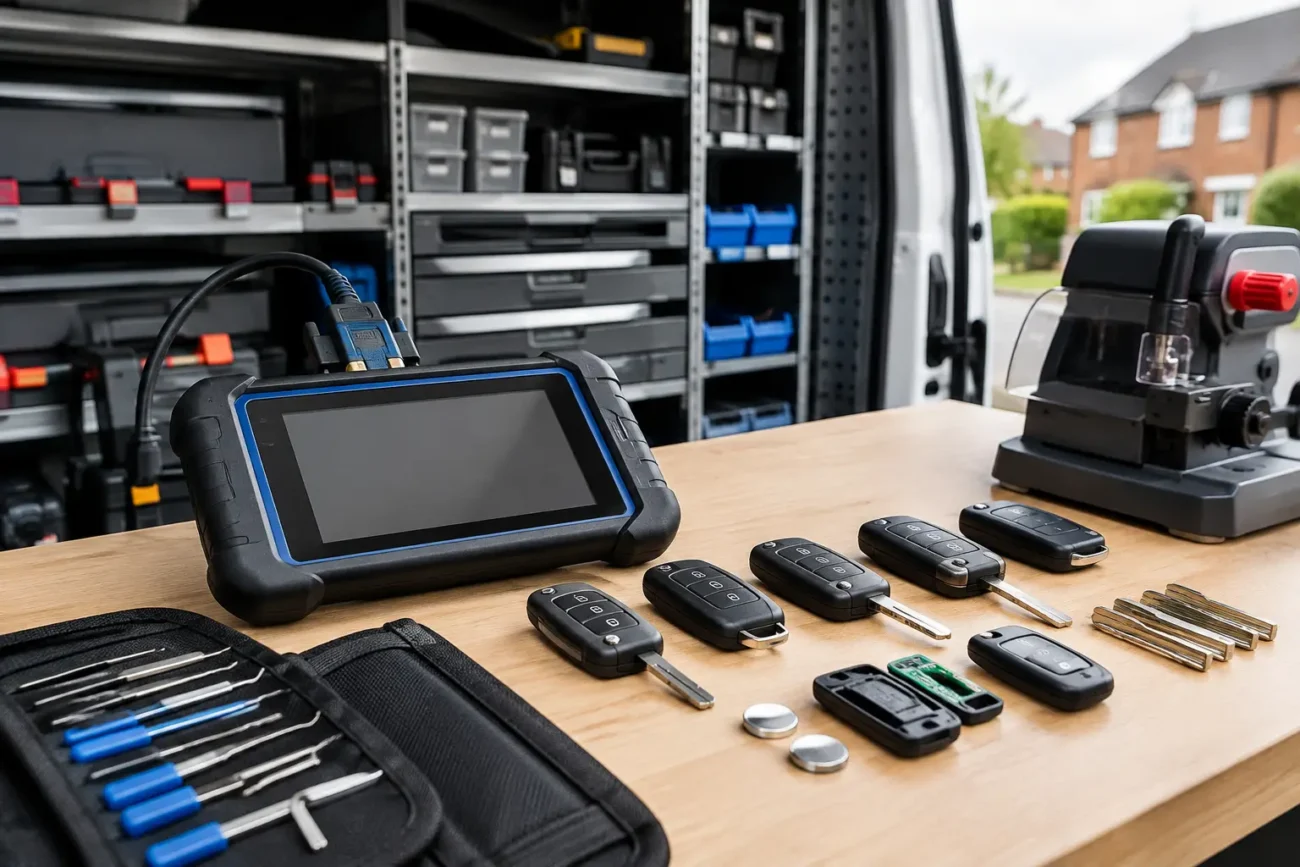
Check the tool’s supported vehicle list before committing to the job. Confirm that the relevant software package is installed and that any required tokens, accessories or subscriptions are available where applicable. It is also sensible to verify the tool battery level and connection leads, especially for mobile trade work.
An error message does not always mean the key is defective. It may indicate unsupported coverage, an interrupted connection or a mismatch between the selected vehicle profile and the vehicle in front of you. Selecting a model by assumption rather than checking its actual details is a frequent source of avoidable delays.
5. Skipping the pre-programming scan
On a customer vehicle, existing fault codes, communication issues and low system voltage can affect the job. A basic health check before programming provides a clearer starting point and helps avoid blaming the new key for a pre-existing vehicle fault.
For professional users, note the initial condition of the vehicle and identify how many working keys are present. This helps with customer communication and provides a reference if the vehicle behaves differently after the work is complete. Retail customers arranging programming should also tell their chosen technician whether any keys are still working and whether the vehicle has had previous electrical or immobiliser-related issues.
A few minutes spent checking the vehicle beforehand can prevent a much longer investigation afterwards.
6. Rushing key preparation
Programming cannot correct every physical or electronic issue with a replacement key. A damaged circuit board, incorrectly fitted battery, poor battery contact or unsuitable blade can create problems that appear only once the key is in use.
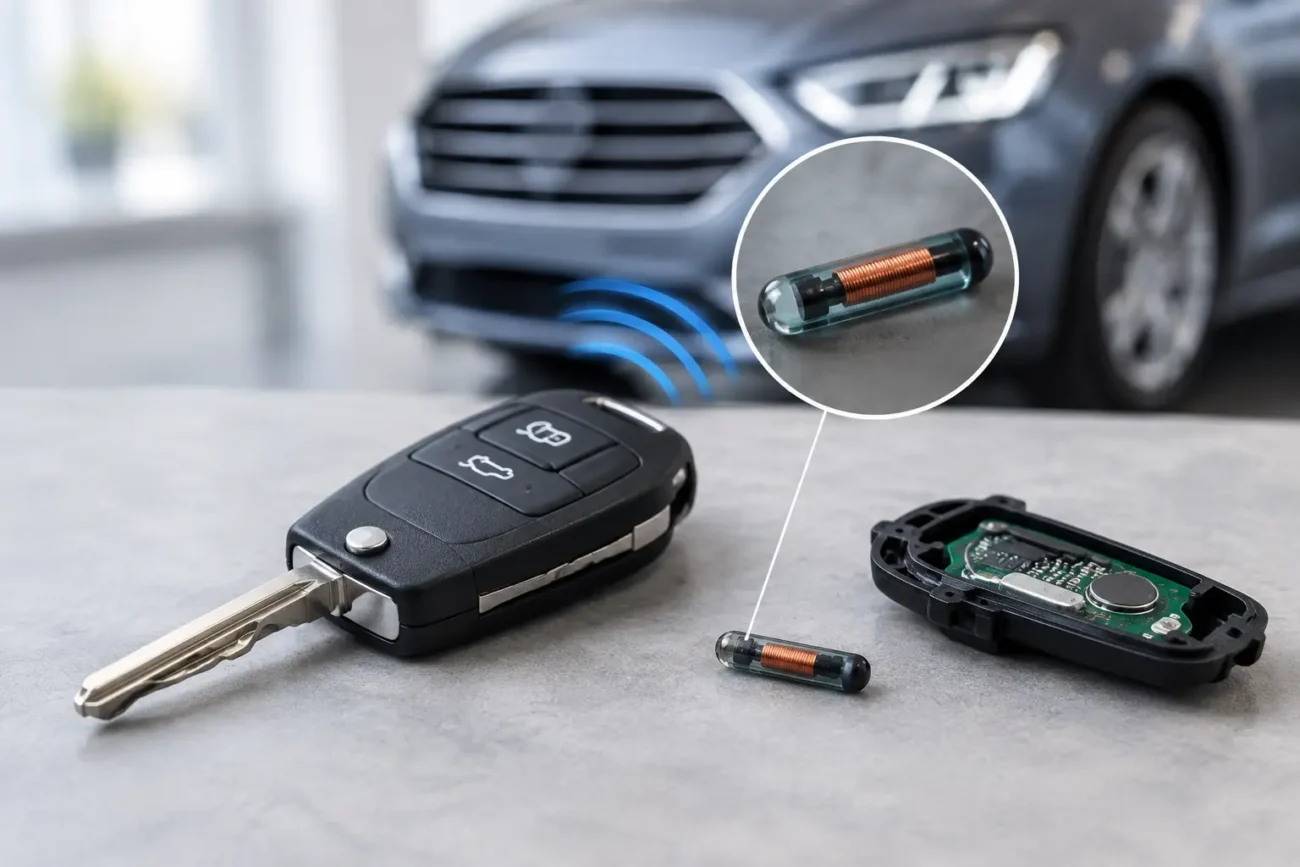
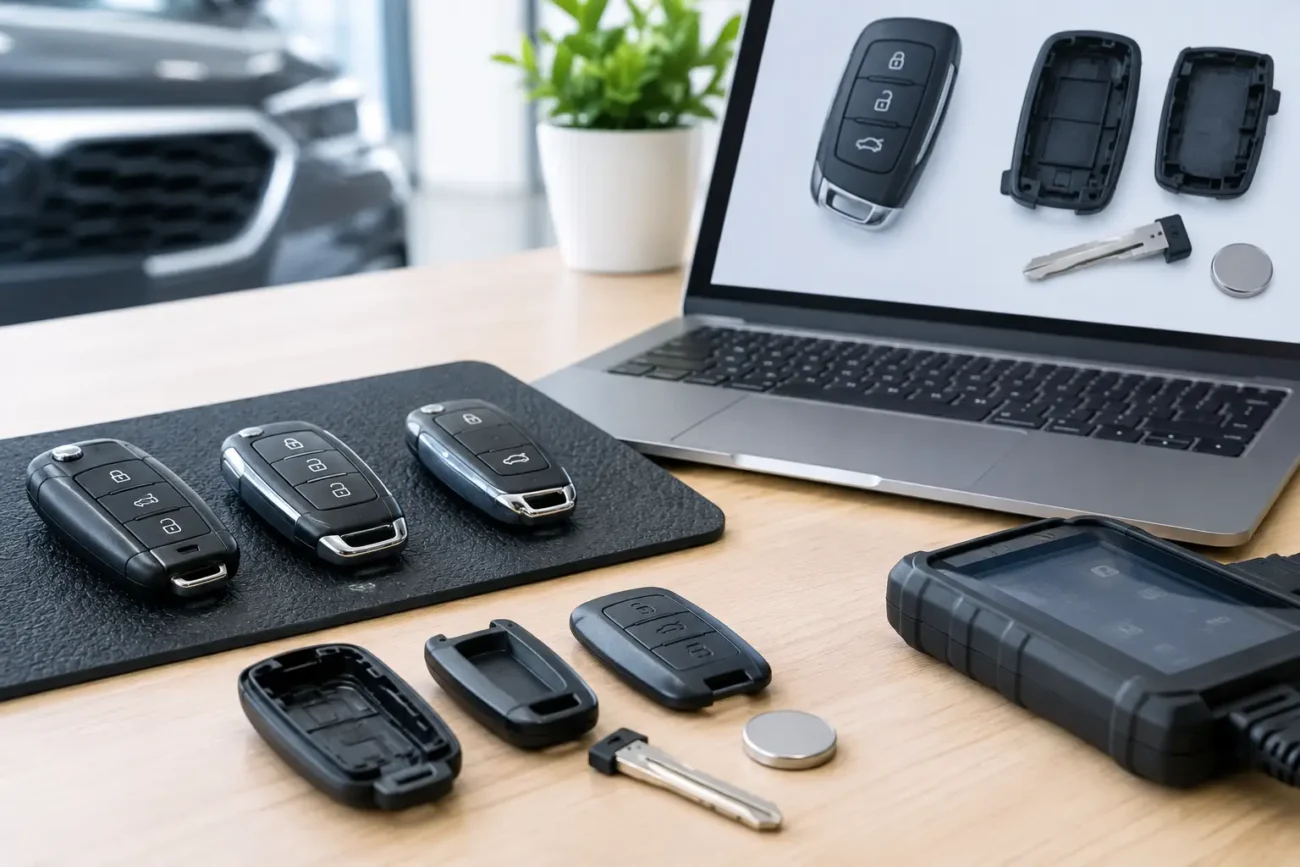
Inspect the replacement before starting. Make sure the battery is seated correctly, the case is fully clipped together and the buttons move freely. If transferring an original circuit board into a replacement shell, ensure the board, transponder and battery are all moved carefully and positioned correctly. Some keys contain separate transponder components that are easy to overlook during a shell swap.
For flip keys and emergency blades, check that the blade is the correct type and is cut accurately by a qualified key cutter. A programmed key that cannot turn smoothly in the lock is not a completed replacement solution.
7. Not following the tool’s prompts exactly
Vehicle programming procedures often have timing requirements and specific prompts. Leaving a key too close to the vehicle, opening a door at the wrong point, cycling the ignition incorrectly or disconnecting equipment early can interrupt the process. The required sequence varies by manufacturer and system, so copying a method used successfully on another vehicle is risky.
Use the instructions supplied by the programming tool for the exact vehicle profile selected. Read each screen before confirming the next step, particularly where the tool identifies existing keys or asks for an authorised key to be presented. If something does not match the vehicle’s condition, stop and reassess rather than forcing the procedure.
For security and customer protection, key programming should only be carried out on vehicles where ownership and authority have been properly established. Professional processes protect both the technician and the vehicle owner.
8. Failing to test before handover
The last of the key programming errors is often the most frustrating because it is so easy to avoid. A key should not be handed over immediately after the tool reports a successful result. Confirm that it performs the functions the customer expects.
Test locking and unlocking from a sensible distance, then check that the vehicle starts where applicable. On proximity systems, test the intended keyless functions and the emergency blade if one is supplied. Confirm that the original working keys still operate too, unless the customer has specifically requested a different arrangement.
This final check matters even more when supplying a spare key. A spare can sit unused for months, so the customer should know that it has been tested, understand which battery it uses and keep it somewhere accessible rather than inside the vehicle.
How to prevent key programming errors on the next job
The most efficient approach is to slow down at the points where assumptions usually creep in: product selection, vehicle identification and final testing. Start by matching the replacement to the original key details, not just the vehicle badge or appearance. Check the vehicle’s power supply and the programming tool’s current coverage before beginning. Then test every required function once the process is complete.
For retail buyers, providing clear photographs of the original key and its printed details can help identify a suitable replacement shell, remote or smart key product. For trade buyers, keeping a simple job record with vehicle details, original key specification and programming outcome makes repeat work faster and helps identify patterns when a particular model presents difficulties.
Global Keys Direct stocks model-specific key products and programming equipment for a broad range of vehicle makes, but fitment details should always be checked against the vehicle and original key before purchase. The right part, a stable vehicle and a careful test at the end are usually what separate a quick key job from an expensive return visit.
Add a review
Your email address will not be published. Required fields are marked *