
How to Test Key Fob Battery Before It Fails
A key fob rarely stops working at a convenient time. You may notice the remote only works close to the vehicle, takes several presses to respond, or displays a key battery warning on the dash. Knowing how to test key fob battery condition helps you separate a simple low-cell issue from a fault with the remote, vehicle receiver or key programming.
Most car remotes use a small lithium coin cell, commonly a CR2032, CR2025 or CR2016. They are inexpensive, but the correct battery type, polarity and fitting method matter. A cell that looks fine can still lack enough voltage under use, while an incorrectly fitted new battery can leave an otherwise healthy key fob unresponsive.
Start with the signs of a weak key fob battery
Reduced operating range is usually the first practical clue. If the fob previously locked the car from across a driveway but now only works when held beside the door, the battery is a likely cause. Intermittent operation is another common sign, particularly where one press works and the next does not.
Keyless-entry and push-button-start vehicles may give a dashboard message such as “key battery low” or “replace key battery”. Treat this as an early warning rather than waiting for the fob to fail completely. Some vehicles can still be started using an emergency recognition position or by holding the key near the start button, but the exact procedure varies by manufacturer and model. Refer to the vehicle handbook rather than assuming the same method applies to every car.
A weak battery is not the only explanation. Water damage, worn button switches, damaged battery contacts, a cracked circuit board or a faulty replacement shell can create similar symptoms. If the fob has been dropped, washed or has already had a new battery fitted, inspect it more closely before ordering parts.
How to test key fob battery voltage
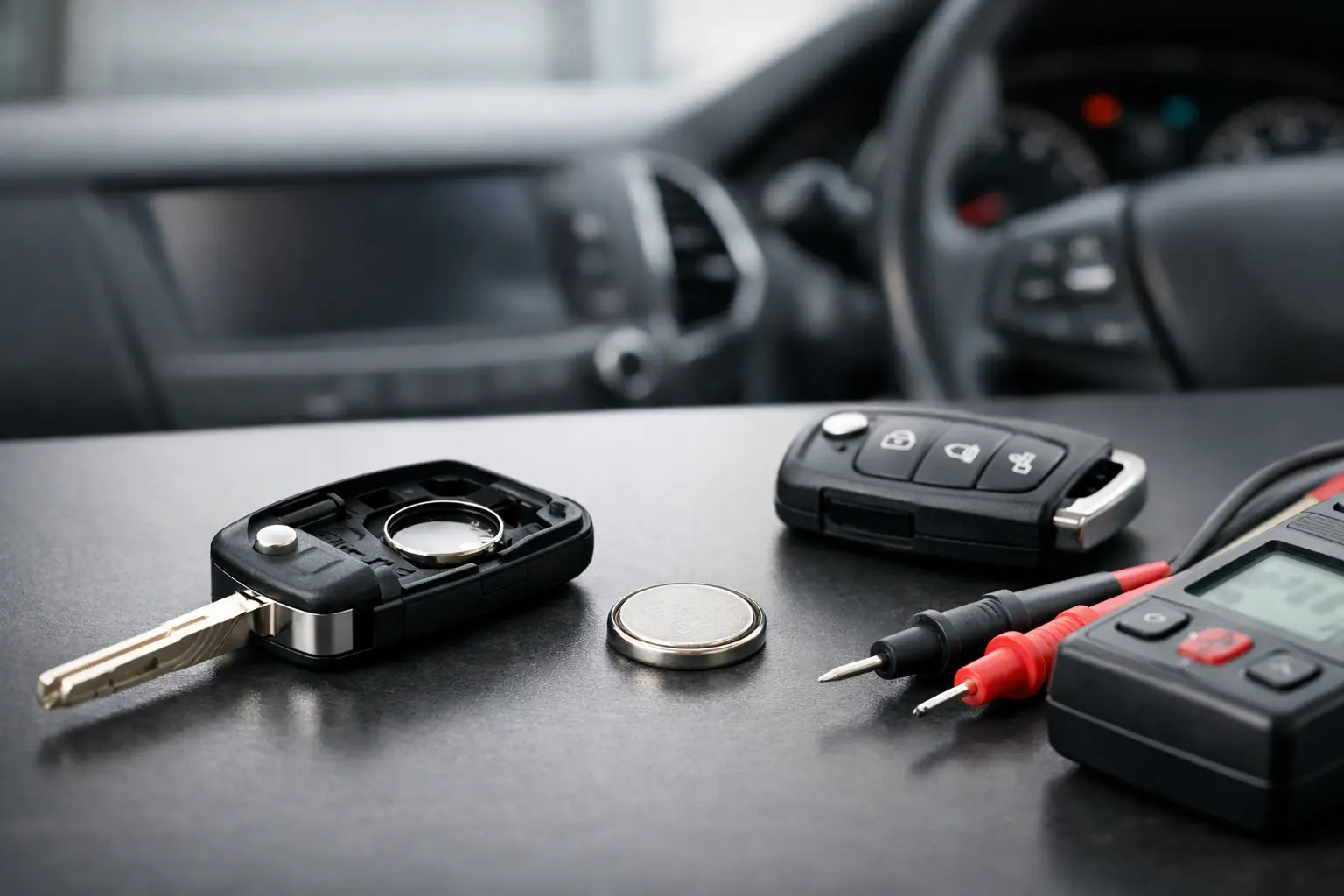
The most reliable home test uses a digital multimeter. Set the meter to DC volts on a low range suitable for a 3V cell. Remove the battery from the fob, identify the positive side – normally marked with a plus symbol – and place the red probe on it. Touch the black probe to the opposite, negative face.
A fresh CR-series lithium coin cell should generally measure close to 3V, often around 3.0 to 3.3V with no load. A reading below roughly 2.8V suggests the battery is approaching the end of its useful life and is worth replacing, especially if the remote is already unreliable. At around 2.6V or lower, many key fobs will become intermittent or stop transmitting consistently.
Voltage alone is useful but not perfect. A failing coin cell can show a reasonable reading when tested with no load, then drop when the fob transmits. Professional battery testers can assess a cell under load, but for most vehicle owners, replacing a suspect battery with the correct fresh type is the sensible next step.
Do not use a continuity setting or short the battery terminals with metal tools. Coin cells can discharge quickly, heat up or be damaged if shorted. Keep removed batteries away from children and dispose of used cells through an appropriate battery recycling point.
A quick test without a multimeter
If you do not have a multimeter, test the fob methodically rather than relying on one failed button press. Stand at a known distance from the car and try lock, unlock and boot-release functions where fitted. Then move closer and repeat. A clear improvement at short range points towards reduced battery power.
You can also fit a known-good battery of the exact specified type and re-test. This is often quicker than diagnosing an old cell, provided you have confirmed the original battery code. Do not substitute a thicker or thinner coin cell simply because it appears to fit. Different cells can have similar diameters but different thicknesses, and forcing the wrong one can damage the holder or prevent the case from closing properly.
Check the battery type before opening the fob
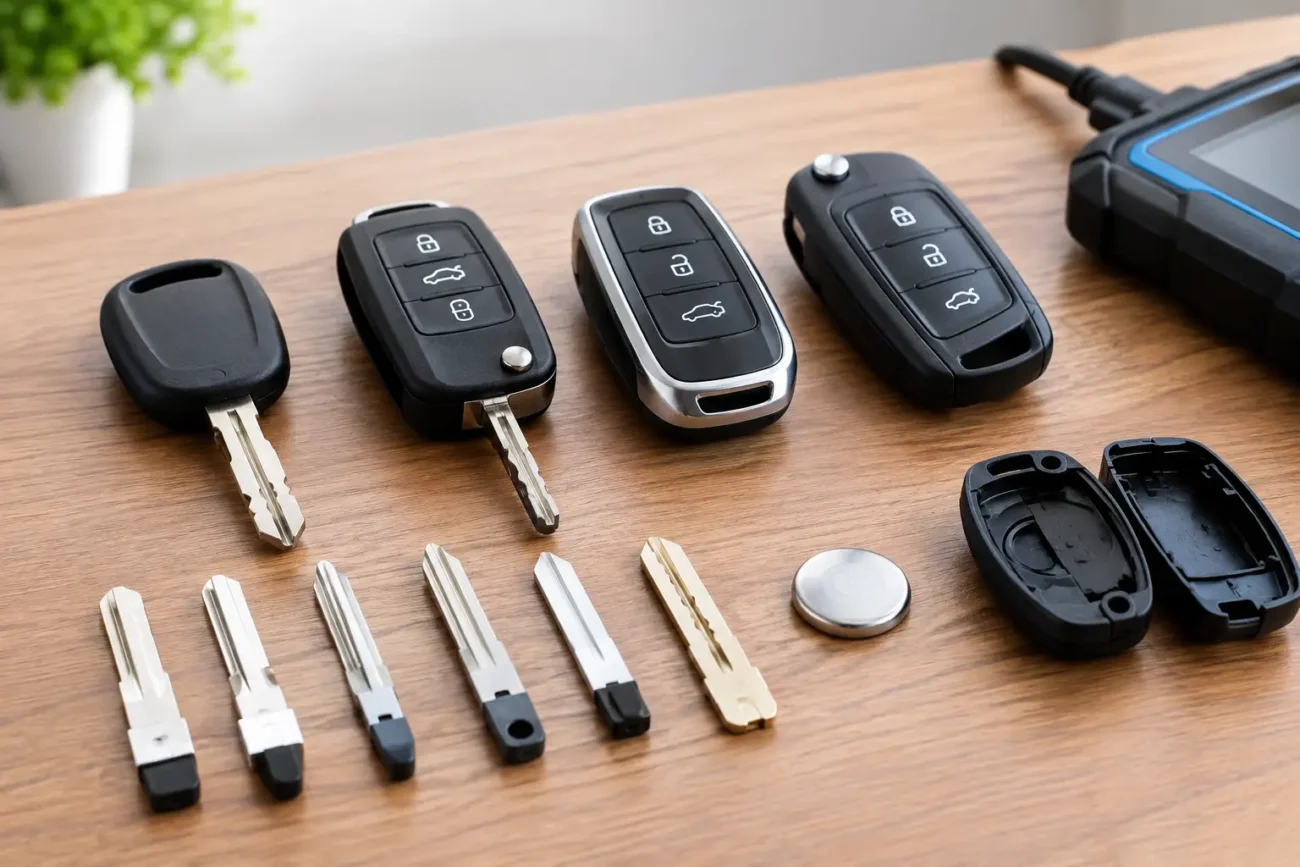
Before opening the key, obtain the correct cell reference from the vehicle handbook, the existing battery or the marking inside the key fob. CR2032 is widely used, but it is not universal. Some compact remotes use CR2025 or CR2016 cells, while others use different battery formats entirely.
Where possible, photograph the fob before opening it and note its button layout, blade arrangement and any part number on the housing. This is useful if the problem turns out not to be the battery and you later need a replacement shell, remote board or compatible spare key.
Use a small plastic trim tool or a suitable flat tool at the designated opening point. Avoid levering directly against the circuit board. Many modern smart keys have tight clips, and excessive force can snap the case or dislodge the emergency blade mechanism. If the housing feels unusually resistant, check for a hidden release catch or screw rather than forcing it apart.
Replace the cell carefully and test again
Once the key is open, note exactly which side of the battery faces upwards. Remove the old cell gently, ideally without bending the metal contact. Before fitting the new battery, look for white or green residue, dirt or flattened contact tabs. Light surface contamination can be removed carefully with a dry, clean cotton bud. Any evidence of corrosion or moisture may indicate a larger fob fault.
Fit the replacement cell with the correct polarity, then clip the case together evenly. Test every button close to the vehicle first, followed by a normal-distance test. On most vehicles, a straightforward battery change does not erase programming or require the remote to be paired again. However, certain models may need a short re-synchronisation process after the battery has been disconnected. The correct process is vehicle-specific, so use the handbook or manufacturer guidance.
Avoid repeatedly pressing buttons while the battery is removed. It will not normally cause a serious problem, but it adds no value and can make troubleshooting less clear. The key test is whether the fob’s range and response return after fitting the correct cell.
When a new battery does not solve the problem
If a fresh, correctly installed battery makes no difference, check the simple points first. Confirm the new cell is not old shop stock, that its protective packaging was intact, and that the contacts are actually touching both sides of the battery. Also inspect the rubber button pad and microswitch area. A button that feels loose, stuck or has no positive click may be a switch or shell issue rather than a power issue.
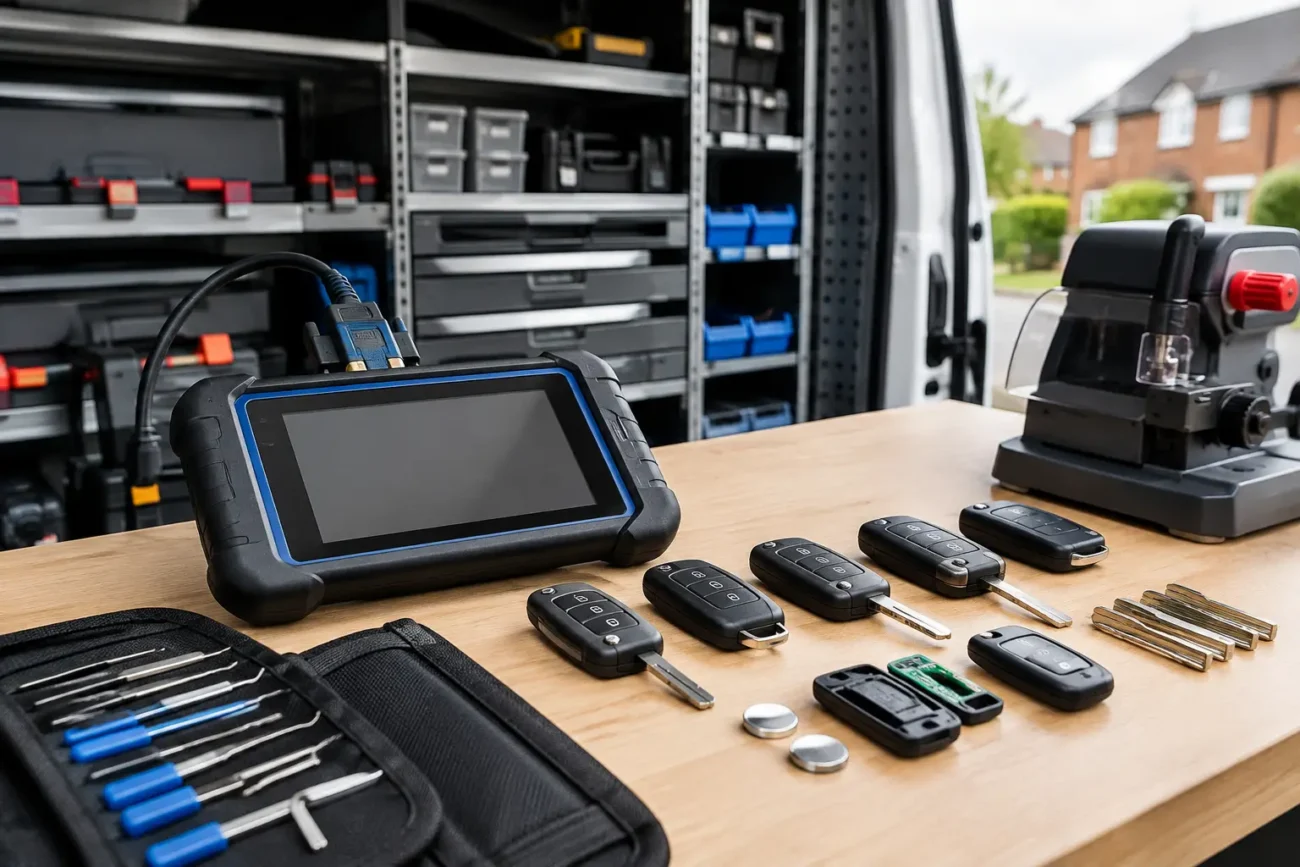
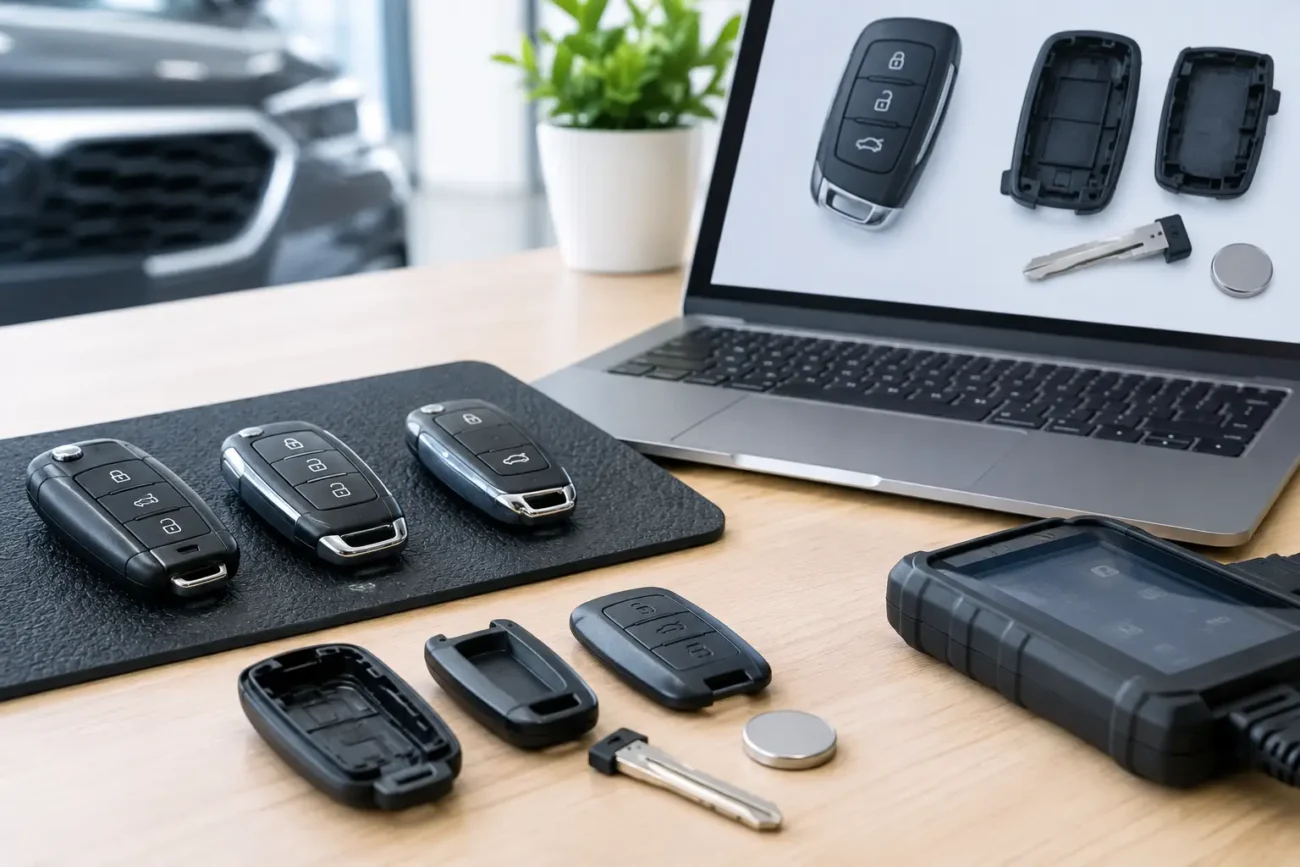
A remote that only fails after rain, has visible corrosion, or works inconsistently despite a healthy battery may need repair or replacement. Likewise, if one key works normally but another does not, the vehicle itself is less likely to be at fault. For trade users, comparing signal output with suitable diagnostic equipment can help identify whether the remote is transmitting. For retail owners, a replacement should always be matched carefully by part number, frequency, button configuration, blade type and transponder or smart-key specification where relevant.
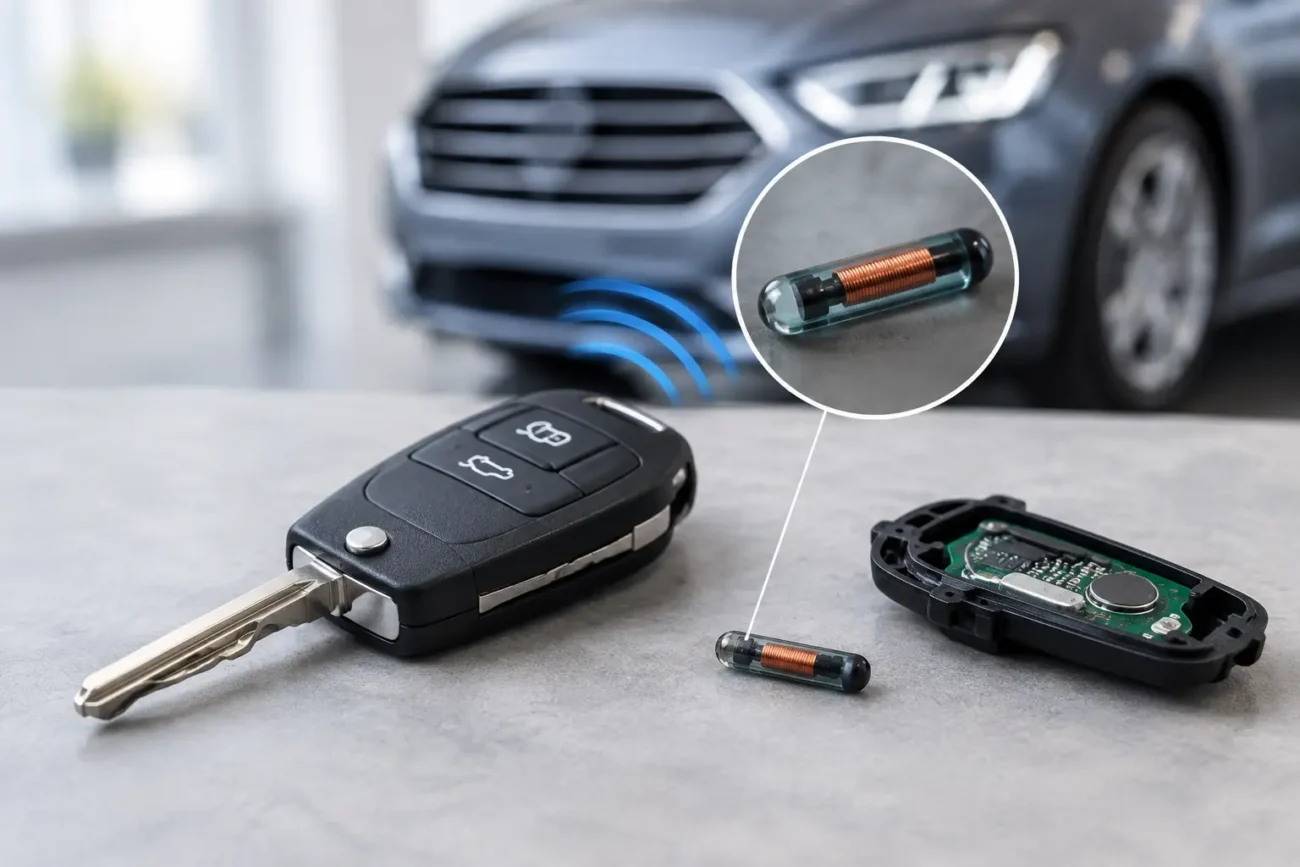
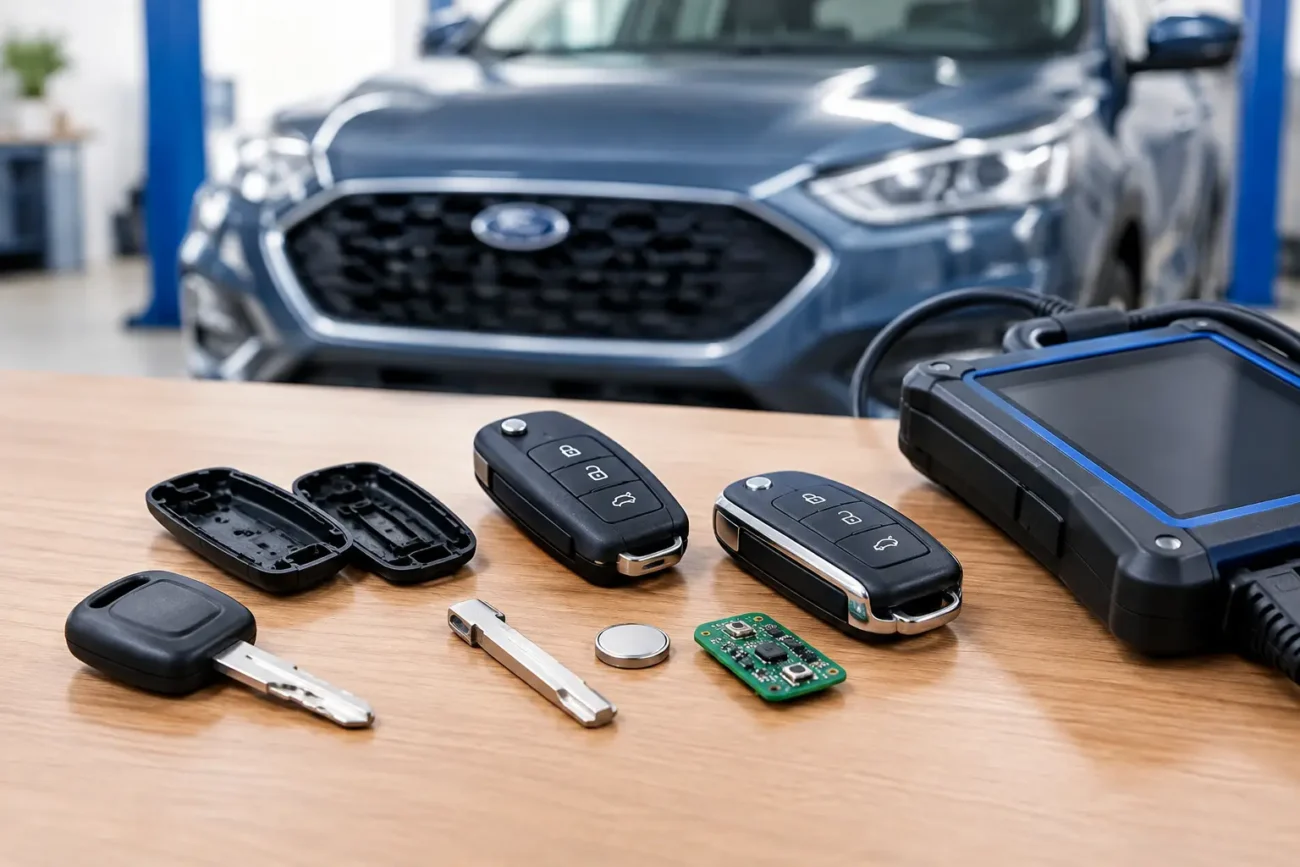
A replacement shell may restore worn buttons and damaged casing, but it will not repair a failed circuit board. A replacement remote or smart key can require cutting and programming before it will operate the vehicle. These are separate jobs from changing a battery, and the correct route depends on the exact fault and vehicle specification.
Make battery checks part of key maintenance
There is no fixed lifespan for every key fob battery. Usage, transmission range, temperature and whether the vehicle uses passive keyless entry all affect it. Many batteries last two to four years, but it is better to respond to reduced range or a warning message than to wait for a calendar date.
Keep a spare correctly specified coin cell at home or in the workshop, but do not leave loose batteries in a vehicle where they can be lost, shorted or exposed to heat. When buying a replacement key product, check all compatibility details before ordering rather than matching on appearance alone. Global Keys Direct supplies vehicle-compatible key and remote solutions for drivers and trade professionals who need accurate fitment and fast UK delivery.
A two-minute battery check can save a wasted journey, an unnecessary key replacement and the frustration of standing beside your car pressing a remote that should have worked.
Add a review
Your email address will not be published. Required fields are marked *