
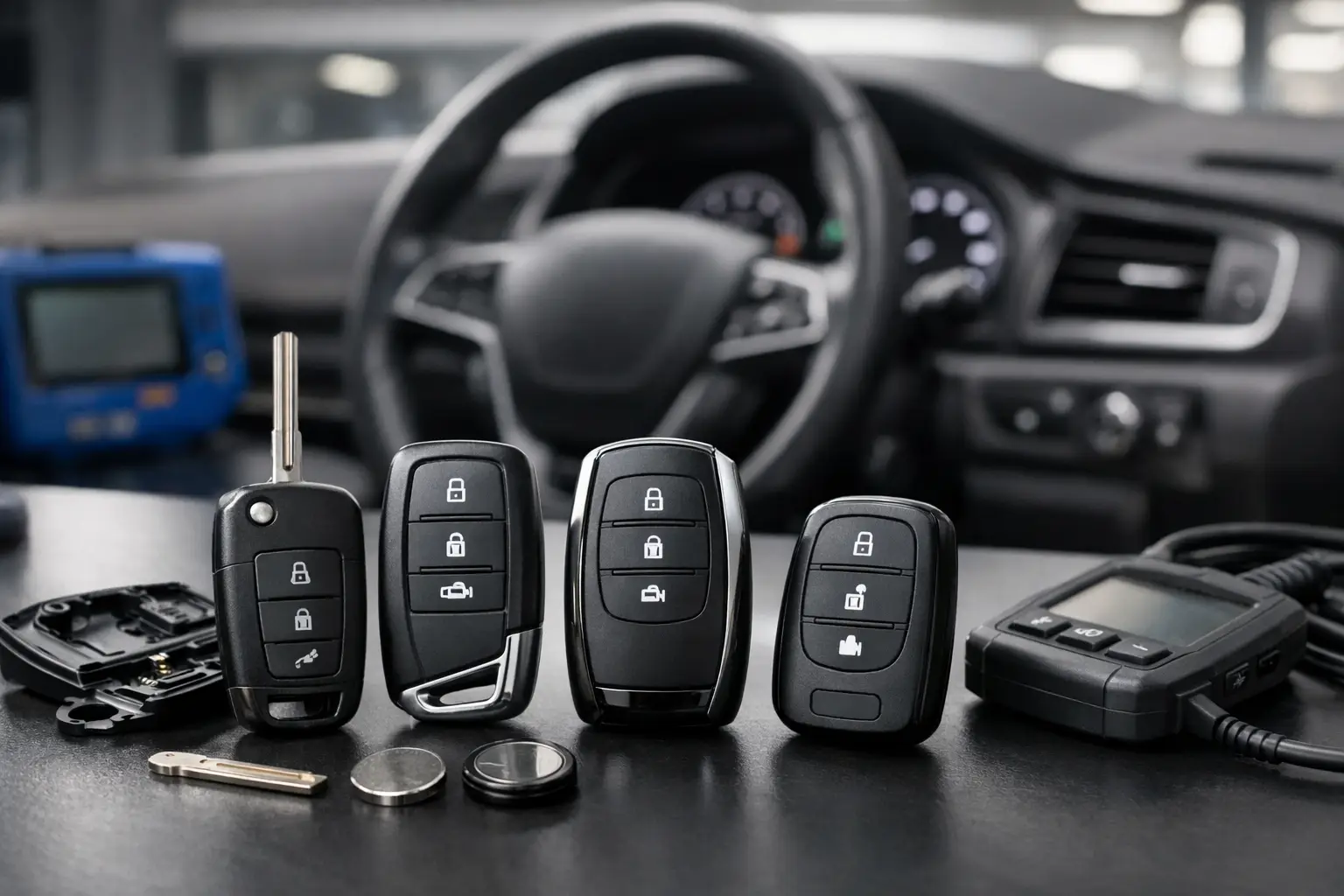
How to Check Smart Key Fitment Before You Buy
A smart key that looks right can still be wrong for the vehicle. The casing may match, the buttons may appear identical and the blade may even slide into the ignition, yet an incorrect frequency, board reference or transponder specification can leave you with a key that will not programme or operate properly. Knowing how to check smart key fitment before ordering avoids delays, return costs and the frustration of receiving a near-match rather than the correct replacement.
For vehicle owners, this check is the difference between buying a useful spare and buying an expensive-looking remote that cannot be used. For locksmiths, garages and key professionals, it is the starting point for a clean, efficient job. Compatibility should be confirmed from the existing key and the vehicle details, not from appearance alone.
Start with the original smart key
Where possible, inspect the working key supplied with the vehicle. It contains the most reliable fitment information, particularly when a model was sold with more than one key system across different years, trim levels or markets.
Turn the key over and look for a printed or moulded part number. This may be on the rear case, inside the emergency blade section, under a battery cover or on the circuit board. A part number can include letters, numbers and hyphens, and every character matters. Similar references are not always interchangeable. A small suffix change may identify a different frequency, button layout, keyless entry system or market specification.
If the external case is damaged or has previously been replaced, do not rely on its number alone. Open it carefully if appropriate and compare the circuit board reference with the product specification. The board is often a better indicator of what is actually fitted to the vehicle than an aftermarket shell.
How to check smart key fitment using key details
The best fitment decision is made by matching several identifiers together. Think of the vehicle make and model as a starting point, then use the key’s technical information to narrow it down.
Match the part number first
A matching part number is usually the strongest single indicator of compatibility. Enter or compare the full reference exactly as shown, including prefixes and suffixes. If a replacement listing gives a range of equivalent references, check that yours is specifically included rather than assuming a similar-looking number will work.
Part numbers may be associated with a particular generation of vehicle, but this is not guaranteed. Manufacturers can change key electronics during a production run, and a vehicle registered in one year may have been built earlier. That is why registration year alone should never be the deciding factor.
Check the remote frequency
Smart keys transmit at a set radio frequency, commonly shown in MHz. UK and European-market vehicles frequently use 433 MHz, although 315 MHz and other frequencies are also found. The correct frequency must match the vehicle’s receiver for remote locking and keyless functions to operate as intended.
The frequency may be printed on the original key casing or circuit board. Where it is not visible, a suitable remote frequency tester can provide confirmation. Vehicle market matters here: a key intended for a North American vehicle may share a shape and button arrangement with a UK version while using a different frequency.
Count the buttons and confirm their functions
Compare both the number of buttons and their symbols. Two-button, three-button and four-button versions may be available for the same vehicle range, and extra functions can include boot release, panic alarm or power tailgate operation. Button count alone is not enough, but it is a quick way to rule out an obvious mismatch.
Also check the button positions. Some key cases have similar outlines but use a different internal switch layout. This is particularly relevant when ordering a replacement shell, where the original circuit board must transfer into the new housing correctly.
Identify the emergency blade
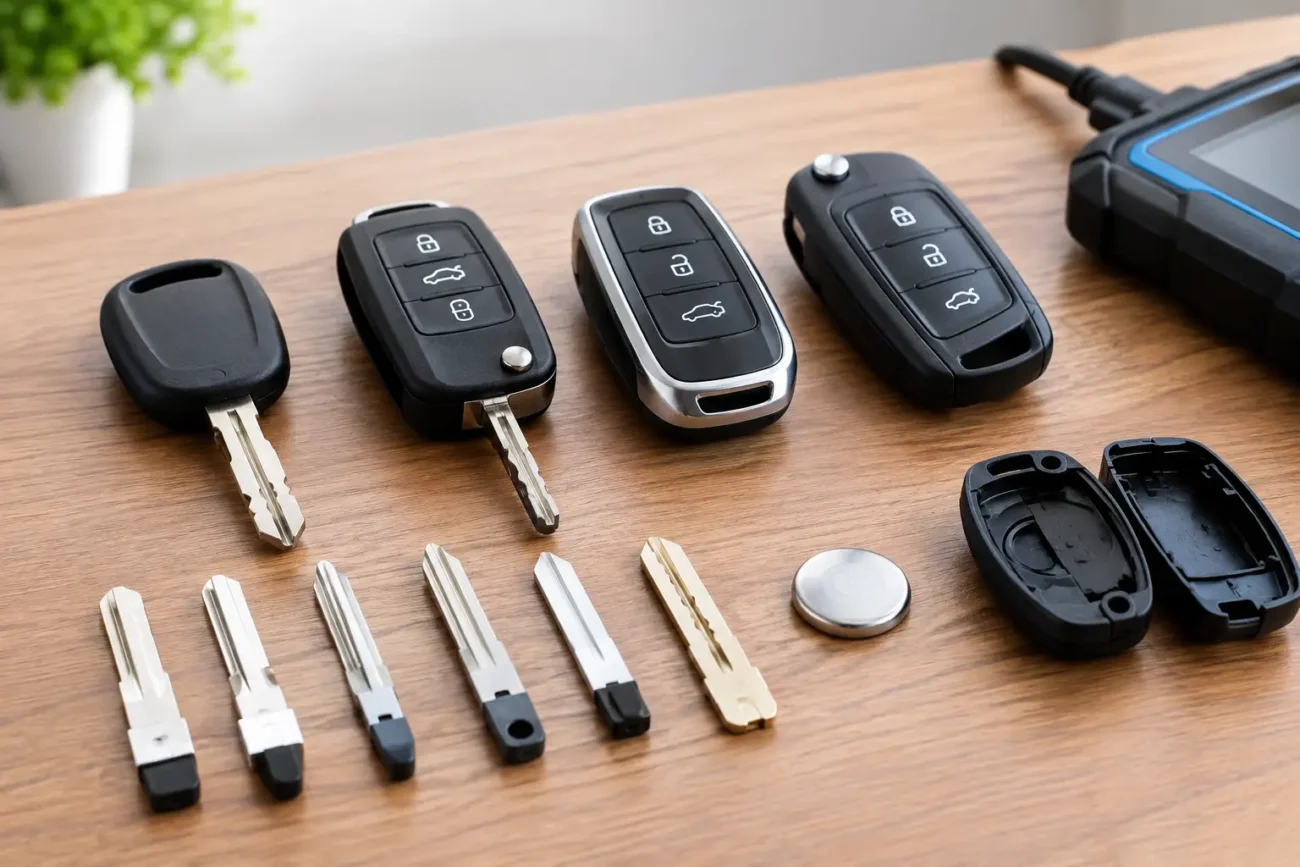
Many proximity smart keys include a removable mechanical emergency blade. Check its blade profile, not just whether it is retractable or removable. Different blade types can be used across one manufacturer, and the wrong profile may not fit the door lock or ignition barrel.
A key blade code, profile name or clear side-by-side image comparison can help. If you are buying a complete smart key, establish whether it is supplied with a blade, a blank blade or no blade at all. If a blade needs cutting, this should be carried out by a suitably equipped key professional.
Confirm the transponder and programming type
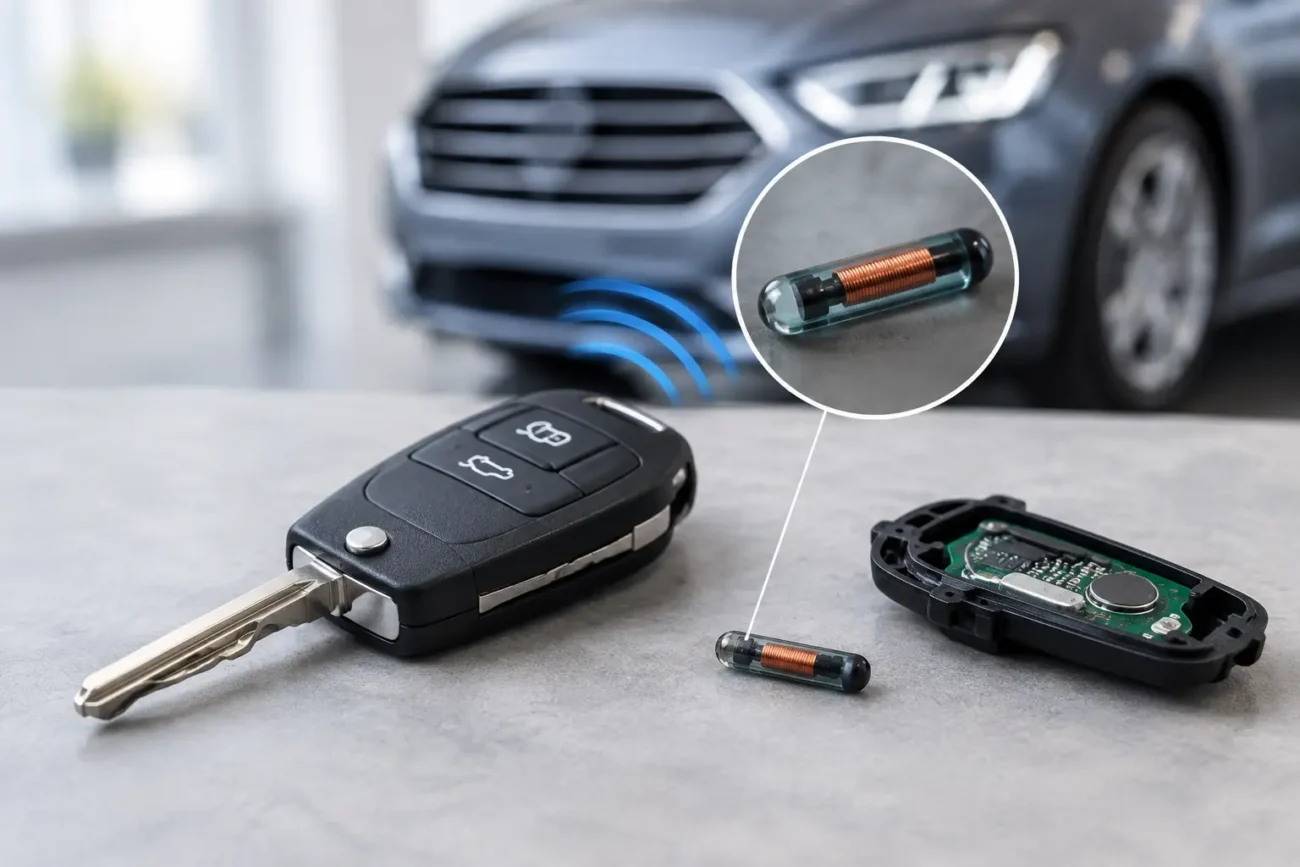
A smart key combines remote electronics with an immobiliser transponder. The transponder must be suitable for the vehicle system, and the key generally needs programming before it can start the vehicle or support passive entry functions.
Product descriptions may refer to chip type, transponder type, PCB reference, key generation or whether a key is virgin, unlocked, renewed or used. These distinctions matter. A used key is not automatically suitable for every vehicle, even if its part number looks correct, because its programming status and system compatibility can affect whether it can be prepared for reuse.
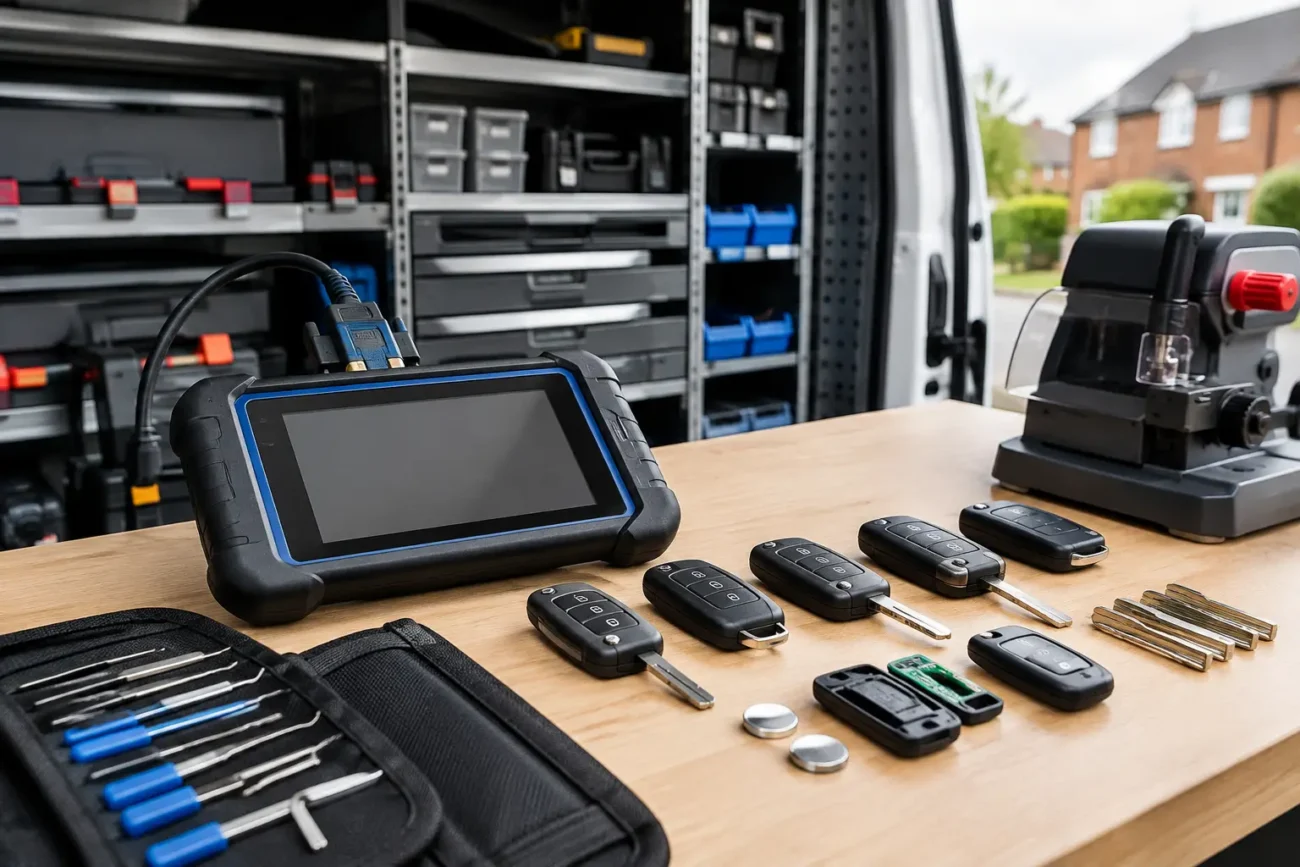
For trade buyers, confirm the key type against the diagnostic equipment and programming process planned for the job. For retail buyers, establish the expected programming requirement before ordering. A replacement smart key is not normally ready to use straight from the packet.
Use vehicle details carefully
Your vehicle registration, make, model, engine and year are useful filters, but they are supporting information rather than proof of fitment. Manufacturers often overlap key types between model years, and facelift models may introduce revised electronics without an obvious change to the body shape.
The vehicle identification number can provide a more precise build reference when checked through suitable manufacturer or trade data. However, even a VIN lookup should be considered alongside the original key part number, frequency and button configuration. This combined approach is far more dependable than choosing a key solely because a listing says it fits a particular model range.
Be especially careful with imported vehicles, vehicles converted from another market, and cars with a replacement key already in circulation. In these cases, the key in hand and the vehicle’s actual system may not match the assumptions suggested by its registration date.
Replacement shell, remote or complete smart key?
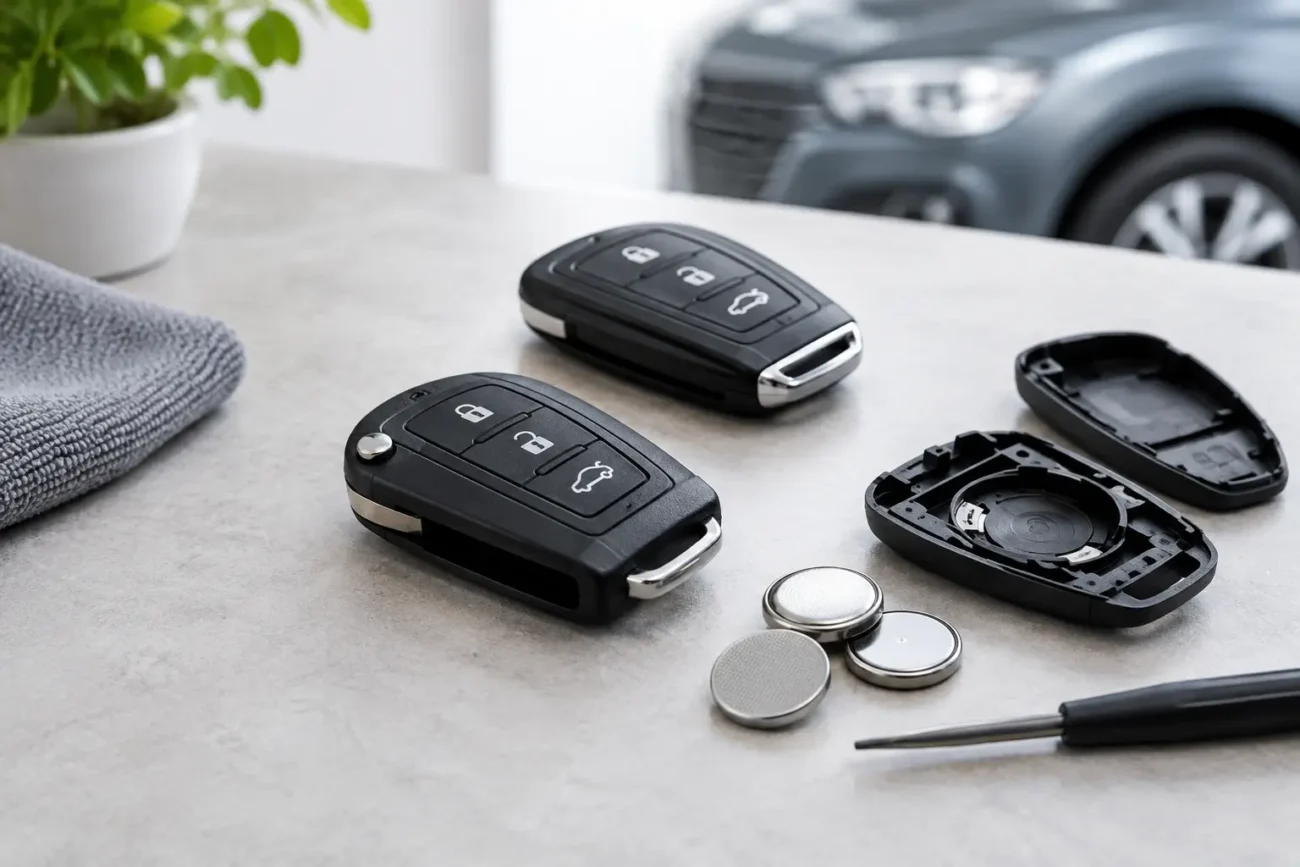
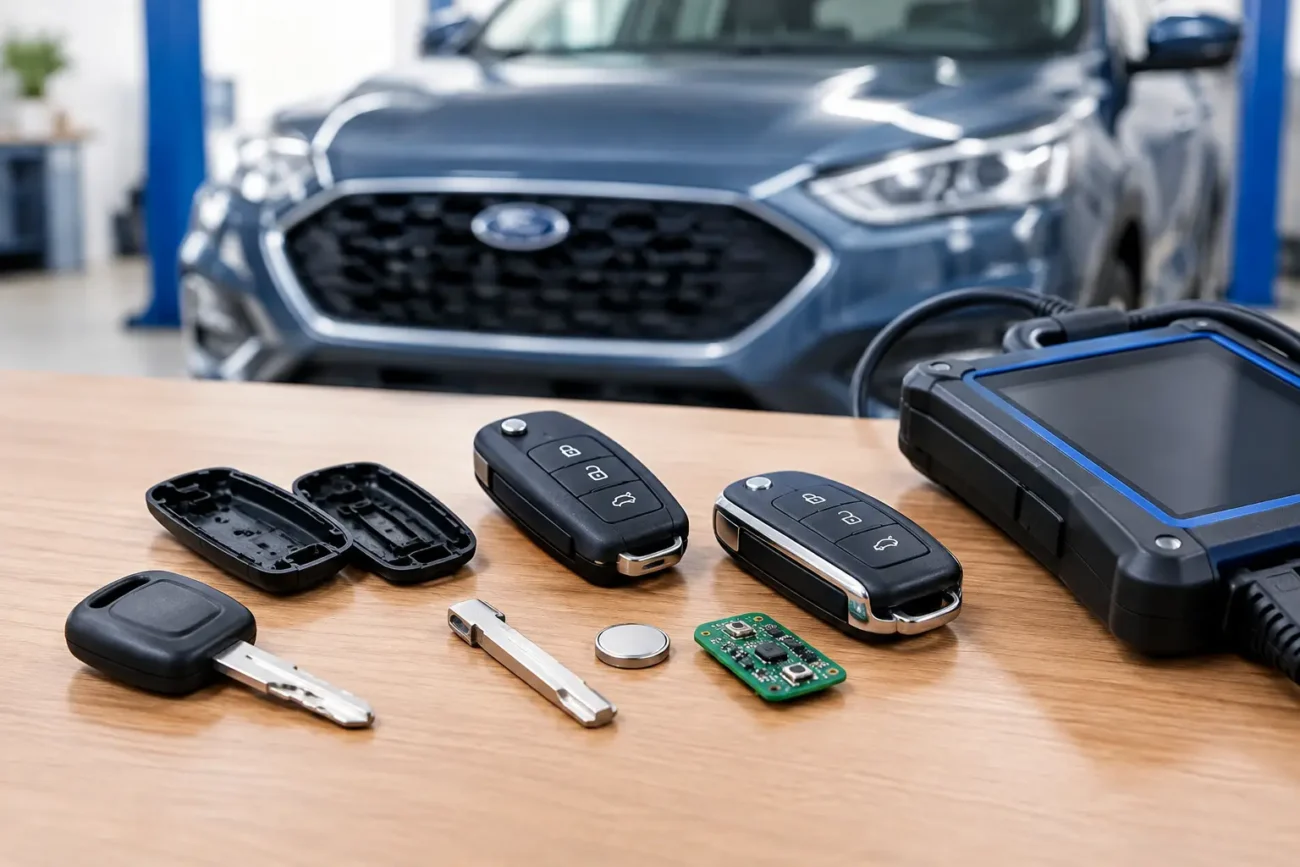
Fitment checks differ slightly depending on what you are buying. A replacement shell is the simplest option when the electronics work but the case, buttons or key loop are worn. Here, match the outer shape, button layout, blade arrangement and internal mounting points. The original circuit board and transponder are retained, so no new remote electronics are introduced.
A replacement remote or complete smart key needs a fuller compatibility check. Along with the case and blade details, you need the correct part number, frequency, chip specification and programming status. It may also need battery fitment checked, as smart keys use different cell types and battery holders.
This is why a low-cost shell can be a practical repair for a cracked fob, while a complete key is the correct route for a lost key, failed board or additional programmed spare. The right choice depends on the fault, not simply the condition of the plastic housing.
Common fitment mistakes to avoid
The most common error is purchasing by photograph. Images are useful for a first comparison, but they rarely confirm the electronics inside. Another is ordering according to vehicle year only, especially for models produced over several years with different key revisions.
Avoid assuming that a key with the same button count is compatible, or that a blade can be swapped to make an incorrect remote work. Do not overlook frequency simply because the key is being bought within the UK: imported vehicles and overseas replacement parts can still introduce a mismatch.
Before placing an order, have these details ready:
- Full part number from the original key or PCB
- Remote frequency in MHz
- Button count, symbols and layout
- Emergency blade profile and arrangement
- Vehicle make, model, build year and, where available, VIN
- Chip, board or programming information shown in the product specification
When the original key is missing
A lost smart key makes fitment more involved, but it can still be narrowed down safely using accurate vehicle information. Gather the registration, VIN, make, model, build year and any details about the original key, such as whether it had keyless entry, a flip blade or a boot button. A previous service invoice may also record a key part number.
For a no-key situation, do not select a replacement based on a generic model search alone. The vehicle’s key system must be identified before a suitable key and programming route can be chosen. This protects both the vehicle owner and the professional carrying out the work from ordering the wrong generation of key.
Global Keys Direct lists compatibility information in product-specific terms, helping buyers compare references, frequencies, button layouts and vehicle applications before ordering. Where details do not line up, pause and verify them rather than forcing a close match.
A smart key is a small piece of equipment with several systems working together. Check the evidence on the original key, compare it with the product specification and treat any difference in part number, frequency or chip type as a reason to investigate further. A few careful minutes before purchase is usually the quickest route to a replacement key that is right for the vehicle.
Add a review
Your email address will not be published. Required fields are marked *