
Does Key Programming Erase Keys? The Real Answer
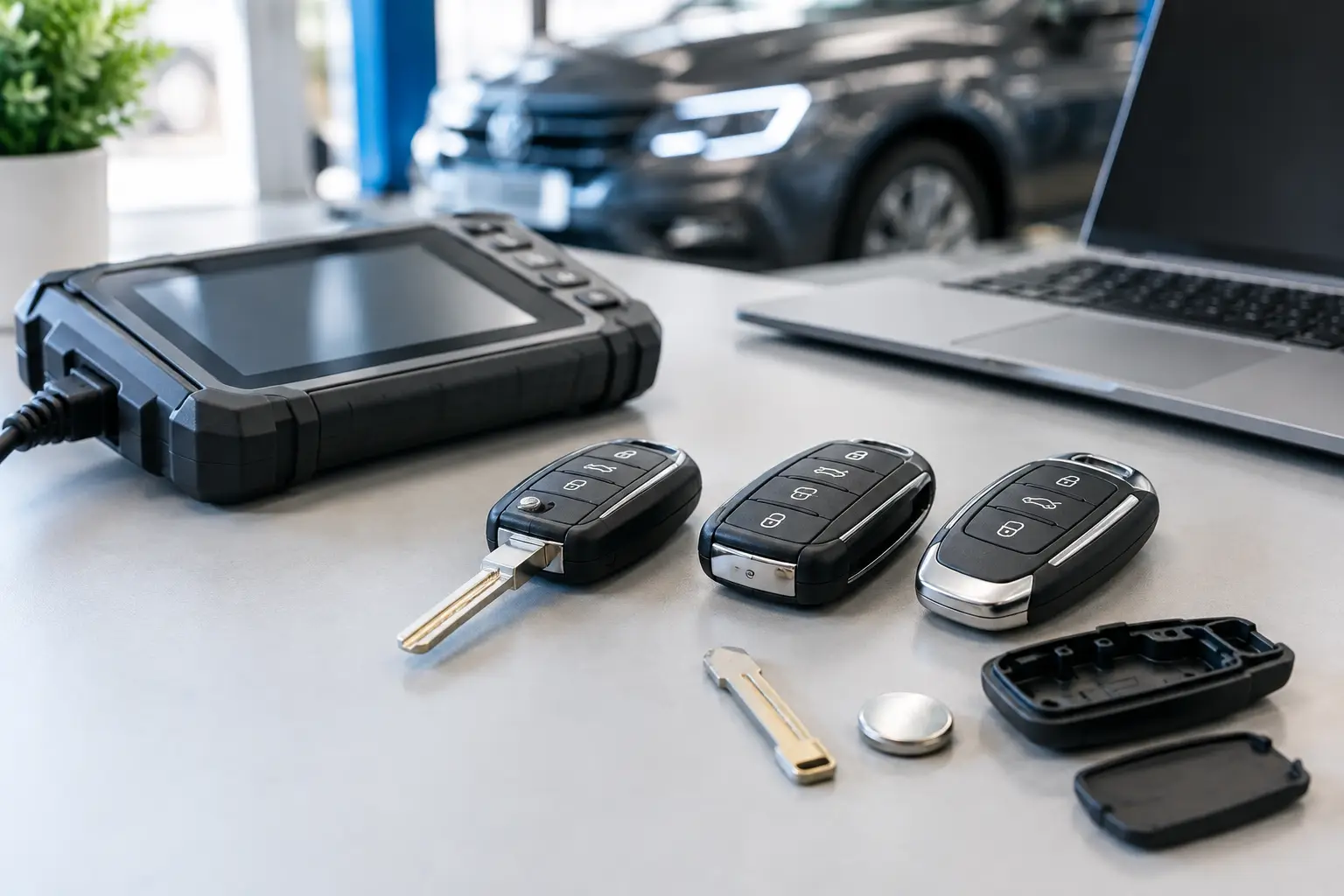
A customer brings in one working Ford remote and asks for a spare. The practical question is not just whether the new key will start the car – it is whether the original will still work afterwards. Does key programming erase keys? In most routine add-a-key jobs, no. A correctly selected programming procedure adds the new key or remote to the vehicle without removing the keys already registered.
That said, there are important exceptions. Some vehicles use an all-keys-lost procedure, an immobiliser reset, or a process that requires every working key to be present. In those cases, keys that are not programmed during the session may no longer operate the vehicle. The exact outcome depends on the make, model, year, key system and programming method used.
Does key programming erase keys in normal use?
Usually, key programming is designed to register an additional authorised key rather than replace the existing set. This is common when a driver wants a spare remote key, smart key or transponder key while at least one functioning key is available.
Modern vehicles commonly store several key identities in the immobiliser or body control module. Adding one more authorised key does not automatically mean deleting those already stored. For a straightforward replacement, a technician will normally use the appropriate add-key function and then test both the new key and the original key before the job is complete.
The phrase “key programming” can cover more than one task, however. It may refer to programming the immobiliser chip so the engine starts, synchronising remote lock and unlock buttons, registering a proximity smart key, or replacing a vehicle module. Those functions are related, but they are not always handled in the same way.
When programming can remove old keys
There are situations where programming a key can erase, overwrite or stop an existing key from working. This is not necessarily a fault. It can be a deliberate security feature or a necessary consequence of the procedure selected.
All-keys-lost programming
If no working key is available, the vehicle may need an all-keys-lost process. Depending on the system, the immobiliser memory may be rebuilt or cleared before new keys are registered. Any old key that is not included in that registration process can be left unrecognised afterwards.
This is why losing every key is typically more involved than ordering a spare while one still works. It can require different equipment, more vehicle-specific information and, in some cases, replacement or specialist key hardware. For owners, arranging a spare early is usually simpler and more cost-effective than waiting for the last key to be lost or damaged.
Key deletion and security work
A vehicle owner may actively want a missing or stolen key removed from the car’s memory. In this case, erasing old keys is the point of the job. Once the remaining authorised keys are programmed back in, the removed key should no longer start the vehicle, although the exact behaviour of remote functions varies by vehicle system.
This is also why a technician may ask how many keys you currently have and whether all of them can be brought to the appointment. It is not just administration. Knowing whether any keys are missing helps ensure the correct programming approach is used.
Module replacement or reset procedures
Replacing an immobiliser-related module, body control module, ignition component or other vehicle electronics can change the process entirely. The replacement unit may have no stored keys, may need to be matched to the vehicle, or may require all keys to be registered again.
A battery issue or a software fault can also be mistaken for lost programming. Before assuming a key has been erased, check the basics: the correct battery type and orientation, a sound key blade, visible water damage, and whether the car battery is in good condition. A weak vehicle battery can cause unpredictable electrical behaviour during key-related work.
Remote programming and immobiliser programming are different
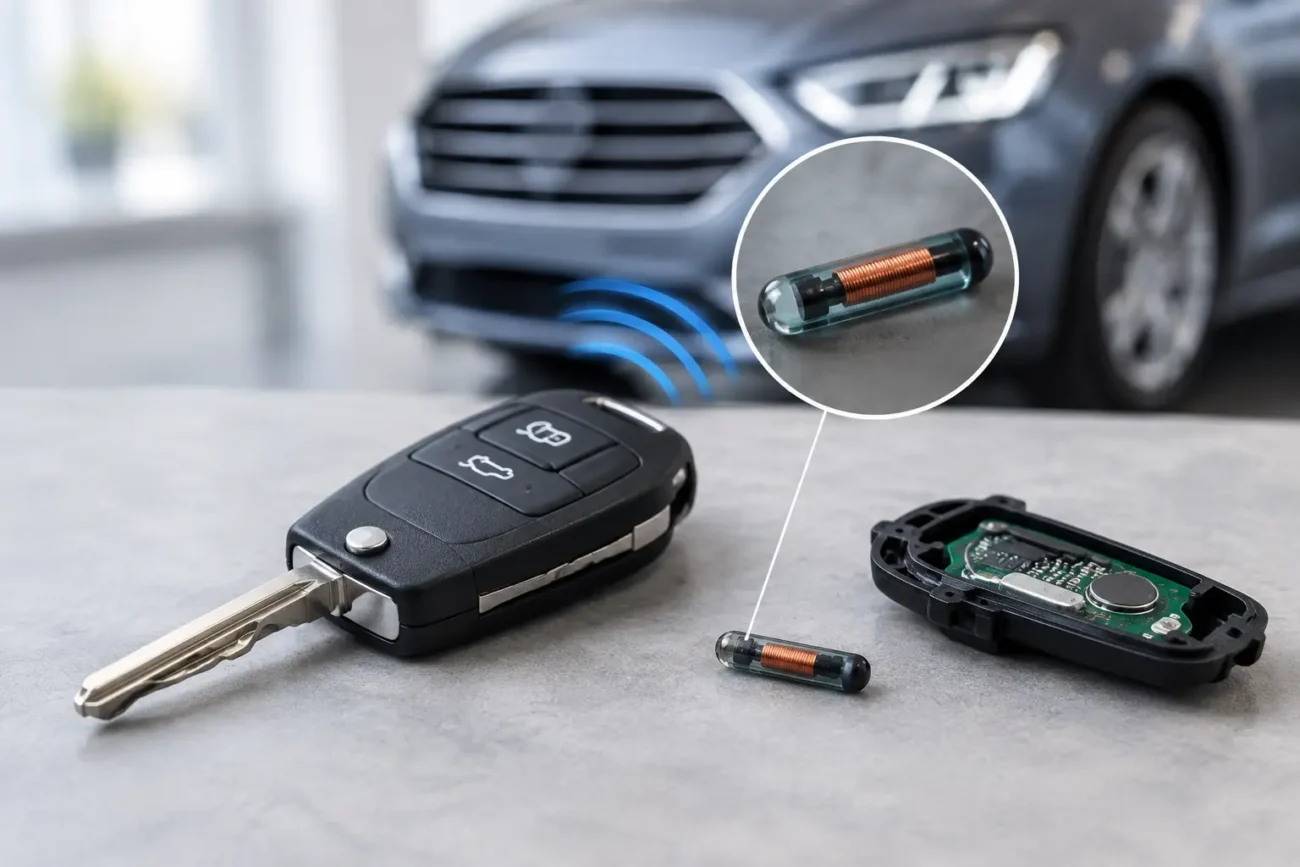
Many replacement-key problems become clearer once you separate the remote from the immobiliser transponder. The remote controls central locking, while the transponder or smart-key electronics authorise the engine to start. On a keyless vehicle, several functions can be contained within the same smart fob, but they can still be programmed or diagnosed separately.
For example, a remote may lock and unlock the car but fail to start it because the transponder has not been registered. Conversely, a key may start the engine but the buttons may not operate central locking if the remote section is unsynchronised, damaged or on the wrong frequency.
Some older vehicles use a remote synchronisation routine that does not affect the immobiliser at all. Other systems handle remote and transponder registration together. That is why a replacement key must be matched carefully to the vehicle rather than chosen solely by its appearance.
What to check before buying a replacement key
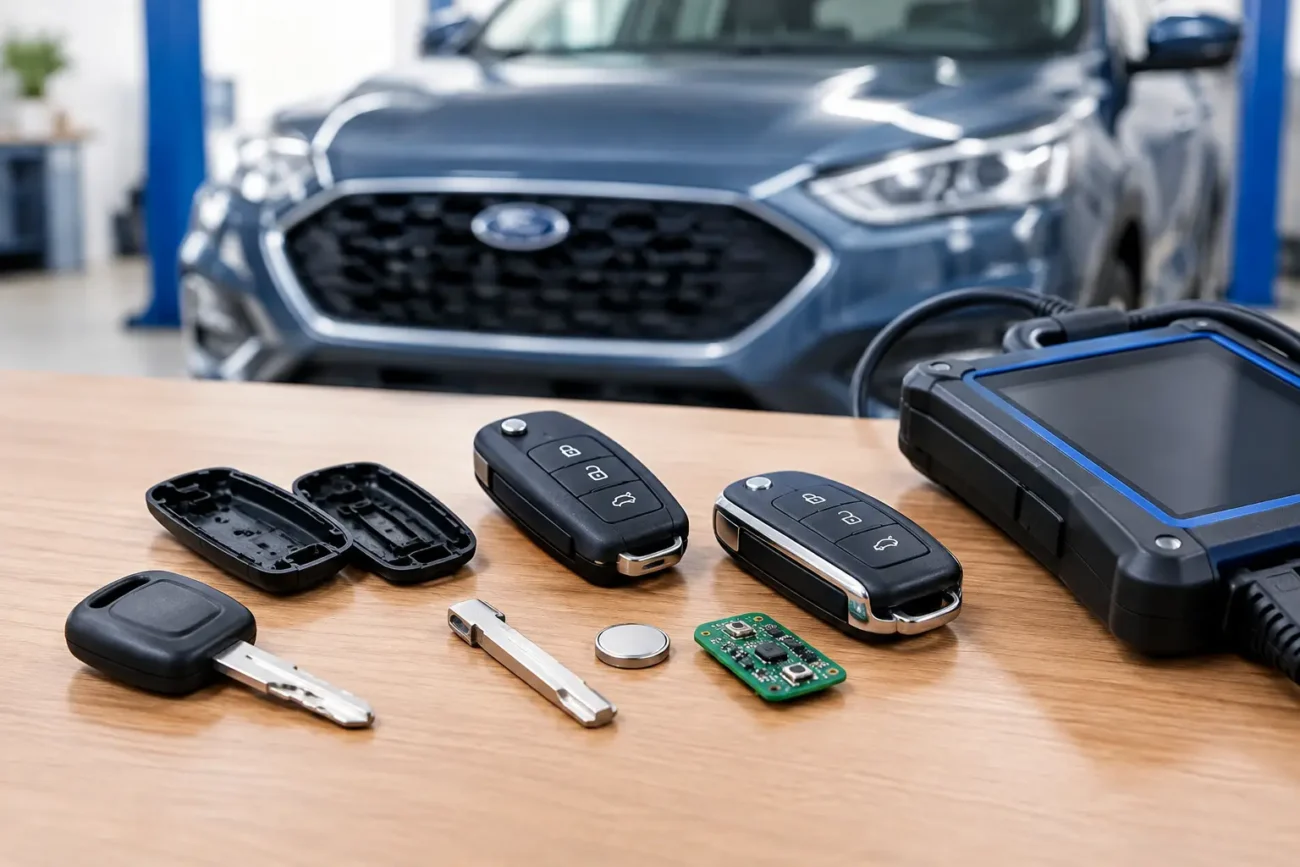
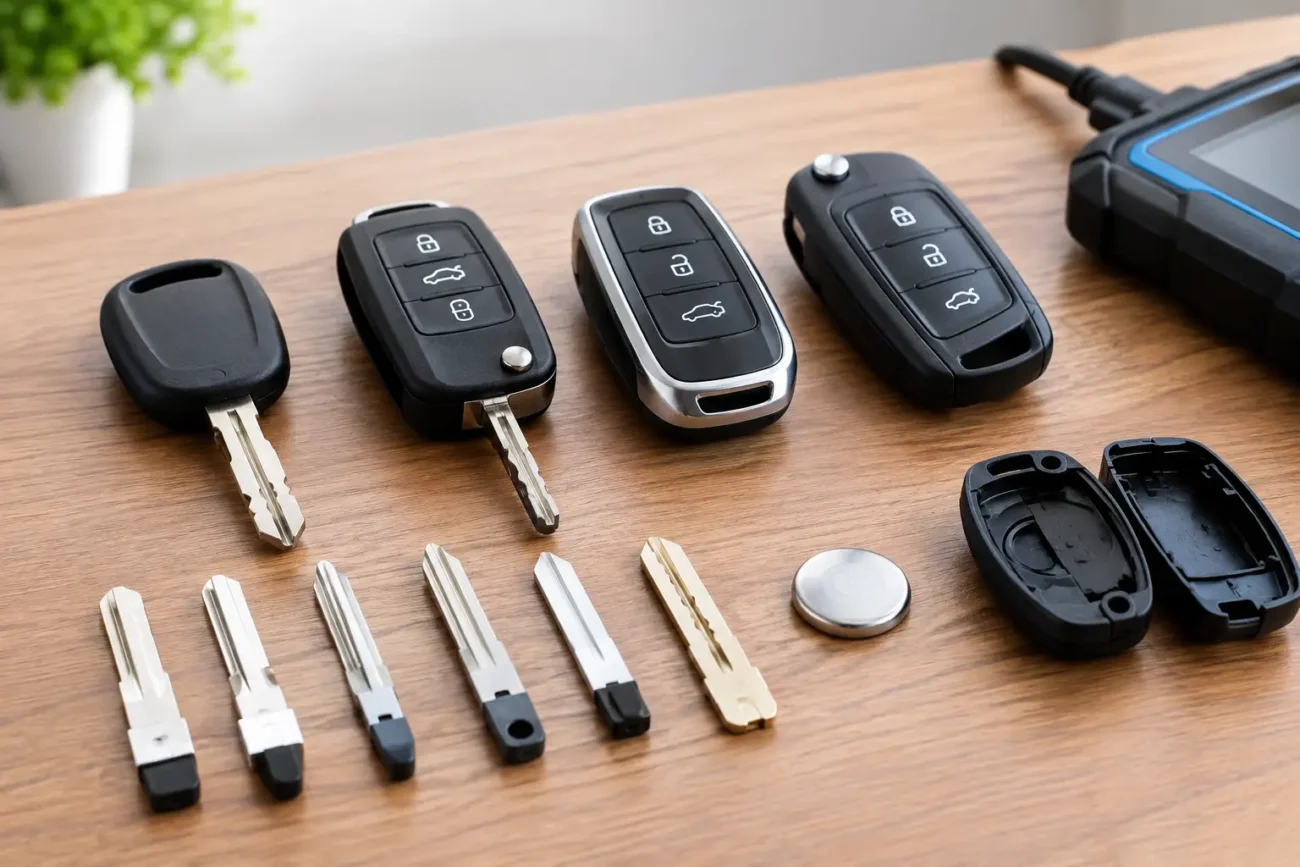
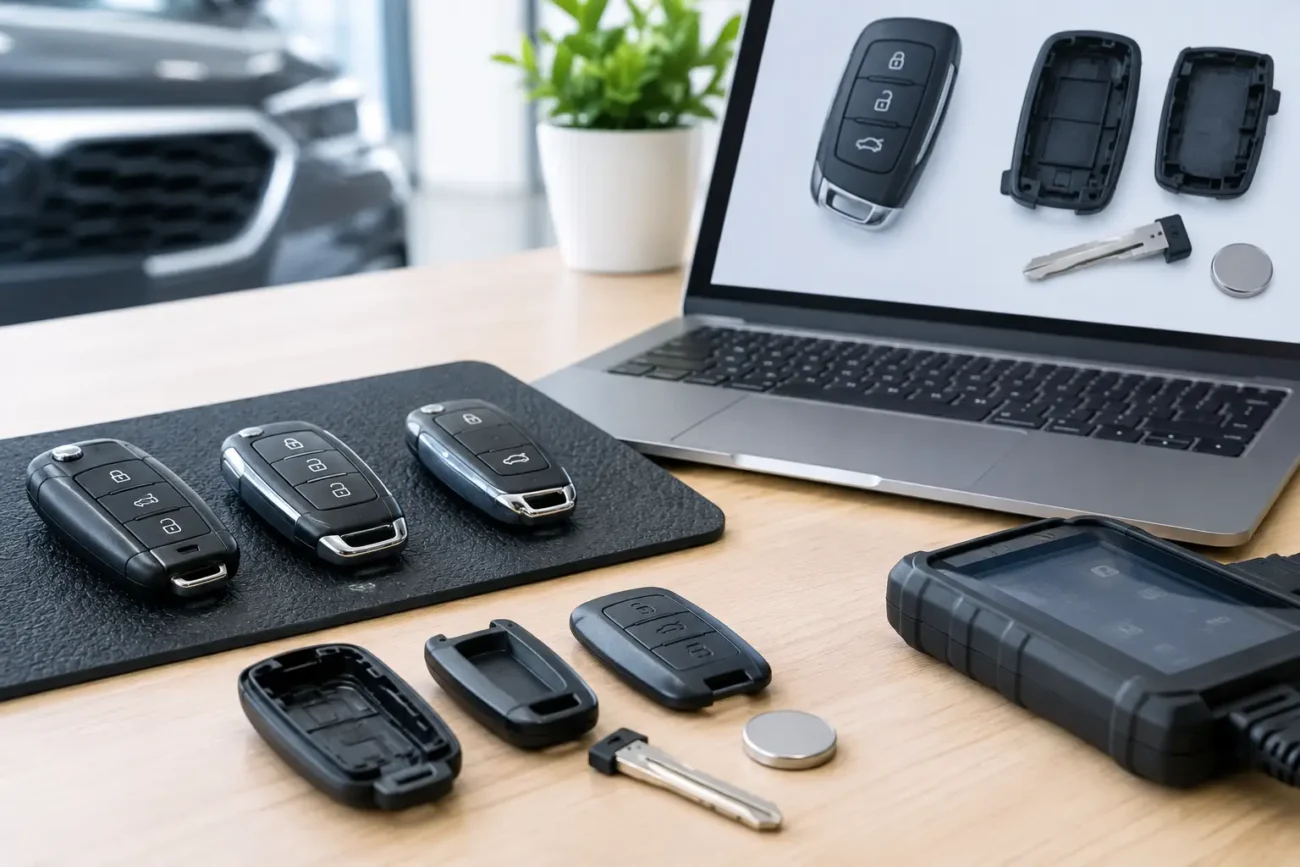
A replacement shell and blade can restore a worn, cracked or damaged casing, but they do not automatically provide a programmed working key. Where the original electronics are still functional, transferring them into the correct shell may be all that is required. If the remote board, transponder chip or smart-key electronics are faulty or missing, a compatible replacement will normally need to be programmed.
Before ordering, compare the product details with the original key. The most useful checks are the part number, button layout, frequency, blade profile, transponder chip type and vehicle fitment information. Two keys can look nearly identical while using different electronics, particularly across model years and trim levels.
For trade customers, confirming the key system before attending the vehicle helps avoid wasted time and unnecessary stock use. For vehicle owners, clear photos of the front, back and internal circuit board can help identify the correct style, but the numbers and technical details remain more reliable than appearance alone.
How to protect your existing working keys
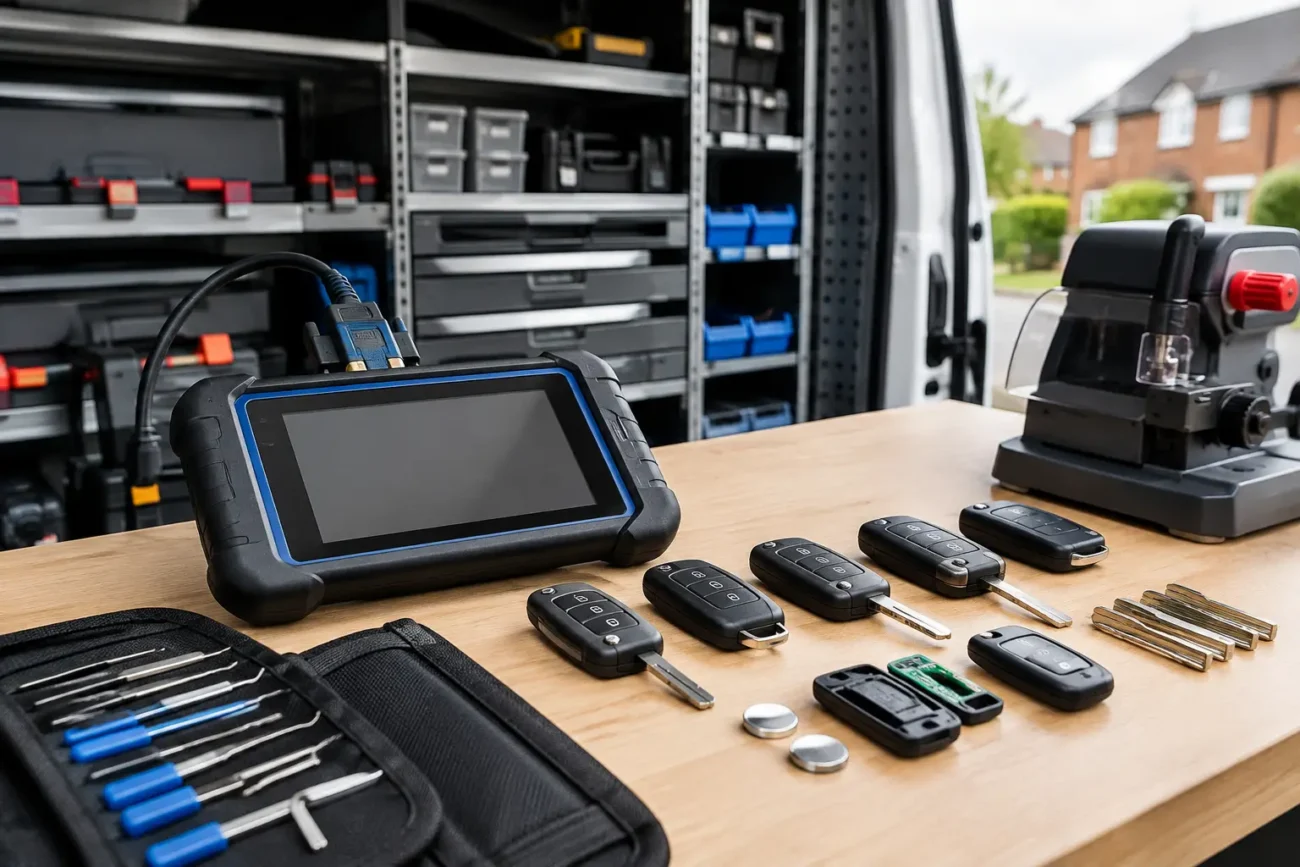
The safest approach is simple: tell the person carrying out the work how many working keys you have, bring every key you want to remain active where possible, and ask whether the selected procedure is add-key, all-keys-lost or key deletion.
It is also sensible to test each key immediately after programming. Check that every intended key starts the vehicle and that the relevant remote or proximity functions operate as expected. This matters especially where a vehicle has a separate emergency blade, keyless entry, boot release or panic button.
Do not assume that copying the metal blade makes a replacement fully operational. The blade may open the door mechanically, but it will not by itself authorise an immobiliser-equipped vehicle to start. Equally, fitting a fresh battery may restore remote range but cannot replace missing immobiliser programming.
The practical answer for drivers and professionals
For a routine spare-key job with one or more working keys present, programming should normally add the new key and preserve the old ones. The risk of existing keys being removed rises when no working key remains, when a key is intentionally being deleted, or when module work and reset procedures are involved.
The right product and the right process matter equally. A compatible remote, transponder key or smart key should be selected using its technical identifiers, then programmed with the vehicle’s actual key situation in mind. Global Keys Direct supplies a broad range of replacement key products and programming tools, but fitment should always be checked carefully before purchase.
If you still have one working key, treat it as a useful opportunity rather than a temporary inconvenience. Arrange a correctly matched spare while the process is usually more straightforward, keep every authorised key together for the appointment, and confirm what will happen to the vehicle’s existing key memory before any programming begins.
Add a review
Your email address will not be published. Required fields are marked *