
How to Find Key Frequency Before You Buy
A replacement remote can look identical to your original key and still be unsuitable for the vehicle. One of the most common reasons is a mismatched radio frequency. Knowing how to find key frequency before ordering helps you narrow down the correct remote, avoid unnecessary returns and get a replacement key project moving without delay.
Frequency is only one compatibility check. The part number, button configuration, blade profile, transponder or proximity chip type, and vehicle year can matter just as much. Treat it as an essential identifier, rather than the only identifier.
What does car key frequency mean?
Most remote car keys transmit a short radio signal when you press the lock, unlock or boot button. The frequency is the radio band used for that signal, usually shown in megahertz (MHz). Common examples include 433 MHz, 433.92 MHz, 434 MHz, 868 MHz and, on some imported vehicles, 315 MHz.
For many UK and European vehicles, 433 MHz or 433.92 MHz is common, but there is no single frequency that applies to every make, model or year. A manufacturer may use different frequencies across markets, production years or even different key part numbers for the same model range.
Do not confuse the remote frequency with the immobiliser transponder. The remote controls central locking through radio transmission. The transponder is the chip recognised by the vehicle’s immobiliser when starting the car. A key can have the correct 433 MHz remote board but still require the correct transponder type and programming process to start the vehicle.
How to find key frequency on your existing remote
The fastest answer is often on the original remote itself. Remove any protective cover and inspect the front, rear and key blade area carefully. Some keys show the frequency on the outer case, while others display it on a sticker or on the circuit board inside the shell.
Look for wording such as “433 MHz”, “433.92 MHz”, “434 MHz” or “868 MHz”. It may appear beside regulatory markings, a part number or a manufacturer reference. On flip keys, it is sometimes printed in the battery compartment or moulded into the rear housing.
If the information is visible without opening the key, record it exactly as shown. Take a clear photograph too. A part number that appears unimportant can be the detail that separates two otherwise similar remotes.
Check the circuit board where appropriate
When the outer case does not show a frequency, the printed circuit board may provide it. This is most useful when you are replacing a damaged shell or identifying an existing remote that still functions.
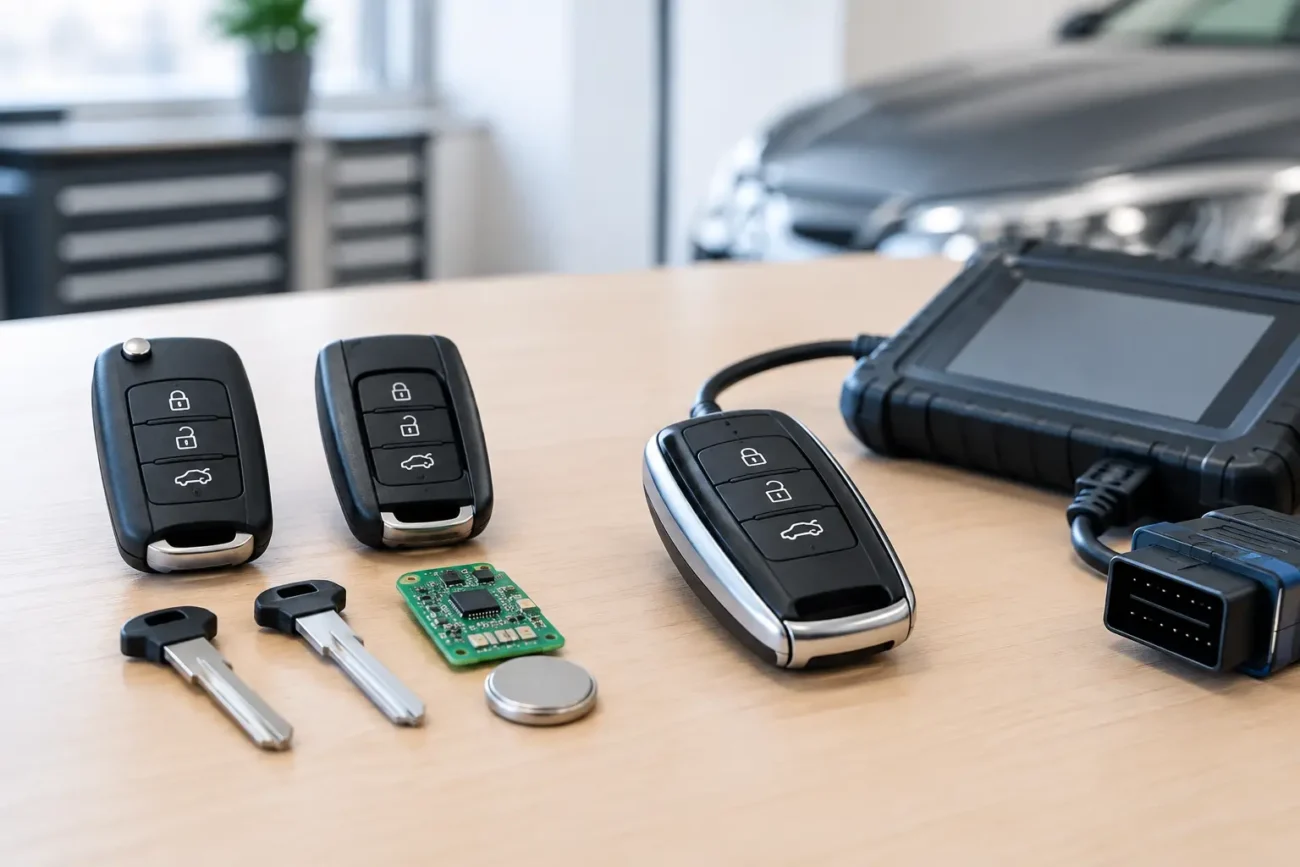
Open the remote carefully, following the case seam and avoiding unnecessary force around buttons, battery contacts and the circuit board. The board may carry a frequency marking, a manufacturer code or an FCC, CE or IC reference that helps identify the correct version.
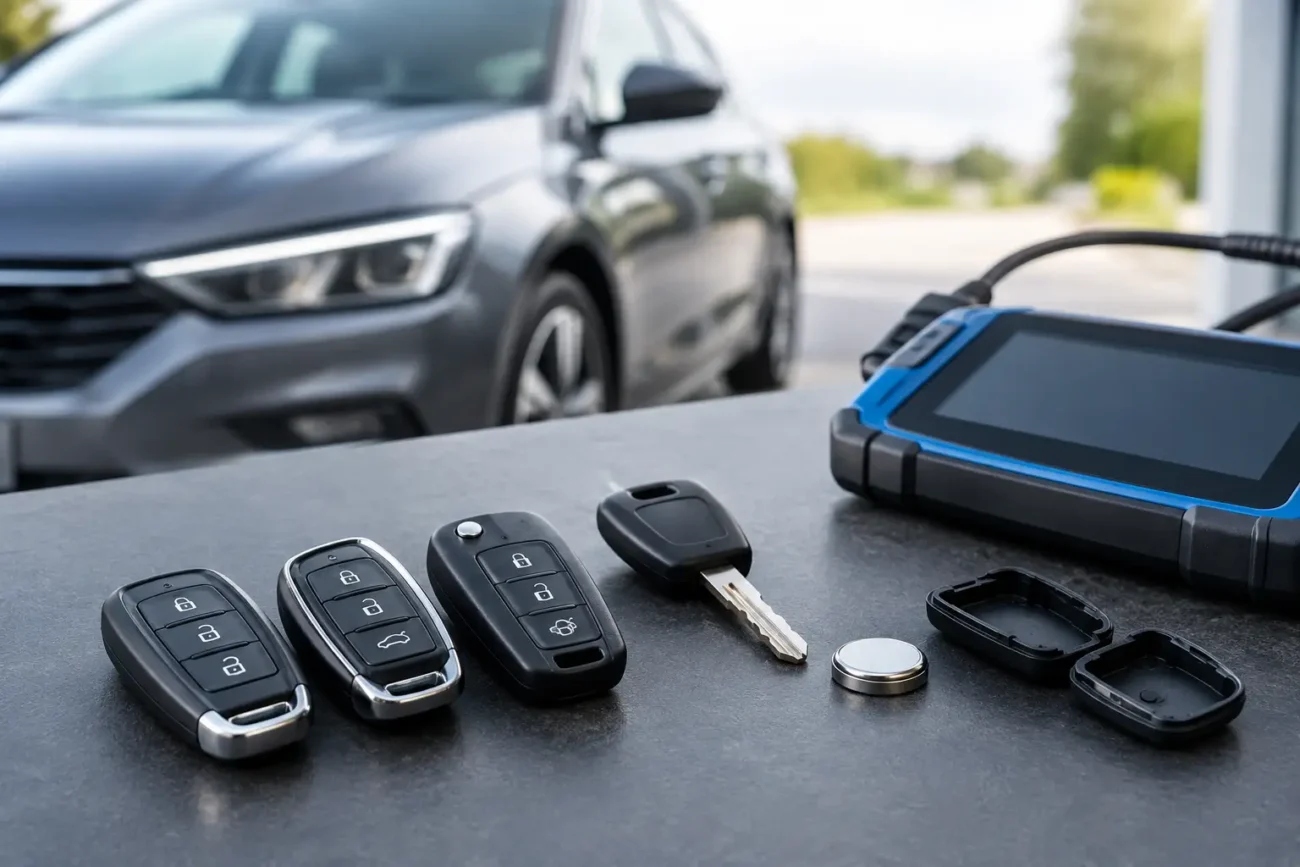
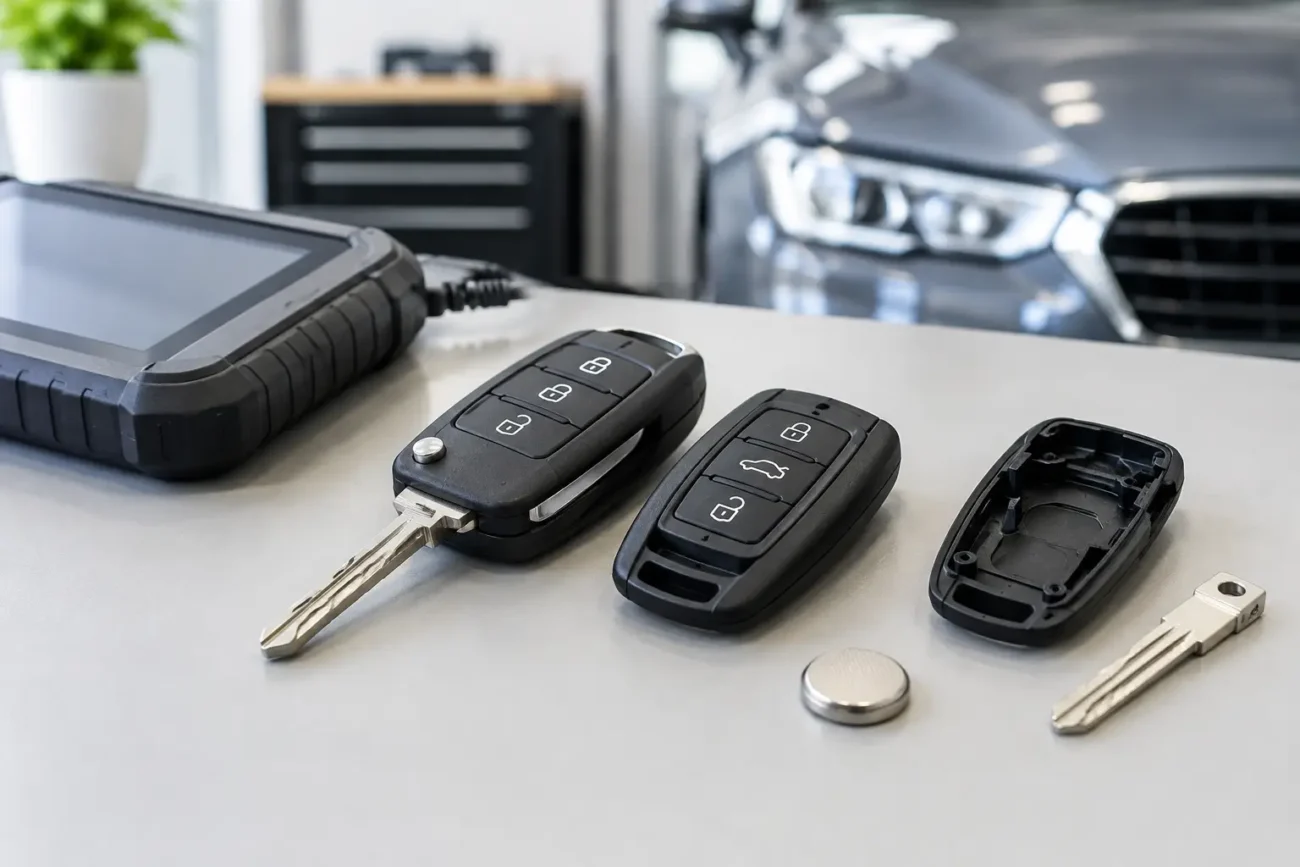
If you are only replacing the shell and the original electronics are serviceable, transferring the existing board and transponder into a matching shell can avoid a remote-frequency issue altogether. The replacement shell must still match the button arrangement, blade style and internal fixing points.
Use the key part number, not appearance alone
A full part number is often more useful than the frequency by itself. It can identify the remote family, button layout, region and electronic specification. Look on the rear of the key, under the battery cover or on the circuit board for a sequence of letters and numbers.
For example, two three-button remotes for the same vehicle brand may share the same shape but use different frequencies or boards. Conversely, a listing may state that several part numbers are supported because they use the same compatible replacement remote. Check the listing details rather than assuming a visually similar key is interchangeable.
When comparing part numbers, match every character where possible. Small suffixes can indicate a different frequency, revision or regional version.
Confirm the vehicle’s market and registration details
Vehicle details help, but they should support physical key identification rather than replace it. The same car model sold in Great Britain, mainland Europe, North America, Japan or Australia may use different radio approvals and frequencies.
A UK-registered car is more likely to use a UK or European specification remote, although imported vehicles, replacement keys fitted in the past and model-specific exceptions are all possible. If the vehicle has been imported, ask for the original key’s part number and frequency before purchasing.
The model year also matters. Manufacturers can change key systems during a production run, particularly around a facelift, new platform or updated security architecture. Registration year is useful, but build year and existing key reference are often more accurate.
Use a key frequency tester for uncertain keys
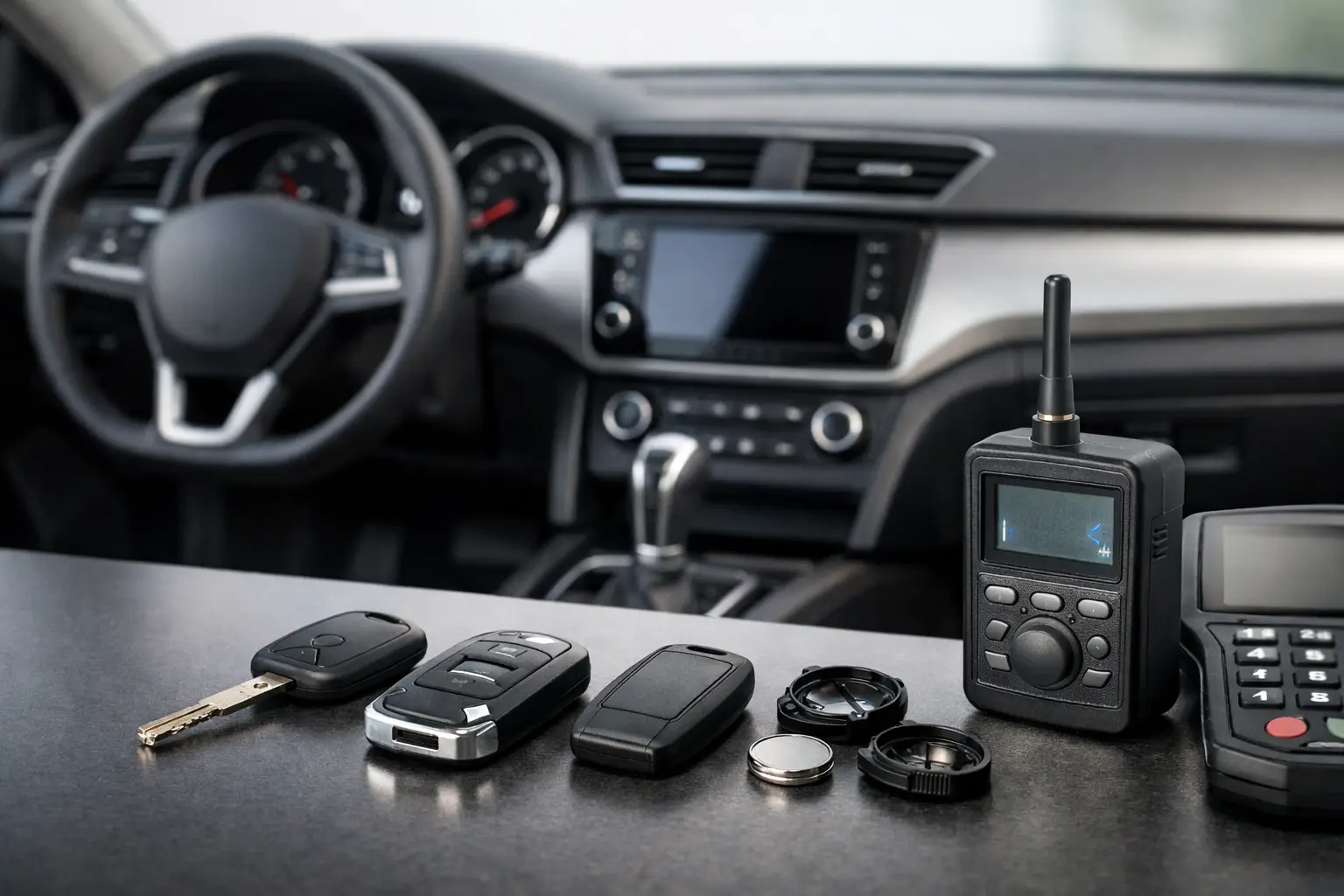
For locksmiths, garages and regular key programmers, a remote frequency tester is a practical workshop tool. It detects the signal transmitted when a button is pressed and displays or indicates the frequency range. This is particularly helpful where labels have worn away or the circuit board carries no clear marking.
A tester can establish whether a remote is transmitting, but it does not confirm that the remote is suitable for a particular vehicle. It cannot verify the correct rolling-code system, transponder chip, board revision or programming status. Use the tester result alongside the original part number and vehicle application data.
For a retail customer with a working original remote, clear photographs of both sides of the key and the board, where safely accessible, are usually enough to compare product specifications. If the original remote is lost, a vehicle-specific replacement may still be available, but checking the vehicle’s exact year, trim and key system becomes more important.
433 MHz, 433.92 MHz and 434 MHz: are they the same?
These labels cause understandable confusion. 433.92 MHz is a commonly used licence-exempt radio frequency in Europe, and some remotes are described broadly as 433 MHz. A product description may use one format while the original marking uses another.
However, do not treat every similar-looking frequency label as interchangeable without checking the product information. 433 MHz and 434 MHz are close in everyday language but may refer to different remote specifications. The vehicle must also recognise the remote’s protocol, coding system and electronics. Frequency matching alone is not a compatibility guarantee.
The same caution applies to 868 MHz. It is used by some later keyless-entry and smart-key systems, but it is not an upgrade path from a 433 MHz remote. The replacement must be designed for the relevant vehicle system.
Key frequency on smart keys and proximity fobs
Smart keys add another layer of terminology. A proximity fob may use radio frequency for remote commands and communication, while also using low-frequency antenna systems for detecting that the key is close to the vehicle. Product descriptions may refer to RF frequency, LF frequency, transponder type or all three.
When buying a smart key, check the stated frequency, part number, button count, emergency blade type and chip specification. Some proximity keys are supplied as complete electronic units, while others are shells or cases intended to accept existing components. These are very different products, so read the description carefully before ordering.
If a smart key is lost, programming may be required after purchase. The exact process depends on the vehicle and the replacement key specification. Professional tools and appropriate vehicle procedures are often needed, especially for later systems.
A practical compatibility check before ordering
Before you add a remote, shell or smart key to your basket, compare the original against the replacement listing. Check the frequency and part number first, then confirm the number and position of buttons, blade type or emergency blade, battery arrangement, internal board layout and transponder information.
For a replacement shell, the key frequency is usually less relevant if you are reusing the original working electronics. The shell still needs to be an exact physical match. For a complete remote or smart key, frequency becomes a core electronic compatibility point, alongside chip type and programming requirements.
Global Keys Direct provides product-specific details to help buyers compare these identifiers before purchase. Where there is any uncertainty, retain the original key details and avoid ordering solely from a vehicle photo or general model name.
When the old key is missing or unreadable
If there is no original key to inspect, start with the vehicle’s exact make, model, build year and market specification. A VIN-based parts lookup or information from a qualified automotive key professional may help establish the original key reference. Avoid guessing from online images, as similar housings can conceal different electronics.
For trade buyers, documenting the original part number and frequency during every job is worthwhile. It makes future spare-key work quicker and gives the customer a more reliable record should another key be needed.
The best replacement is not simply the one that looks right in a photograph. It is the one whose frequency, part number, chip and physical design all line up with the vehicle you are working on.
Add a review
Your email address will not be published. Required fields are marked *