
How to Identify Car Key Frequency Correctly
A remote fob can look exactly like the one you need, have the same number of buttons and even accept the same blade – yet still be unsuitable because it transmits on the wrong radio frequency. Knowing how to identify car key frequency before ordering is one of the quickest ways to avoid an incorrect replacement, wasted programming time and a vehicle left without a working remote.
Frequency is only one compatibility detail, but it is a critical one. It must be checked alongside the key’s part number, button layout, blade profile, transponder chip type and vehicle fitment information. A replacement key is rarely chosen correctly by appearance alone.
What car key frequency means
The remote section of a car key sends a low-power radio signal to the vehicle’s central locking receiver. The frequency is the radio band used for that signal, normally shown in MHz. Common examples include 433.92 MHz, 434 MHz, 868 MHz and, on vehicles built for other markets, 315 MHz.
For many UK and European vehicles, 433.92 MHz is particularly common. That does not make it a safe default. A manufacturer may use different frequencies across model years, trims, markets or remote generations. Some vehicles also use 868 MHz on later smart keys, even where an earlier conventional remote for the same model family uses 433 MHz.
Frequency should not be confused with the immobiliser transponder. The remote locking function and the chip that authorises the engine to start are separate systems. A key can have the correct remote frequency but the wrong transponder chip, or the right chip but an incompatible remote board.
How to identify car key frequency from the existing fob
The most reliable starting point is the original working key. Check the front, rear and inside of the remote casing for a printed or moulded frequency marking. It may read “433MHz”, “433.92 MHz”, “868 MHz” or a similar variation. On some remotes, this information is found on a label beneath the battery cover rather than on the outer case.
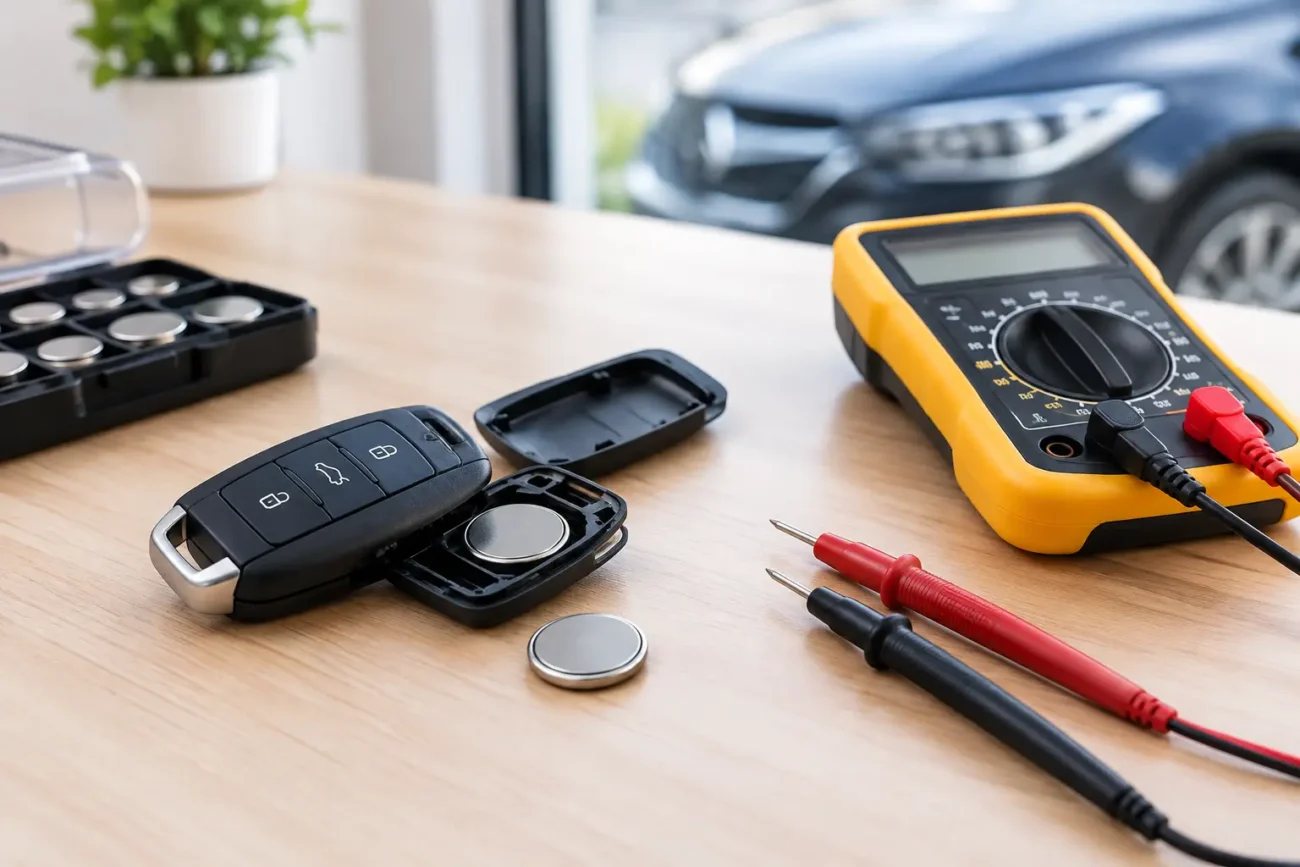
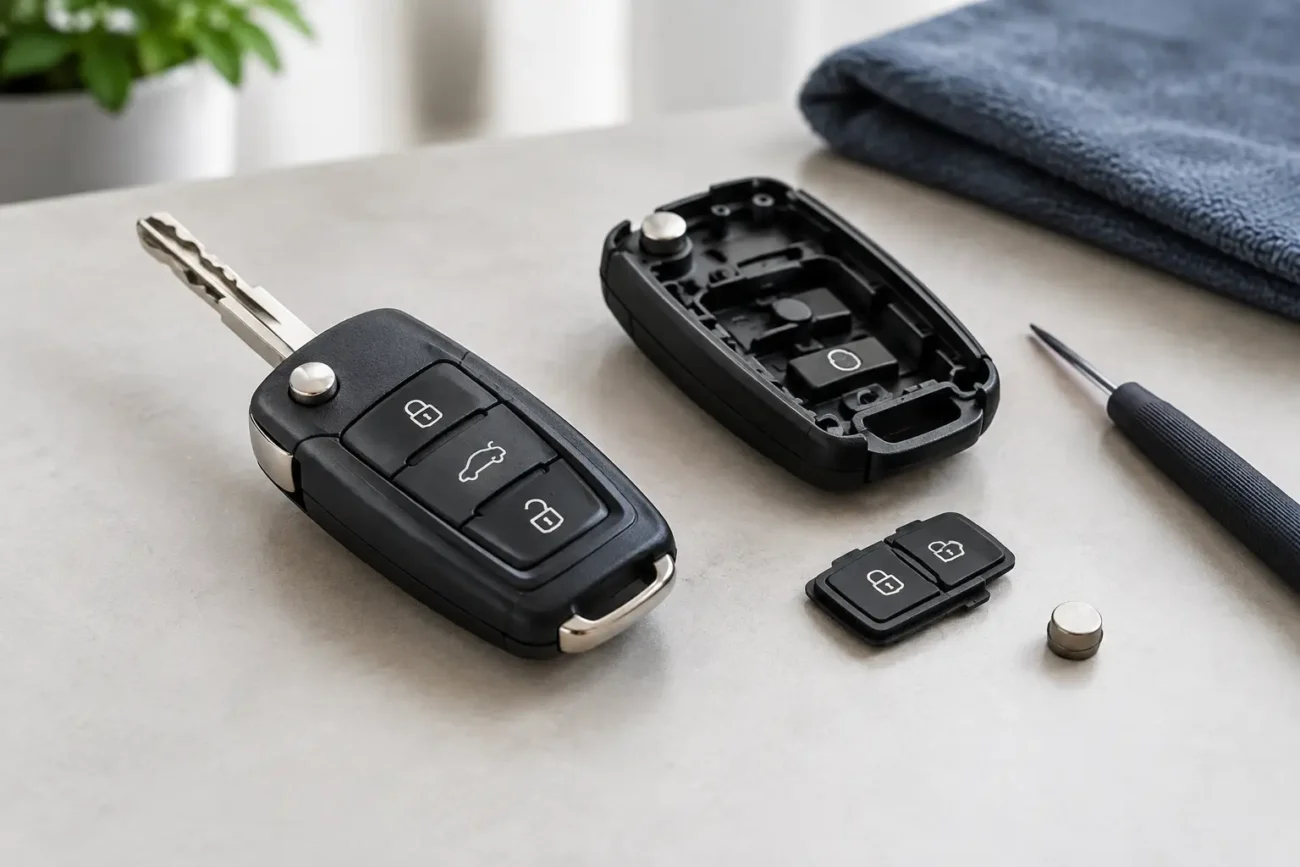
If there is no visible marking, carefully open the fob case and inspect the remote circuit board. Many boards carry a sticker, printed frequency, part number or manufacturer reference. Take clear photographs before separating any components, particularly if you intend to move the original electronics into a replacement shell.
Do not rely on a shell marking if the remote has been repaired or assembled from mixed parts in the past. The circuit board is the important item for frequency identification, not simply the plastic housing. Equally, a replacement shell does not have its own transmission frequency because it contains no radio electronics.
Check the part number, not just the button count
A part number is often more useful than the external design. It can be printed on the board, label, battery cover or key housing. Use the complete number where possible, including letters, suffixes and revision codes. Small differences in a reference can indicate a different frequency, electronics version or vehicle application.
Two Ford, BMW, Vauxhall or Peugeot remotes may share a three-button layout but have different board references. Likewise, a flip key and a fixed-blade key can use similar internals without being interchangeable. When product information lists a part number, match it exactly wherever possible rather than selecting the nearest-looking remote.
If the original fob has an approval code or radio identification label, record that too. These identifiers can support the frequency check, especially on imported vehicles. They are not always sufficient on their own, but they provide useful evidence when compared with the remote’s board and vehicle details.
Use the vehicle details as a cross-check
Vehicle registration details, make, model, year and engine can help narrow down the likely remote type, but they should be treated as a cross-check rather than the sole basis for an order. Mid-year changes are common, and registration databases do not always identify the exact key system fitted at production.
The VIN can provide a more precise vehicle build reference for professional users with suitable lookup systems. Even then, confirm the physical key details. Check whether the vehicle uses a standard remote key, flip key, proximity smart key or key card, then compare the number of buttons, emergency blade arrangement and original part number.
Imported vehicles require particular care. A remote designed for a North American-market vehicle may operate at 315 MHz, whereas a visually similar UK or European version may use 433.92 MHz. Fitting a wrong-frequency remote will not be corrected by programming because the vehicle receiver and remote are operating on different radio bands.
Test the frequency with the right equipment
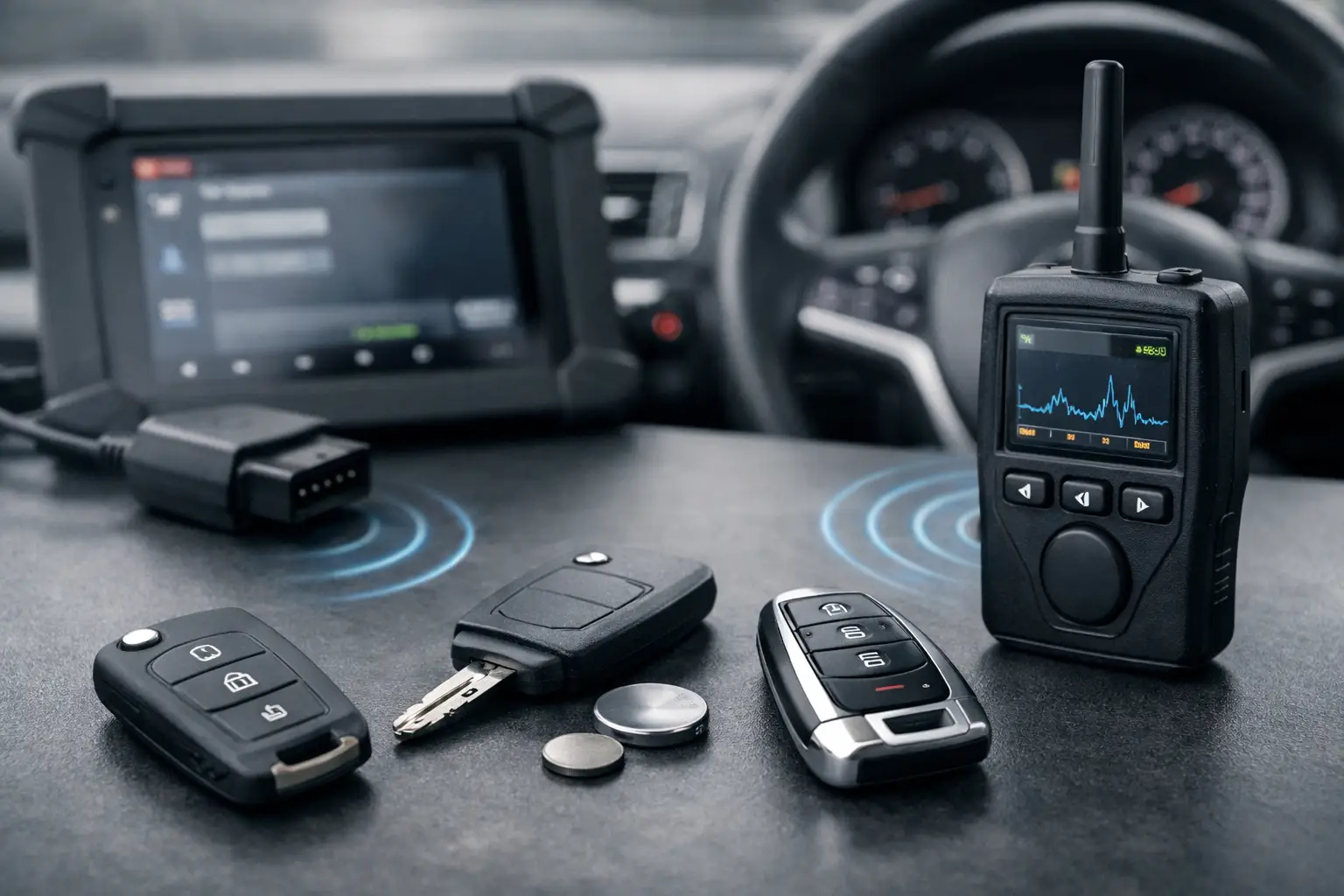
For locksmiths, garages and key professionals, a dedicated remote frequency tester is the quickest confirmation method. Place the original remote near the tester and press a button. The tool reads the transmitted frequency and may also indicate signal strength. This is especially useful where labels have worn away or the board reference is unclear.
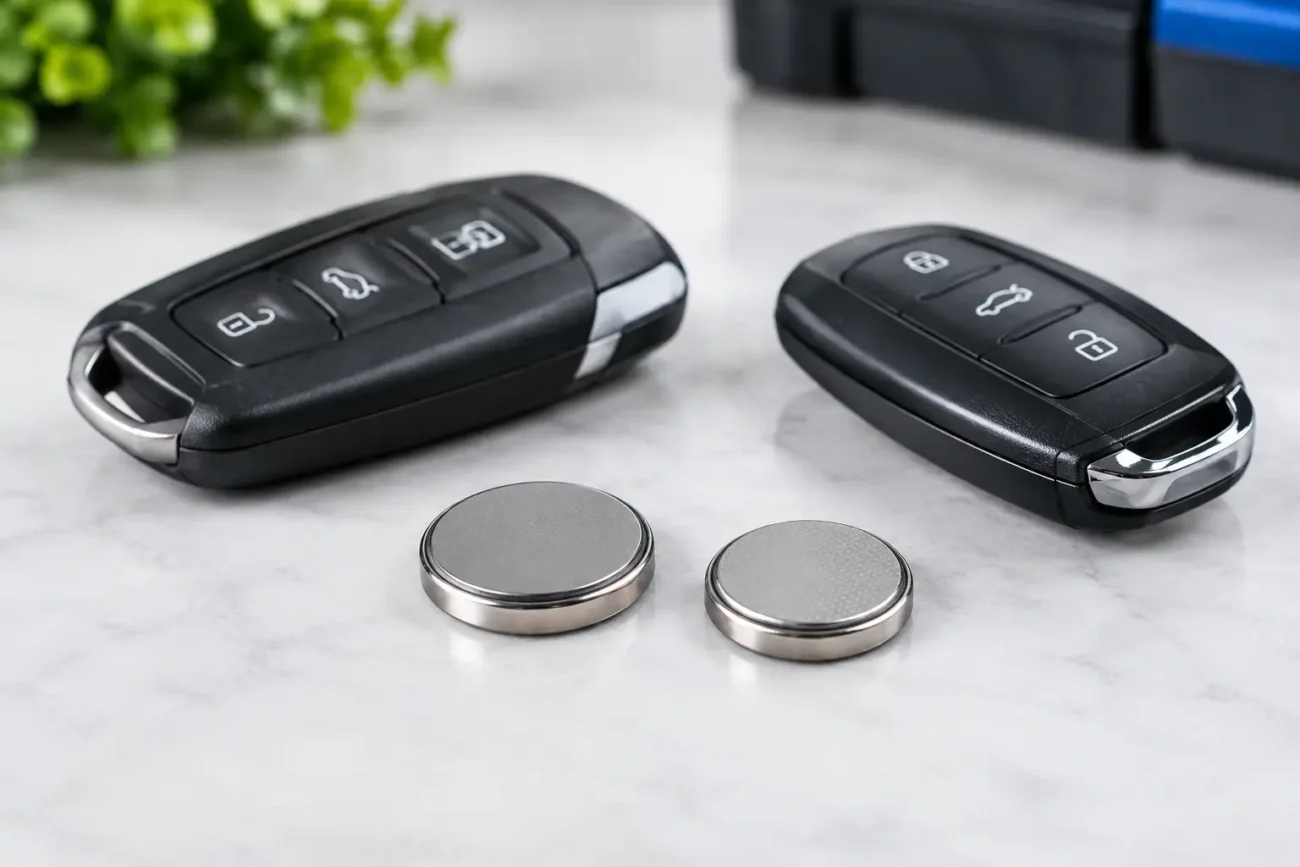
A frequency tester confirms what the fob is transmitting, not whether it is fully compatible with the vehicle. A weak or damaged remote may produce an inconsistent reading, so repeat the test and inspect the battery condition first. A flat coin-cell battery can cause reduced range or an intermittent signal, which can be mistaken for a receiver fault.
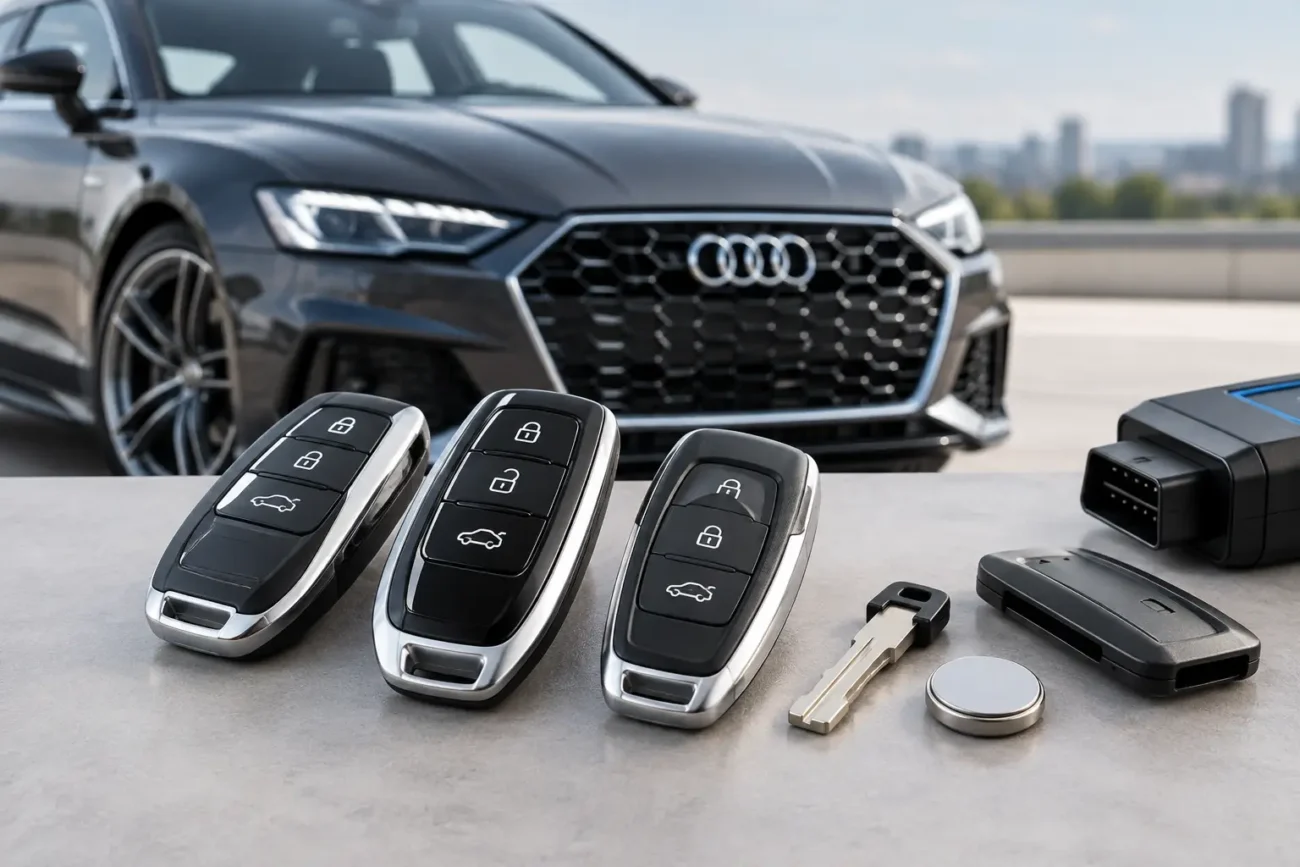
Diagnostic and key programming equipment can also assist with identifying key systems, depending on the vehicle and tool capability. These tools are valuable for professional workflow, but their information should still be checked against the remote’s physical specification. Programme functions, transponder generation and remote frequency are related only in the sense that they all need to match the vehicle’s system.
Why online listings can be misleading
A listing that says a key is suitable for a vehicle make or model is a starting point, not a complete compatibility decision. Manufacturers reuse key styles over long production runs, while changing the internal board, radio frequency, transponder and blade. The same vehicle can also have different key specifications depending on whether it has keyless entry, alarm functions or a later facelift system.
Product photographs are useful for comparing shape and button placement, but they cannot confirm the electronics inside. Before purchasing, compare every available specification: frequency, part number, button count, blade type, transponder type where stated, and listed vehicle years. If one of these details differs from the original, stop and verify before ordering.
This is particularly relevant when buying an aftermarket remote or smart key. A quality replacement may be designed to match the required specification, but it still needs the correct programming procedure and the right key data for the vehicle. An unprogrammed replacement remote will not operate the central locking simply because its frequency is correct.
Common frequency mistakes to avoid
The first mistake is assuming 433 MHz and 433.92 MHz are always written in exactly the same format. In product descriptions, 433 MHz may sometimes be used as a shortened description of the 433.92 MHz band. However, do not make assumptions where the information is incomplete – check the product specification and original remote reference.
The second is buying by vehicle year alone. A 2014 model may have been built with an earlier key system, registered late, or sold in a different market. The third is treating “keyless” as one universal type. Proximity keys can vary substantially in frequency, emergency blade design, board layout and programming requirements.
Finally, do not attempt to diagnose a non-working key by frequency alone. A remote may have the correct frequency but fail because of battery corrosion, damaged buttons, a cracked board, water damage, lost synchronisation or a fault in the vehicle’s receiver. Establish whether the remote is transmitting before replacing it.
What to record before ordering a replacement
For the most accurate replacement search, keep a record of the original key’s frequency, full part number, number of buttons and blade type. Add the vehicle make, model, registration year and, where available, VIN or build information. For smart keys, note whether the emergency blade is included and whether the key uses a rechargeable or replaceable battery.
For trade jobs, a photograph of both sides of the original remote board is often worth more than a general vehicle description. It helps identify board revisions and reduces the chance of receiving a key that looks right but cannot be used for the job.
Global Keys Direct stocks replacement key products with frequency, button and fitment details designed to help buyers compare specifications properly. The best result still comes from matching the new remote to the original key, then arranging programming through an appropriately equipped automotive key professional where required.
A few minutes spent checking frequency can prevent a much longer key replacement problem. Start with the original fob, verify the part number and radio band, and only then compare replacement options that match the full specification.
Pingback: How to Check Key Chip Type Before Car Key Replacement - GLOBAL KEYS DIRECT LTD