
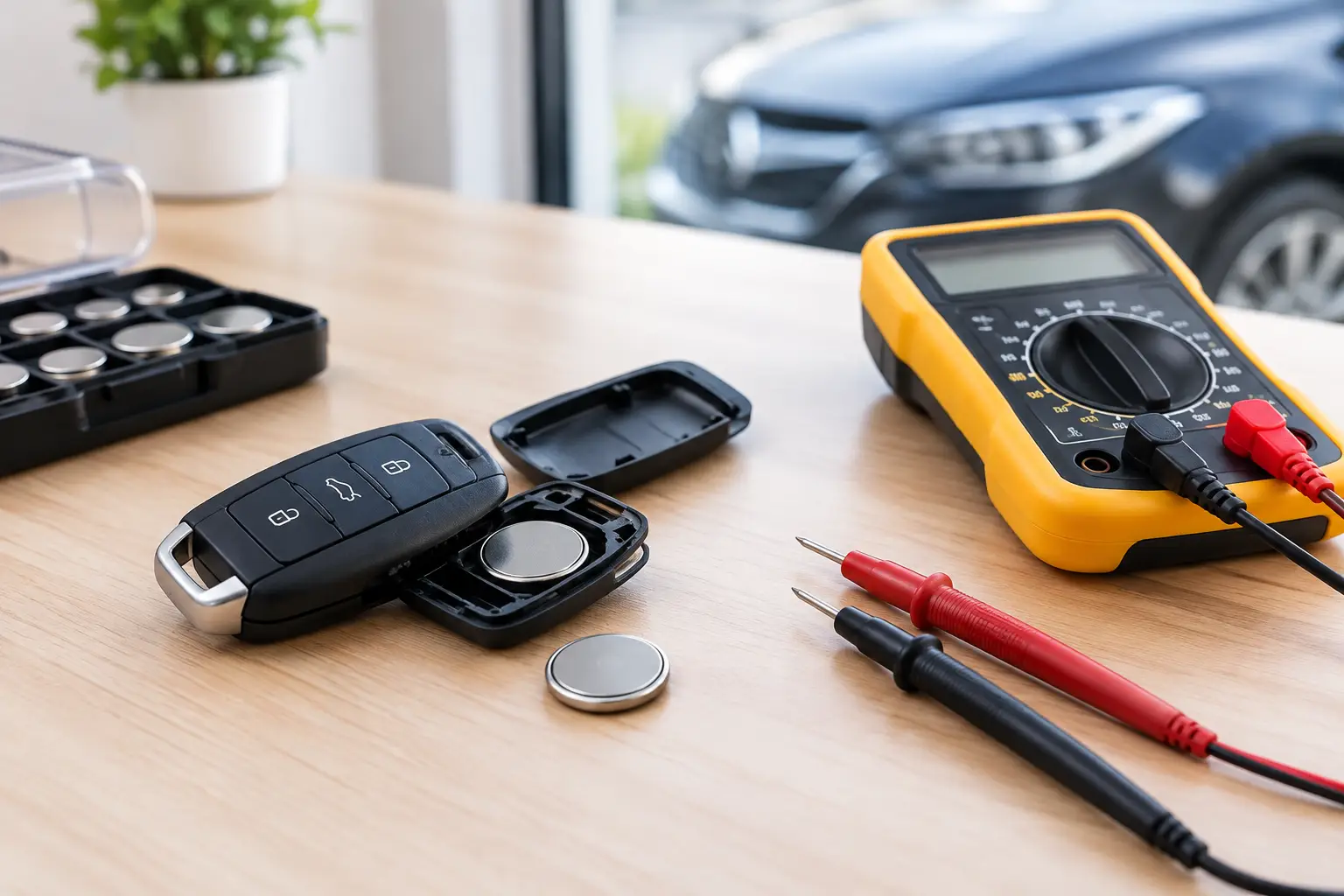
How to Test Car Remote Battery Drain Properly
A remote that works perfectly one week and is flat the next is more than an inconvenience. When you need to test car remote battery drain, the aim is to separate a worn battery from a fault inside the fob before ordering parts or assuming the vehicle is at fault. A basic check can often reveal whether the problem is a sticking button, moisture damage, poor battery contact or a remote that needs professional attention.
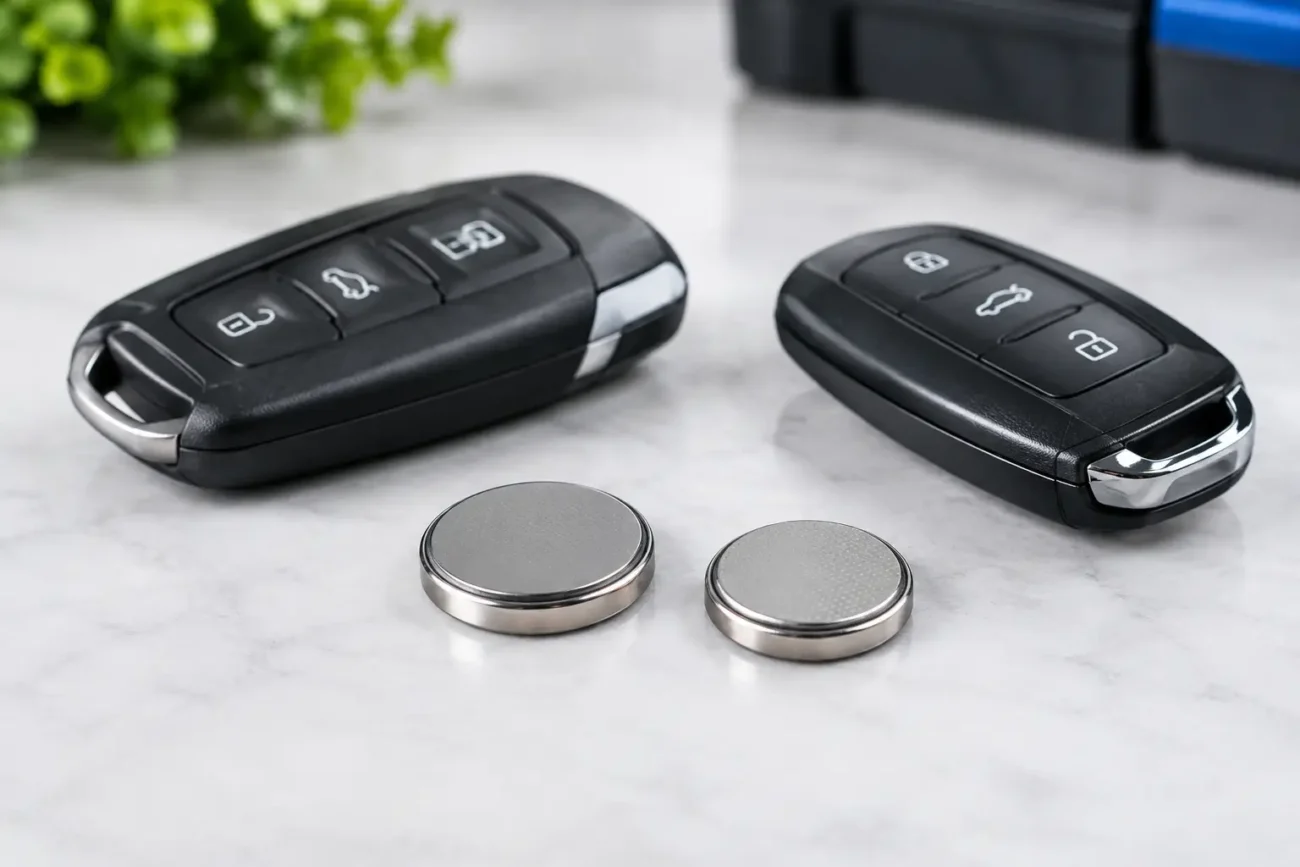
Most car remotes use a small lithium coin cell, commonly a CR2032, CR2025 or CR2016. They are compact, reliable and inexpensive, but their capacity is limited. A healthy remote should normally run for years on a good-quality battery. If it is consuming cells every few weeks or months, something is drawing current when it should be dormant.
Signs your car remote is draining batteries
A flat battery is not always evidence of excessive drain. A coin cell may have been on a shelf for a long time, fitted the wrong way round, or be a poor-quality replacement. Start by fitting a fresh, correctly specified battery from a known source and note the date.
Repeated short battery life becomes more suspicious if the remote feels warm, the LED stays on, buttons feel stiff or inconsistent, or the vehicle only responds when the fob is very close. Corrosion around the battery terminals and signs of liquid ingress also deserve attention. On a smart key, intermittent passive entry or a warning message on the dashboard may accompany the problem, although the car’s own receiver and aerial system can also cause similar symptoms.
A quick practical test is to remove the battery overnight. If the battery measures healthy when removed but drops quickly once refitted, the remote is likely drawing current internally. If the fob has an LED, watch it in a dark room after pressing and releasing each button. Any lingering light suggests that the switch or circuit may not be returning to its resting state.
What you need before testing
For a useful battery-drain test, use a fresh battery of the correct type, a digital multimeter capable of measuring low DC current, and a non-metallic trim tool or small screwdriver suitable for opening the case. A magnifier and good lighting make it easier to inspect button pads, terminals and the circuit board.
Check the remote’s battery specification before opening it. The number printed on the old cell is a starting point, but it is better to confirm the stated battery type for that particular fob. Similar-looking coin cells can have different thicknesses. A thinner cell may lose contact, while forcing a thicker one into place can damage the holder or case.
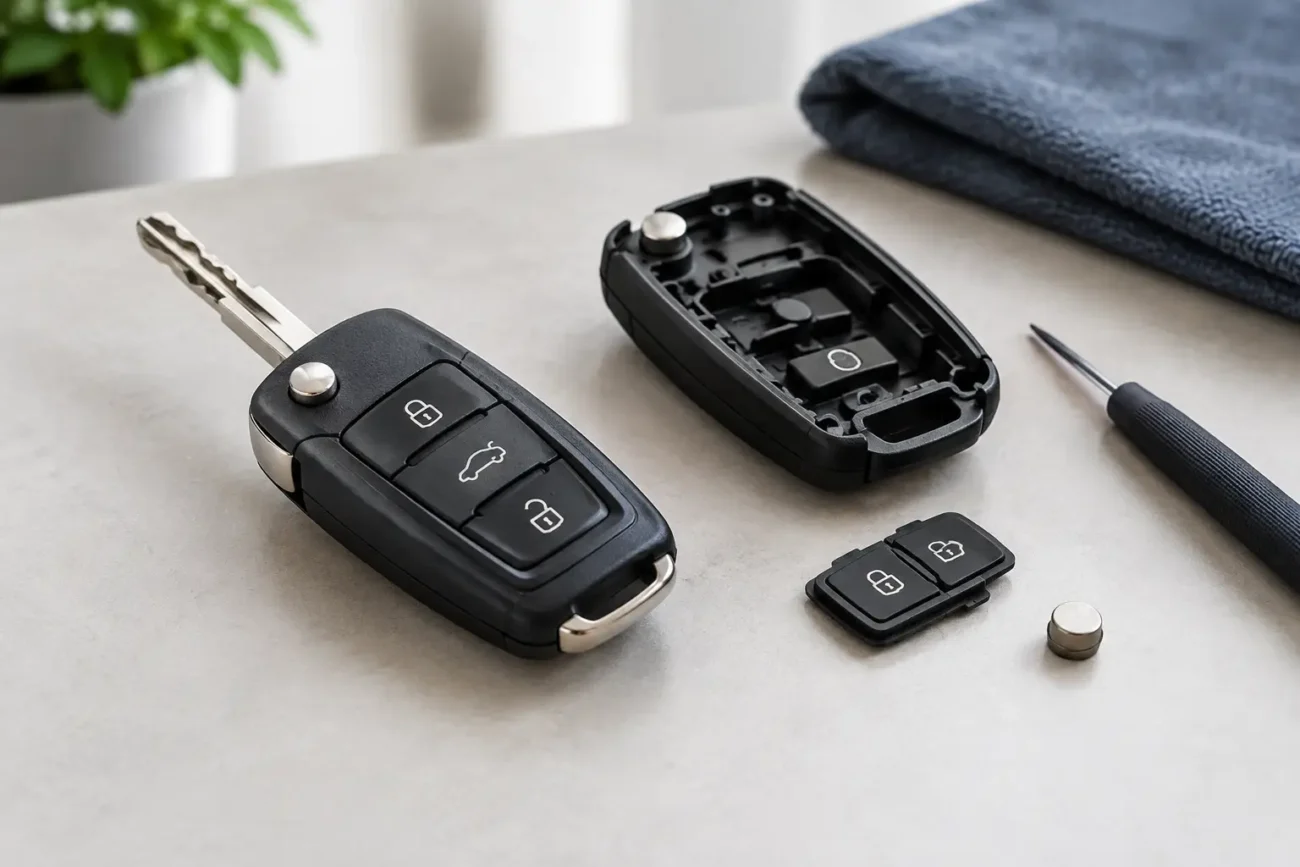
Take care when opening the shell. Many remote housings use clips that can break if levered aggressively. If the outer case is damaged but the electronics are sound, a replacement shell can be a sensible repair. Transfer only the existing board, transponder where applicable, battery and blade components according to the shell design. Do not discard any small chip or loose component from the original key.
How to test car remote battery drain with a multimeter
A multimeter can measure the current the remote draws from its battery, but it must be connected in series, not placed directly across the battery terminals. Connecting a meter set to current across a coin cell can effectively create a short circuit, blow the meter fuse or damage the battery.
Remove the battery from the fob and set the meter to its highest DC current range first. Connect one probe to the battery contact in the remote and the other to the relevant side of the battery, creating a temporary path through the meter. The exact arrangement depends on the shape of the holder, so use insulated leads or a simple adaptor if necessary. Ensure the probes do not touch each other or bridge both battery contacts.
With no button pressed, a conventional remote should show an extremely small standby current. The precise reading varies by design and meter resolution, but it should be low enough that a coin cell lasts a long time. A reading that remains noticeably high at rest points to a fault. Pressing a button should create a brief increase as the fob transmits, then return to its low resting level when released.
Smart keys and proximity remotes need more context. Some are designed to wake periodically or communicate when close to the vehicle, so the display may fluctuate rather than sit at one perfectly fixed figure. Test the key away from the car, ideally several metres from it, then compare the resting behaviour with the fob placed close by. A key that continuously wakes or transmits may drain its battery faster, but diagnosis can be more involved than with a standard three-button remote.
If your meter cannot resolve very low current accurately, use it as a comparison tool. Measure the remote at rest, press and release each button, then see whether the reading settles back down. A current draw that stays elevated after one particular button is released is useful evidence of a sticking switch or contaminated button pad.
Check the common causes before replacing the remote
The most frequent cause is mechanical. A worn rubber button pad can hold a switch partly pressed, especially on unlock, boot-release or panic buttons that receive regular use. Dirt around the button, a distorted case, or a key ring pressing against the fob can have the same effect. Remove the key from anything that could lean on the buttons and repeat the test.
Moisture is another common culprit. Rain, a dropped drink or condensation can leave mineral deposits on the board, creating unwanted electrical paths. Look for white, green or sticky residue around the battery holder and switches. If there is obvious corrosion, a replacement board or replacement remote is often more reliable than repeatedly cleaning a badly affected unit.
Battery contacts deserve close inspection. They should be clean, springy and firmly touch the cell. Loose contacts generally cause intermittent operation rather than battery drain, but they can lead owners to replace batteries unnecessarily. Do not bend them excessively, as coin-cell holders are easy to damage.
Also consider where the key is kept. Passive-entry keys left beside the vehicle, on a hallway table close to the drive, may wake more often than keys stored further away. This does not usually flatten a good battery immediately, but it can reduce service life. Keeping the spare key away from the vehicle is a sensible comparison test if both remotes appear to be using batteries quickly.
When a battery test points to an internal fault
If the resting current remains high after cleaning around the buttons, checking the case and fitting a correct fresh battery, the fault is likely on the remote’s circuit board. Damage to a microswitch, radio component or water-affected track can keep the fob active. At that point, replacing only the battery will not solve the underlying issue.
The right replacement route depends on the key type. For some vehicles, a replacement shell restores damaged buttons without changing the electronic board. For others, a replacement remote board or complete remote is required and may need programming to the vehicle. Smart keys, proximity fobs and many modern remote units should be selected carefully using the original part number, frequency, button layout, blade type and chip details where stated.
Frequency is particularly important. Two remotes may look identical yet operate on different frequencies or use different electronics for the same vehicle range. Always check the markings on the original unit and the fitment information before ordering. A new remote may also require programming equipment and the correct procedure for the vehicle, so garages, locksmiths and key professionals should confirm the technical requirements before booking the job.
Avoid false results during testing
Coin-cell voltage alone does not tell the full story. A battery can show close to its nominal voltage with no load, then collapse when asked to transmit. Test with a fresh cell if possible, rather than diagnosing a fob from an unknown old battery. Equally, avoid repeatedly pressing the remote during tests, as every transmission takes a small amount of energy.
Do not leave a dismantled fob with a loose battery on a metal bench. Keep the cell away from tools, coins and screws, and dispose of old batteries through a suitable battery recycling point. If the battery has leaked, avoid touching residue with bare hands and clean the work area before fitting a replacement.
For trade users, recording the resting current, button-press current and physical condition of the board provides a clearer basis for a repair recommendation. It prevents a customer being supplied a new shell when the actual issue is electronic, while also avoiding an unnecessary programmed replacement where a damaged button pad is the real cause.
A remote battery should be a routine maintenance item, not a monthly expense. Test the fob methodically, check the physical condition before replacing components, and match any replacement battery, shell or remote to the original specifications. For compatible car key parts and battery options, Global Keys Direct can help keep the repair focused, cost-effective and correctly specified.
Add a review
Your email address will not be published. Required fields are marked *