
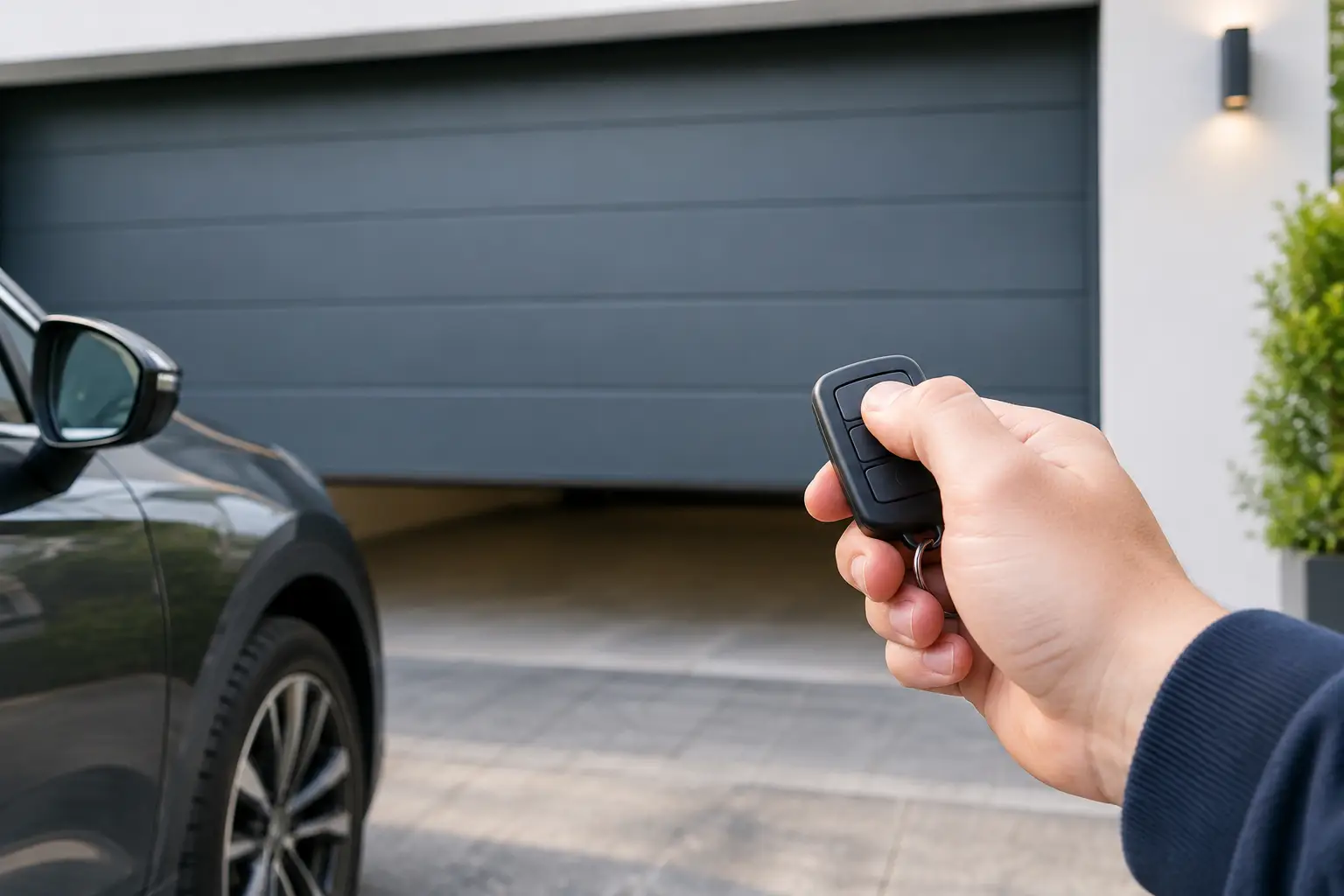
Garage Remotes: How to Choose the Right One
A garage door remote tends to fail at the worst possible moment: when it is raining, when you are late for work, or when you have arrived home with shopping in the car. The good news is that replacing garage remotes is often straightforward, provided you identify the correct type before ordering. A remote that looks nearly identical can still use a different frequency, coding system or receiver protocol.
For homeowners, the priority is restoring reliable access without paying more than necessary. For installers, locksmiths and trade buyers, the priority is sourcing a compatible transmitter quickly, with clear technical information and dependable stock. In both cases, compatibility comes before appearance.
What Makes Garage Remotes Compatible?
Garage remotes communicate with a receiver connected to the garage door opener or gate control unit. Pressing a button sends a radio signal, and the receiver checks whether that signal is recognised before operating the motor. The transmitter is only one half of the system, which is why matching its case shape or number of buttons is not enough.
The key details are the frequency, coding type, button configuration and receiver compatibility. Brand and model references are equally useful, especially where a manufacturer has produced several generations of remotes with similar-looking housings.
A single-button remote may operate one garage door, while a two- or four-button unit could control separate doors, gates or lighting. Extra buttons do not automatically make a remote suitable for every system. They need to be compatible with the receiver and correctly assigned during authorised programming.
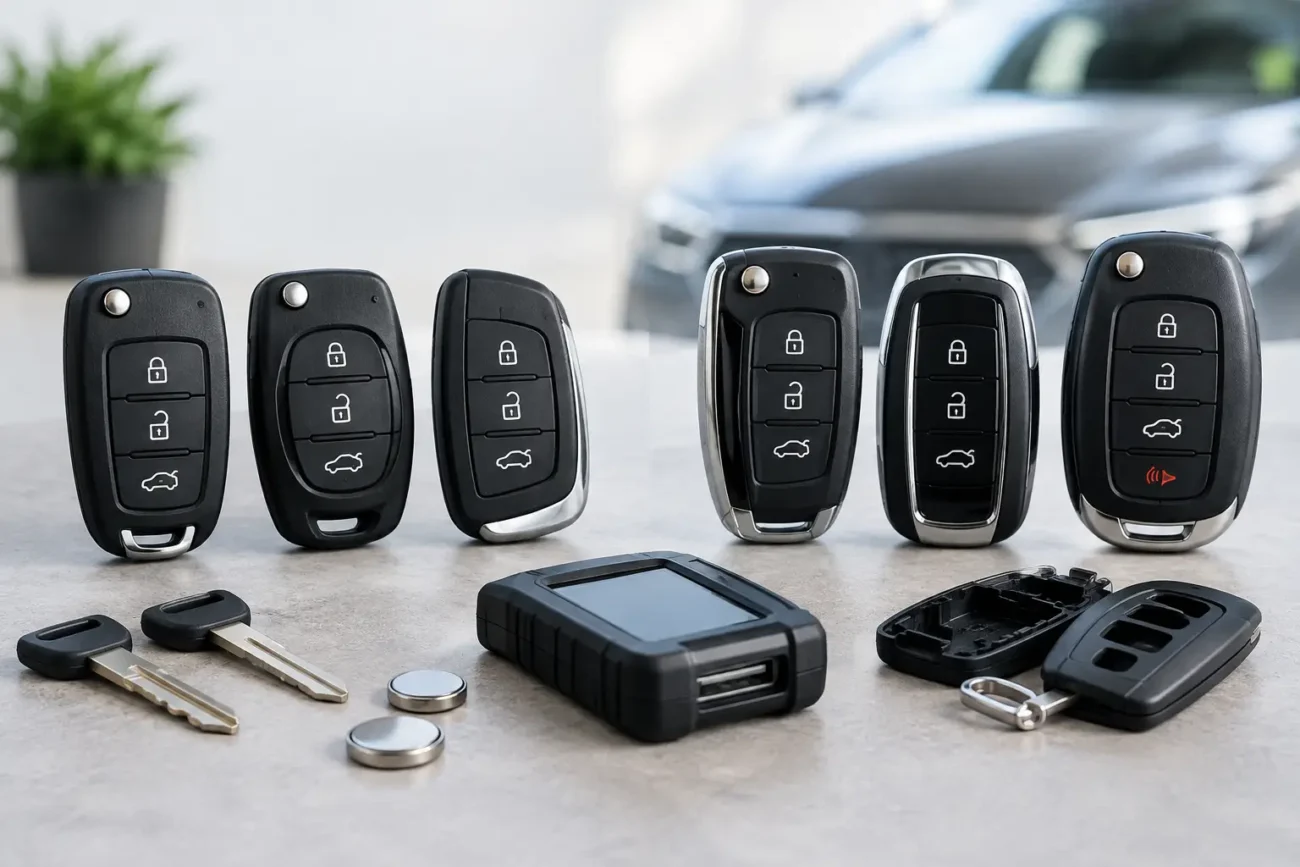
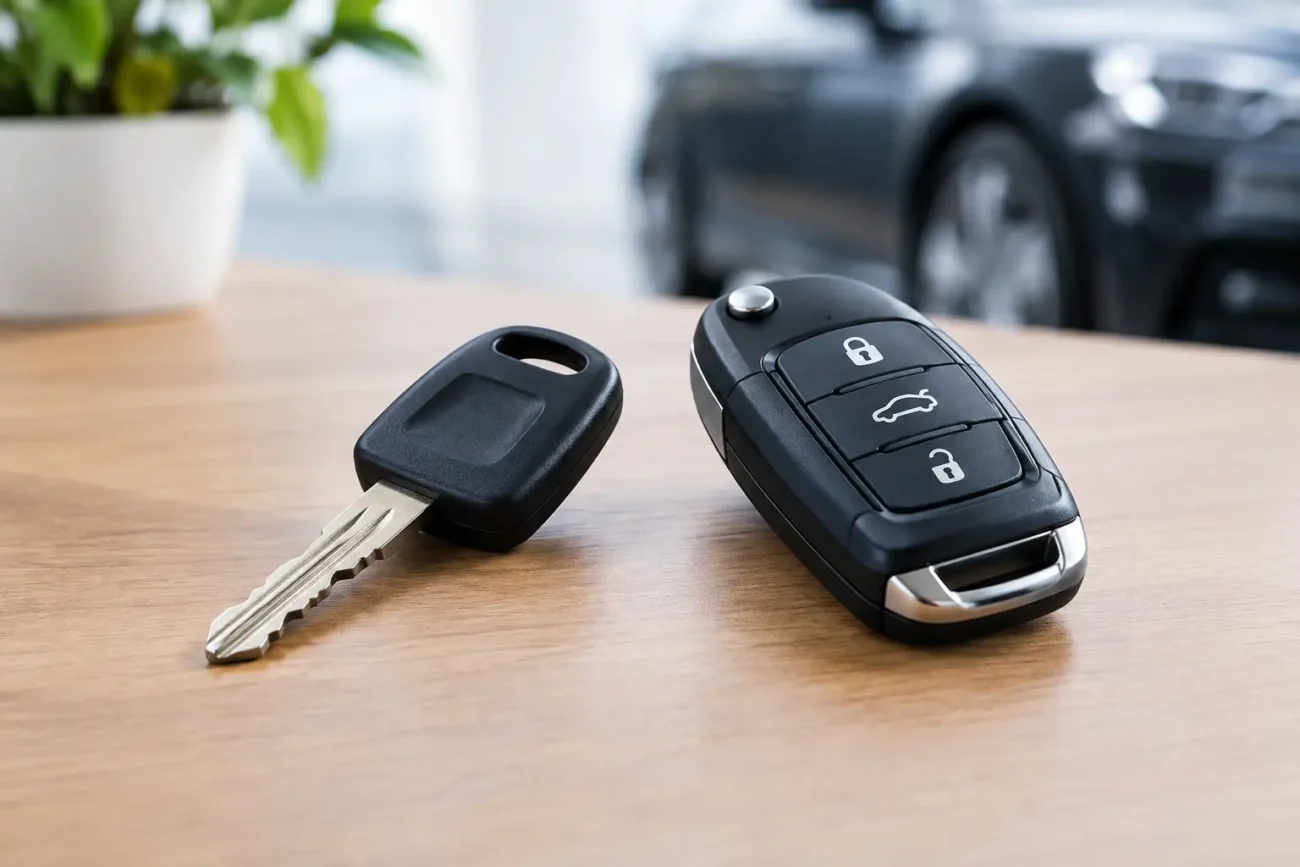
It is also worth separating garage and gate transmitters from car key remotes. Both may be described as fobs or remote controls, but they operate different systems and use different technologies. A car remote is normally paired to a vehicle’s central locking or immobiliser system, whereas a garage transmitter communicates with a dedicated door or gate receiver.
The Details to Check Before You Buy
The quickest way to avoid an incorrect order is to inspect the existing working remote, if one is available. Look for a label on the rear, inside the battery compartment, or beneath the casing. Manufacturer name, model number, frequency and serial references can all narrow the choice considerably.
If the old transmitter is lost or too damaged to read, check the garage door motor housing or the separate receiver unit. In many installations, the receiver is mounted near the motor, control panel or gate operator. The installer’s paperwork may also state the transmitter model or system range.
Frequency is a major identifier. 433.92 MHz and 868 MHz are common across UK garage and gate systems, but they are not interchangeable. Even two remotes marked 433.92 MHz may be incompatible if they use different coding formats. Ordering by frequency alone is therefore a gamble rather than a reliable compatibility check.
Coding technology matters just as much. Older systems may use fixed code settings, sometimes identified by small DIP switches within the transmitter. More recent systems commonly use rolling code technology, where the transmitted code changes after each use to improve security. A fixed-code replacement may be copied or configured differently from a rolling-code transmitter, which normally needs to be added to the receiver through the manufacturer-approved process.
Before purchasing, confirm these points:
- the make and exact model of the existing remote or receiver;
- the stated frequency and, where available, coding series;
- the number of buttons and what each button needs to operate;
- whether the remote is intended for a garage door, gate, barrier or combined system;
- whether you have authorised access to the receiver for pairing a new transmitter.
For trade buyers dealing with a customer’s installation, clear photographs of the remote label and receiver markings can prevent wasted time. For homeowners, supplying these details when seeking product advice is far more useful than simply describing the remote as black, grey or square.
Why Button Layout Still Matters
Button layout is not merely cosmetic. A three-button transmitter might be a multi-channel unit designed for three separate receivers, while another three-button version could use a different code family entirely. The position, colour and symbols on the buttons can help identify a model, but part numbers and frequency markings should carry more weight.
If you only need to open one door, a compatible single-channel remote may be the practical choice. If one handset currently controls a garage, driveway gate and communal barrier, replacing it with the wrong channel count could leave part of the system inaccessible. Consider how the current remote is actually used before selecting a replacement.
Original-Style, Compatible and Universal Options
There is no single best replacement type for every installation. The appropriate choice depends on the receiver, the level of convenience required and whether you need a direct replacement or an additional handset.
An original-style replacement is designed to match a specific remote family. This is often the simplest route where the part number is known and the product description confirms the relevant receiver range. It can be particularly useful when you want the same button layout and operation as the existing unit.
Compatible aftermarket remotes are built to work with listed systems but may have a different casing, button finish or LED position. They can offer good value where technical compatibility is clearly stated. As with any replacement remote, confirm the precise listed model references rather than relying on a general brand match.
Universal garage remotes can be useful for supported fixed-code systems or specified receiver ranges. Their flexibility is appealing, especially for installers carrying stock for varied jobs. The trade-off is that universal does not mean suitable for every garage or gate. Rolling-code systems, proprietary receiver platforms and newer encrypted systems may require a dedicated compatible transmitter instead.
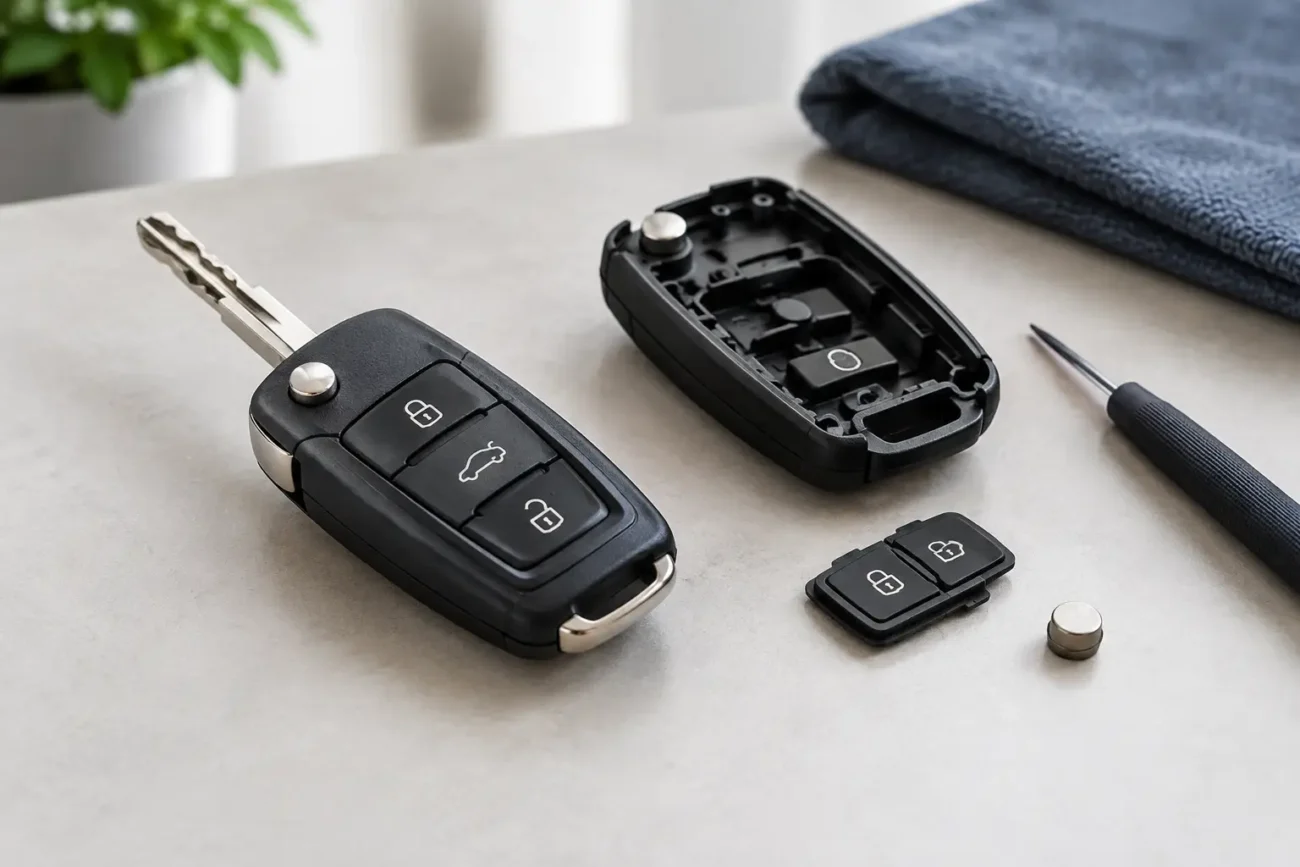
A replacement shell is a separate solution again. If the electronics still work but the buttons are split, the keyring loop has broken or the case is badly worn, moving the circuit board into a suitable new shell may restore the remote’s usability. This option only applies when the internal board, battery contacts and buttons remain serviceable. It does not resolve a failed transmitter, water damage or a compatibility issue.
Common Faults That Are Not a Remote Problem
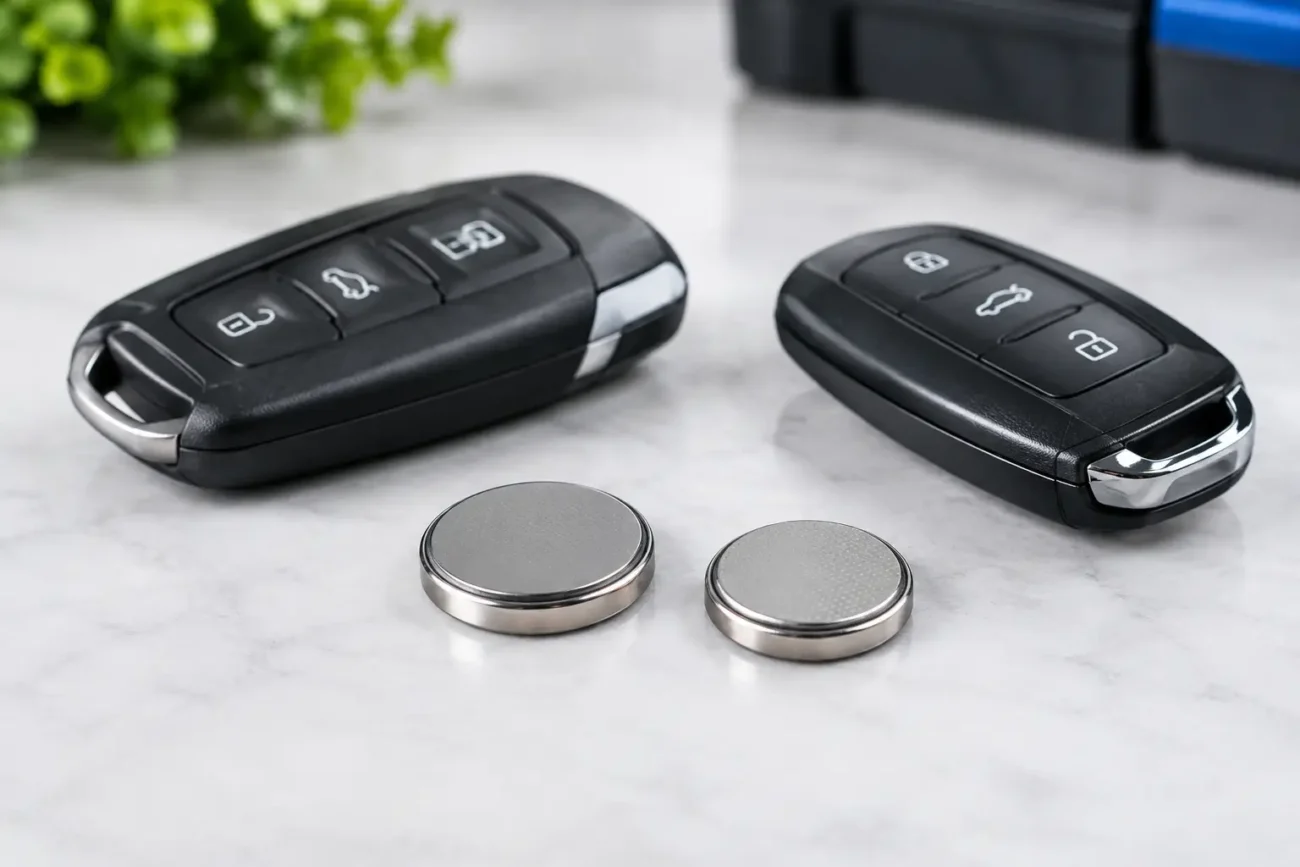
A remote that stops working is not always faulty. Start with the battery. A weakened battery can reduce operating range before the handset fails completely, so needing to stand unusually close to the garage is a useful warning sign. Check the battery reference printed on the cell and replace it with the correct type, fitted with the correct polarity.
If a fresh battery makes no difference, inspect the casing and buttons. Repeated use can wear through rubber button pads, crack solder joints or allow moisture into the board. A remote dropped on a hard driveway may look intact while suffering internal damage.
The receiver and garage door operator also need consideration. If every authorised remote has stopped working, the fault is more likely to be with the receiver, power supply, motor control unit or door system than with each transmitter. If only one remote has failed while others still operate normally, a replacement handset is the more likely answer.
Interference can occasionally affect radio remotes as well. This may be intermittent and can be difficult to diagnose, particularly around busy residential areas or commercial sites with multiple wireless devices. Do not assume interference is the cause until battery condition, remote operation and receiver status have been checked.
Pairing a Replacement Safely
The method for adding garage remotes varies by manufacturer and receiver generation. Some systems require a learn function at the receiver, while older fixed-code units may need their code settings matched. Use the correct instructions for the specific opener or receiver and only programme transmitters for systems you own or are authorised to maintain.
Avoid deleting receiver memory or changing settings unless you understand the effect on every user. This is particularly important for shared garages, blocks of flats, commercial barriers and gated developments, where a reset may remove access for other authorised users. In those cases, the property manager, installer or system administrator may need to approve and add the remote.
For professional users, keeping a record of the receiver model, remote part number, frequency and date of supply makes repeat work quicker and helps maintain an accurate audit trail. For household users, retaining the remote instructions and taking a photo of the receiver label can save time when another spare is needed later.
Buy on Specification, Not Guesswork
A low-cost garage remote is only good value if it works correctly with the installed system. The most efficient purchase is one based on confirmed identification details, not a visual guess or a frequency match alone. Check the product fitment information carefully, including listed model numbers, coding type, frequency and button layout.
Global Keys Direct supplies garage and gate remote options alongside specialist key products, with the compatibility-focused information buyers need to identify suitable replacements. Whether you are replacing a worn household transmitter or sourcing stock for regular customer jobs, accurate details lead to faster ordering and fewer avoidable returns.
Keep one working spare remote in a safe place once the replacement is set up. It is a small precaution that can turn the next lost, damaged or flat-battery handset from an urgent access problem into a simple replacement job.
Add a review
Your email address will not be published. Required fields are marked *