
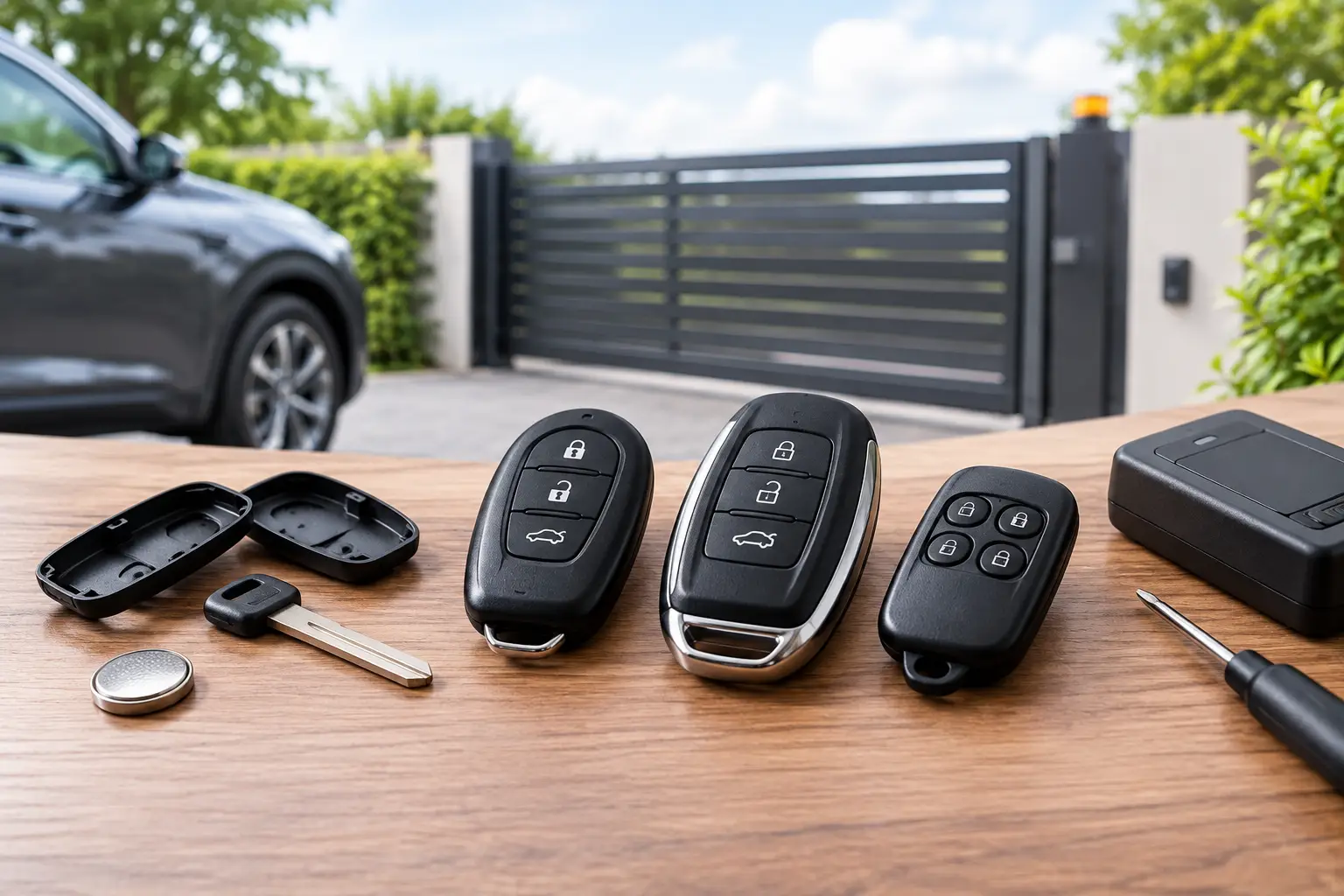
Gate Remotes: Choosing the Right Replacement
A gate remote that stops working is more than a minor inconvenience. It can leave you waiting outside your driveway, unable to access a shared car park, or relying on a manual release when time is short. The right replacement is usually straightforward to source, but gate remotes are not interchangeable. Frequency, coding method, button layout and receiver compatibility all need to match.
For homeowners, landlords, facilities teams and trade professionals, the aim is simple: restore dependable access without paying for the wrong remote or creating an avoidable programming problem. A little checking before ordering saves time, postage and frustration.
Why gate remote compatibility matters
Most automatic gates, barriers and garage systems use radio transmitters to send a coded signal to a receiver. Pressing a button on the remote sends that signal, and the receiver opens, closes or stops the gate according to its programmed function.
Two remotes can look nearly identical yet operate on different frequencies or use completely different coding systems. A 433 MHz transmitter, for example, will not necessarily work with every 433 MHz receiver. Matching frequency is only one part of the decision. The remote must also use a compatible protocol and be accepted by the existing receiver.
This is why the safest starting point is the remote already in use. Check its brand, model number, frequency marking, number of buttons and any coding information printed on the case or circuit board. If the original has been lost, inspect the gate control panel or receiver unit, where the manufacturer and model reference may be shown.
The details to check before buying gate remotes
Compatibility information should be treated as a checklist rather than a guess. The more identifiers you can match, the more confident you can be that a replacement is suitable.
Frequency and transmission type
Frequency is normally marked in MHz, with 433.92 MHz and 868 MHz among the common options for gate and garage remotes in the UK. It is a crucial detail, but it is not enough on its own. Products operating on the same frequency can still use incompatible radio formats.
Where possible, match the stated frequency exactly. Do not assume that a remote described as universal will work simply because its frequency appears close to that of the original transmitter.
Fixed code, rolling code and learning remotes
Fixed-code remotes transmit the same stored code each time a button is pressed. Some can be copied from a working remote, depending on the original system and the remote design. Rolling-code systems change the transmitted code after each use, providing a higher level of access control. They generally need to be enrolled to the receiver using the manufacturer-approved process rather than copied button to button.
A learning remote may need to be added directly at the receiver, while another model may require access to a programming button within the control box. The correct method depends on the installed equipment. Always follow the receiver or gate operator instructions, and only programme remotes where you are authorised to manage access.
Button count and function
A one-button remote may be all that is needed for a single driveway gate. Multi-button transmitters are often used where separate entrances, garage doors, barriers or pedestrian gates are controlled from one handset.
Match the number of buttons and their intended functions where possible. A four-button remote is not automatically a better replacement for a two-button unit if the receiver is only configured for two channels. Equally, trade buyers replacing a multi-channel transmitter should confirm which button operates which entrance before handing over the replacement.
Model reference and receiver brand
The model reference is one of the strongest compatibility indicators. It may appear on the rear label, beneath a battery cover or inside the casing. Take care when comparing names that differ by only a letter, number or frequency suffix, as these can represent a different generation or coding system.
Receiver brand and operator model are also valuable. If you have access to the installation paperwork, retain it. It can help identify the correct remote, the appropriate enrolment method and any limits on the number of transmitters the system can store.
When a replacement remote is the right answer
A complete replacement is often the most sensible choice when the original casing is cracked, buttons have worn through, the circuit board has been damaged, or the transmitter has been lost. It is also useful to keep a spare in a second vehicle or with a trusted family member, provided the access arrangement permits it.
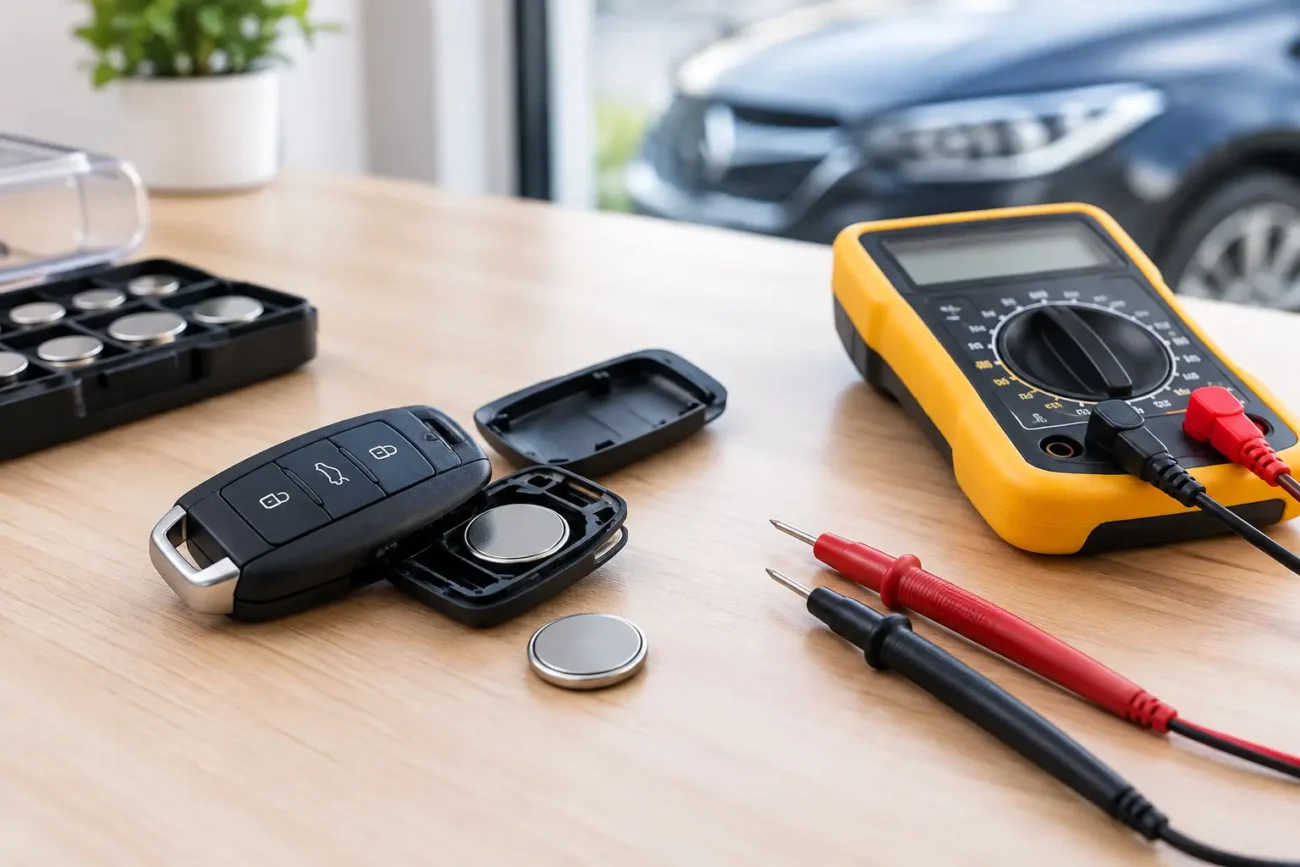
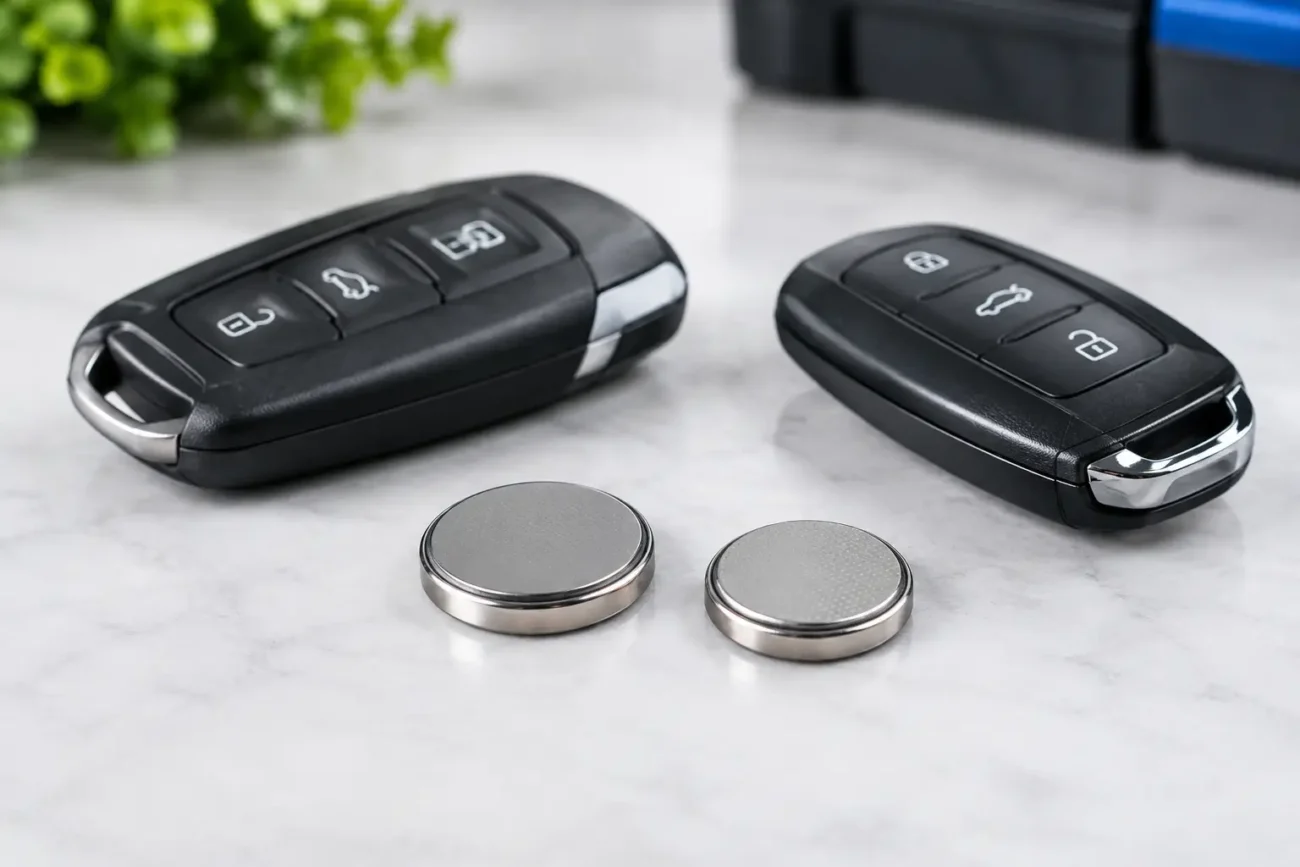
However, not every fault means the remote itself has failed. A weak battery can reduce operating range or cause intermittent response. Before replacing the handset, check whether the LED indicator lights when a button is pressed and fit the correct battery type if needed. Battery references vary, so use the marking on the existing cell or the remote specification rather than selecting by appearance alone.
If a new battery makes no difference, consider whether the problem affects one remote or every remote on site. If all transmitters have stopped working, the issue may be with the receiver, power supply, gate operator or antenna rather than the handset. A replacement remote will not resolve a fault within the automation system.
Original-style replacements, compatible remotes and universal options
There are several routes when replacing a gate transmitter. An original-style replacement is designed around a specific remote family and is typically the simplest option when you can identify the exact model. A compatible replacement may provide the same required function at a more economical cost, but its stated suitability must be checked carefully against your existing equipment.
Universal remotes can be useful in selected situations, particularly for common fixed-code systems. Their flexibility does not mean they suit every installation. They may not support rolling-code protocols, encrypted systems or every receiver manufacturer. For a controlled-access site, choosing a specifically compatible remote is usually the more predictable route.
The trade-off is between convenience and certainty. A universal option may be attractive for an older, well-identified fixed-code unit, while a model-specific transmitter is generally preferable where the system uses rolling code, multiple channels or a specialist receiver.
Programming without unnecessary risk
Programming requirements should be confirmed before the remote is ordered, especially where access to the gate controller is restricted. Some systems allow a new transmitter to be added from an existing authorised remote. Others require the receiver’s learn button to be pressed, which may involve opening a secure control cabinet.
For shared residential gates, commercial premises and managed car parks, access control should remain with the person or organisation responsible for the site. Do not reset a receiver or erase stored remotes unless you understand the effect on all authorised users. A reset can remove every programmed transmitter and create an immediate access issue for residents, staff or visitors.
Professional installers and locksmiths should also confirm the customer’s authority to request additional remotes before programming. Clear records of remote numbers, users and site channels make future replacements faster and help maintain sensible control over access.
Common signs you have selected the wrong remote
An incompatible remote often gives clear clues. The indicator light may work, but the gate does not respond at all. It may operate only at very short range, trigger a different function than expected, or fail to enter the receiver’s learning mode.
Before assuming the new remote is faulty, recheck the basics: frequency, coding type, receiver model, button allocation and battery condition. Compare the physical markings on the old and new transmitters rather than relying solely on similar photographs or casing shape.
If the original remote still works, keep it available until the replacement has been tested and enrolled. It is the best reference point for confirming the correct function and avoids unnecessary disruption if further information is needed.
A practical buying approach
Start by photographing both sides of the original remote and noting every visible reference. Record the frequency, button count and battery type. Next, identify whether the system uses fixed code or rolling code, and establish whether the replacement will need copying, receiver enrolment or installer programming.
For installations with more than one entrance, label the existing functions before making any changes. This small step prevents confusion when a replacement has multiple buttons. If the remote has no readable marking, inspect the receiver and consult the installation documentation rather than ordering based on appearance alone.
Global Keys Direct stocks a broad selection of replacement remote solutions alongside batteries and key-related products, helping buyers source practical parts with UK delivery in mind. As with any access transmitter, check the product fitment details against the original remote and installed receiver before purchase.
A correctly chosen gate remote should feel uneventful: the right button, the expected response and reliable access when you need it. That outcome starts with identifying the system properly, not with choosing the remote that merely looks closest.
Add a review
Your email address will not be published. Required fields are marked *