
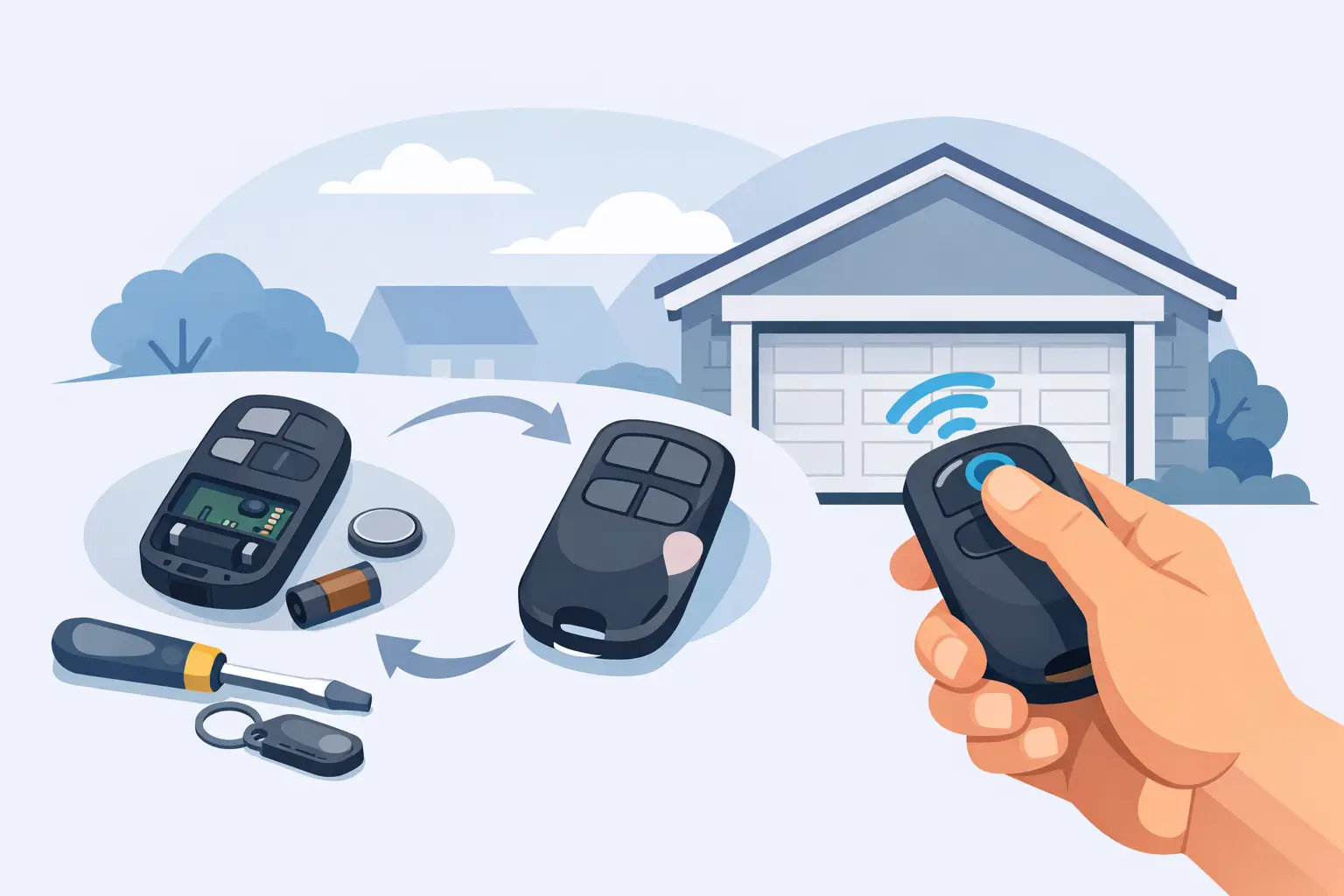
Garage Door Remote Replacement Guide
When your garage remote stops working, gets crushed in a cup holder, or simply vanishes between the car seats, the problem is rarely the door itself. Most garage door remote replacement issues come down to one of three things – a flat battery, the wrong remote, or a coding mismatch. Getting it right first time saves wasted spend and avoids the common mistake of buying a handset that looks correct but will never pair with your system.
For most buyers, the fastest route is to identify exactly what the existing remote is transmitting and what the receiver will accept. That means checking brand, model reference, frequency, button layout and coding type before you order. For trade buyers, the same rule applies, but with an extra layer of caution around rolling code systems, cloned remotes and older fixed code installations that may still be in service on domestic and light commercial sites.
How garage door remote replacement works
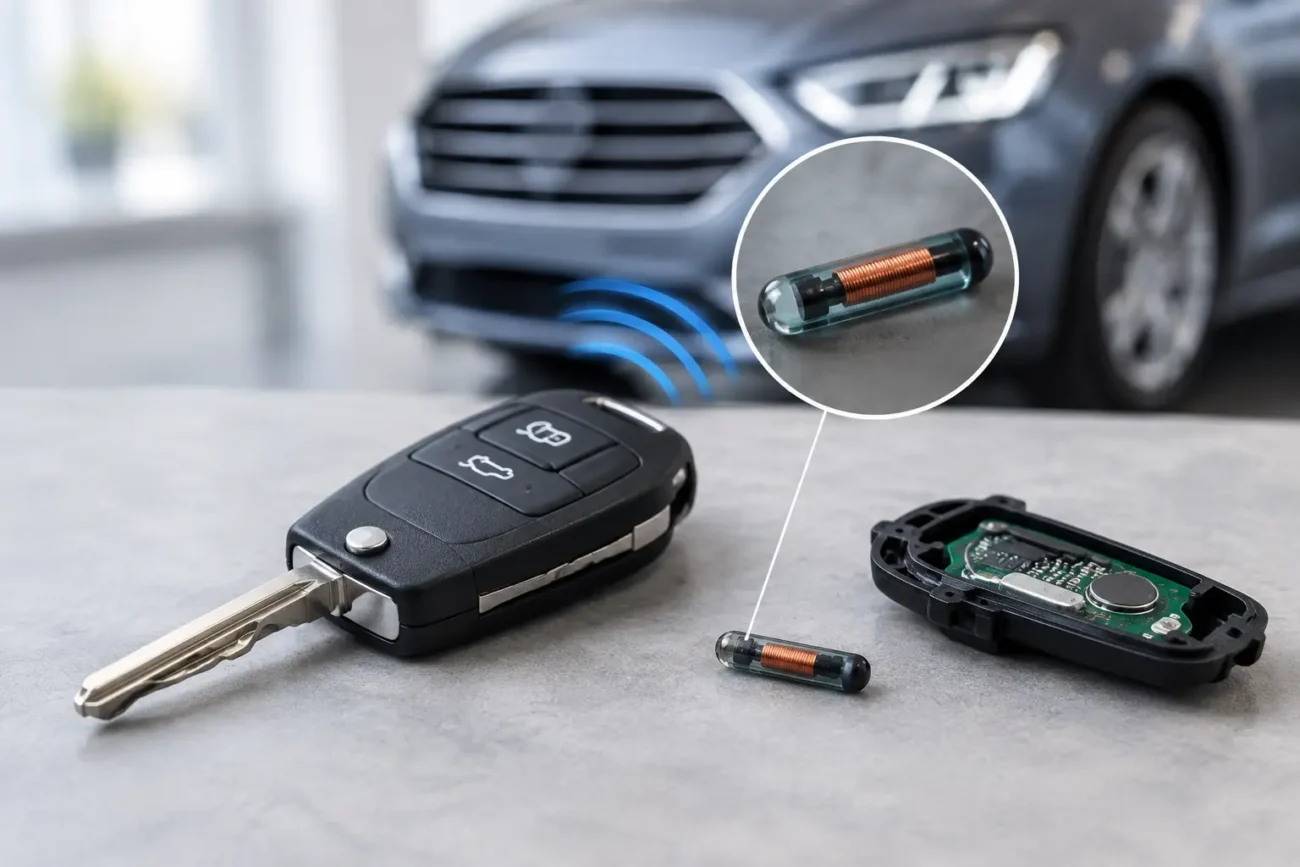
A garage remote is not a universal switch. It sends a coded radio signal to a compatible receiver, and the receiver only responds if that signal matches what it is programmed to recognise. Two remotes can look almost identical on the casing and still be completely incompatible because they use different frequencies, chipsets or code protocols.
This is why visual matching alone is risky. A buyer may find a remote with the same number of buttons and the same shape, but if the original works on 433.92 MHz rolling code and the replacement is fixed code or a different frequency, pairing will fail. On some systems, the board version inside the remote also matters, especially where manufacturers have revised internals while keeping a familiar outer shell.
In practical terms, garage door remote replacement means replacing like for like where possible, or selecting a fully compatible aftermarket alternative that supports the same transmission standard. If the original remote is obsolete, you may need either a suitable replacement receiver or a remote-and-receiver kit rather than a handset on its own.
What to check before buying a replacement remote
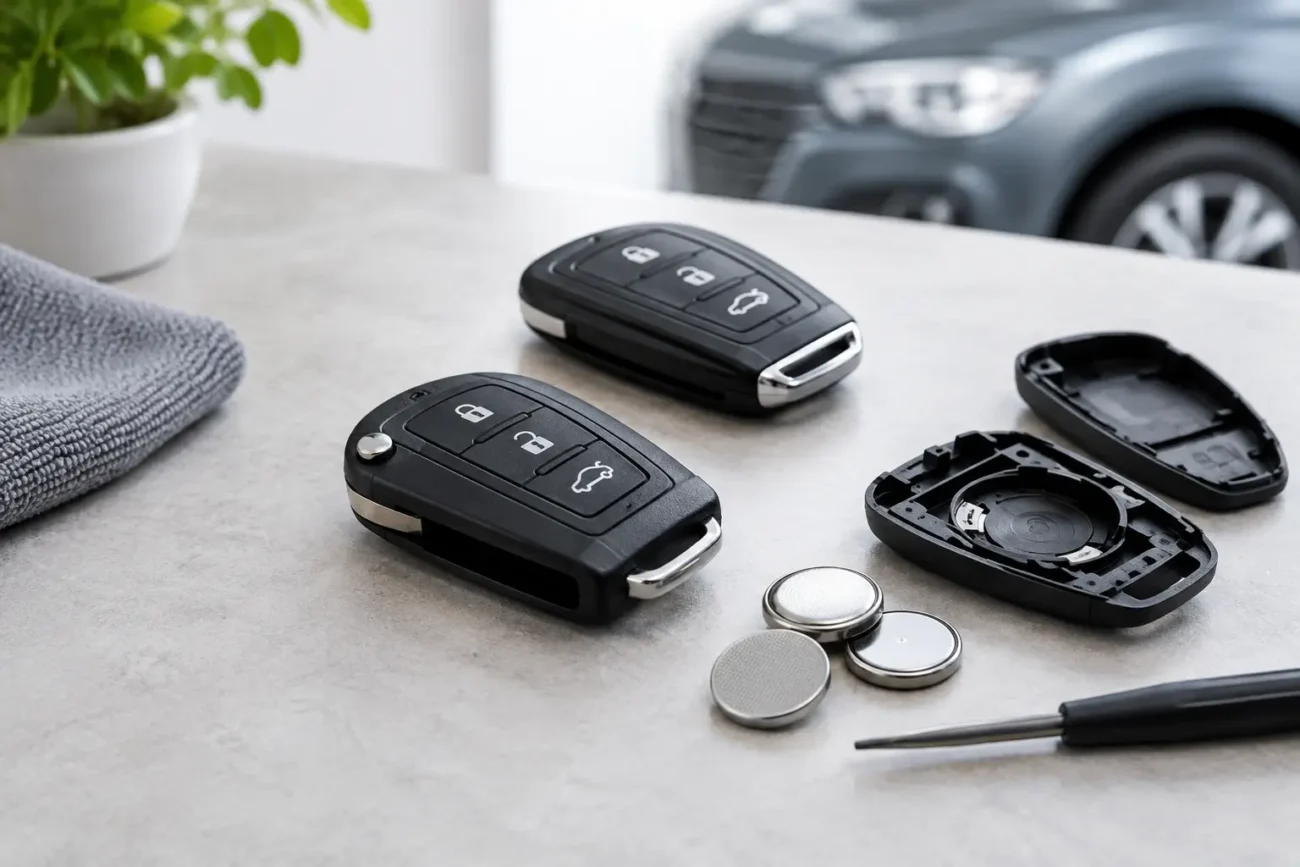
The product code is usually the best starting point. If the original handset still exists, open the casing if necessary and check for a model number on the front label, rear label or PCB. Frequency markings are often printed inside. Common frequencies include 433.92 MHz and 868 MHz, but there are others, so assumptions cause problems.
Button count matters, but only as a secondary check. A two-button remote may operate one garage door and one gate, or just a single channel with a spare button disabled. Matching the layout helps, but it is not enough on its own. You also need to check whether the remote uses fixed code, rolling code or dip switch coding. Older remotes with dip switches can often be copied by matching the switch positions exactly. Newer rolling code remotes generally require programming to the receiver and cannot simply be cloned by appearance.
If the original remote is missing altogether, inspect the motor unit or receiver box. The receiver make and model can often tell you what remotes are supported. For installers and locksmiths, this is often faster than trial-and-error ordering, especially on sites where the customer has no paperwork and the original handset disappeared years ago.
Fixed code, rolling code and why it matters
Fixed code systems transmit the same stored code every time you press the button. They are straightforward to replace when the code format is known, and older systems may allow direct duplication. They are also less secure than modern alternatives, which is why many newer setups moved away from them.
Rolling code systems change the transmitted code each time the remote is used. The receiver stays in sync by recognising the next valid code in sequence. This improves security, but it also means garage door remote replacement is more model-sensitive. You usually need a compatible remote that is then enrolled to the receiver using a programming button or a specific learning procedure.
For buyers, the trade-off is simple. Fixed code can be easier and cheaper to replace on legacy systems, while rolling code offers better security but demands closer compatibility checks. For professional users, that means confirming protocol support, not just frequency.
Can you use a universal garage remote?
Sometimes, yes. Sometimes, absolutely not.
Universal remotes can be a good option when they are designed to support a defined range of brands, frequencies and code types. They are particularly useful for trade buyers handling common installations, because they reduce the need to stock multiple low-volume originals. But universal does not mean every remote for every system. It means compatible within a stated technical range.
This is where product detail matters. A dependable listing should tell you exactly which brands, frequencies or coding families are supported. If that information is vague, caution is sensible. A proper replacement remote should be sold on compatibility evidence, not on a generic claim that it fits most doors.
Common reasons a replacement remote will not pair
The most frequent issue is that the remote is simply incompatible, even though the casing looks right. The second is a flat or weak battery, which can make a new remote appear dead on arrival. The third is an incorrect programming sequence.
There are also system-side faults to consider. If none of the remotes operate the door, the receiver, power supply or motor control board may be the real problem. On some installs, memory can be cleared accidentally, especially after power issues or service work. In that case, the remote may be correct but needs re-enrolling.
Trade buyers will also know that reception range can mislead diagnosis. A customer may report that the old remote only works from very close range and assume it needs replacing. Sometimes that is the handset. Sometimes it is receiver aerial position, local interference, or a battery nearing the end of life. Replacing the remote fixes the symptom only if the root cause is in the handset.
Choosing the right garage door remote replacement first time
Accuracy beats speed, but if you have the right details, you can have both. Start with the manufacturer and exact remote reference. Then confirm frequency, coding type and button layout. If there is a PCB number or board marking, keep that to hand as well. For obsolete models, look for stated replacement references rather than guessing based on photos.
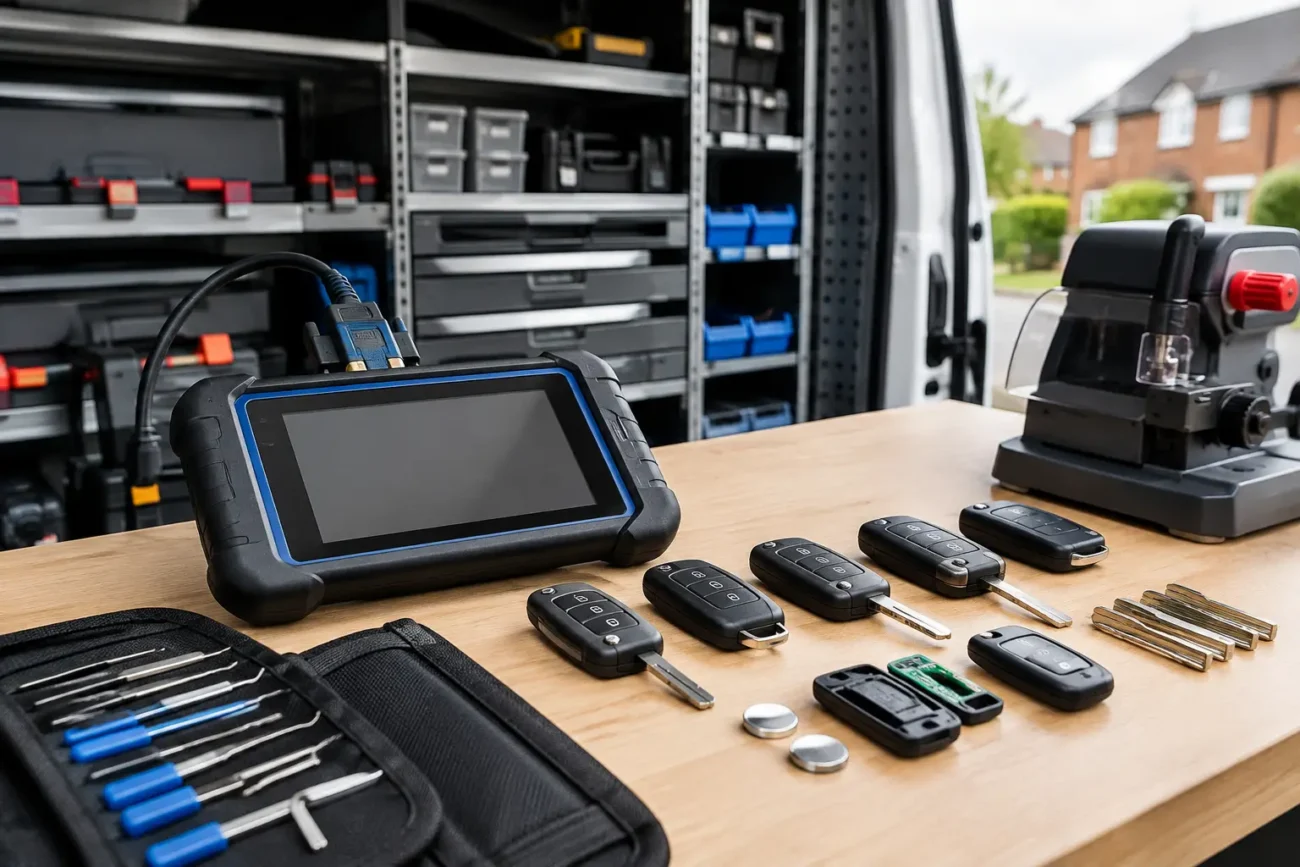
For households, one extra point is worth considering: do you want a direct replacement, or is it time for a spare remote as well? A second programmed handset often costs far less than an emergency order later on. For garages, locksmiths and gate engineers, holding a small range of proven replacements and common batteries can turn an urgent customer job around faster and more profitably.
A specialist supplier such as Global Keys Direct is useful here because compatibility-led stock is what matters, not just a large catalogue. When remotes are listed with proper technical identifiers and model coverage, buyers can make the right call without defaulting to dealer pricing.
When a receiver kit makes more sense
If your original remote is discontinued, the receiver has failed, or the system is too old for a practical one-for-one replacement, fitting a new receiver kit can be the cleaner solution. This is often the case with ageing fixed code systems where security is poor or remote availability is patchy.
A new receiver and remotes can modernise the setup, improve reliability and give you a fresh set of paired handsets. The downside is that it is a bigger job than replacing a single remote, and not every user wants that if the existing motor is still functioning well. It depends on age, condition and whether you need a quick low-cost fix or a longer-term reset of the system.
Programming tips that save time
Always use a fresh battery before you start. Stand close to the receiver during enrolment, and follow the exact learn procedure for that model. If there is a receiver learn button, avoid holding it too long unless the manual specifically instructs that, as some systems use a long press for memory erase.
If you are pairing multiple remotes, programme all required handsets in one session where possible. Some systems handle new additions cleanly; others can behave differently after a full memory clear. For professionals, recording the receiver type and successful remote reference on the job sheet saves repeat diagnosis later.
A final word on buying with confidence
Garage door remote replacement should be straightforward, but only when the technical match is right. The more precise the identification, the less chance of delays, returns and repeat ordering. Whether you are replacing a single lost handset at home or sourcing remotes regularly for customer jobs, compatibility detail is what turns a quick purchase into a working result. A few extra minutes spent checking the reference now usually saves a much longer wait by the garage door later.
Add a review
Your email address will not be published. Required fields are marked *