
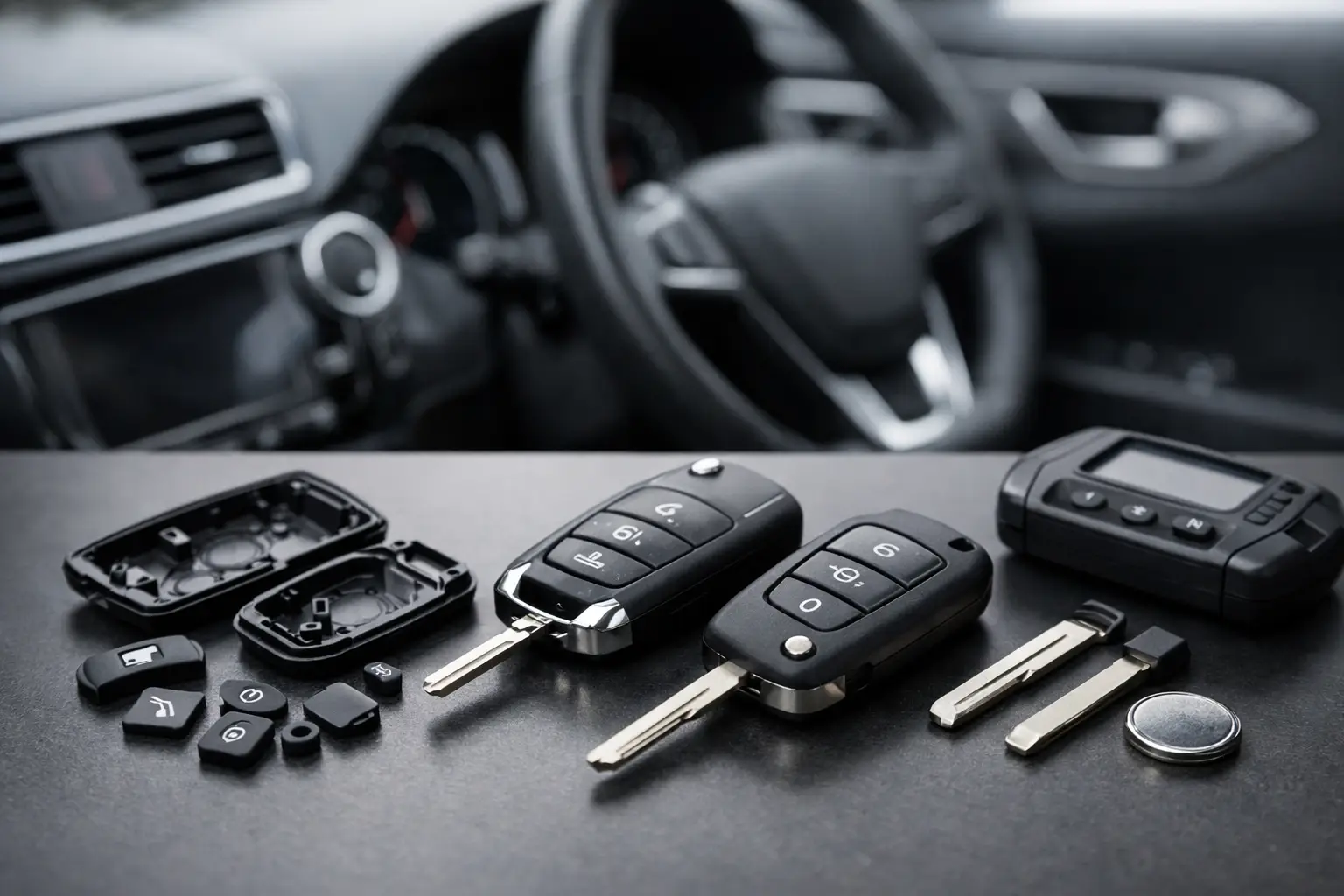
How to Choose Replacement Key Buttons for Your Car
A worn unlock symbol, split rubber pad or button that has fallen through the case can make an otherwise working car key frustrating to use. Knowing how to choose replacement key buttons starts with identifying what has actually failed. In many cases, the vehicle electronics are fine and only the outer button pad or key shell needs replacing. Ordering the right part can be a quick, cost-effective repair, but a button that merely looks similar is not enough.
Replacement key buttons are highly model-specific. Their shape, spacing, retaining tabs and fit with the internal circuit board can vary between model years, even where two keys carry the same vehicle badge. A few careful checks before ordering will save time, avoid unnecessary programming work and help you retain a working remote.
First, identify which part needs replacing
The phrase “replacement key buttons” can describe several different components. The most common is the rubber or silicone button pad built into a replacement remote shell. This is the right option when the buttons are torn, worn smooth, loose or missing, while the remote still operates when the internal switches are pressed.
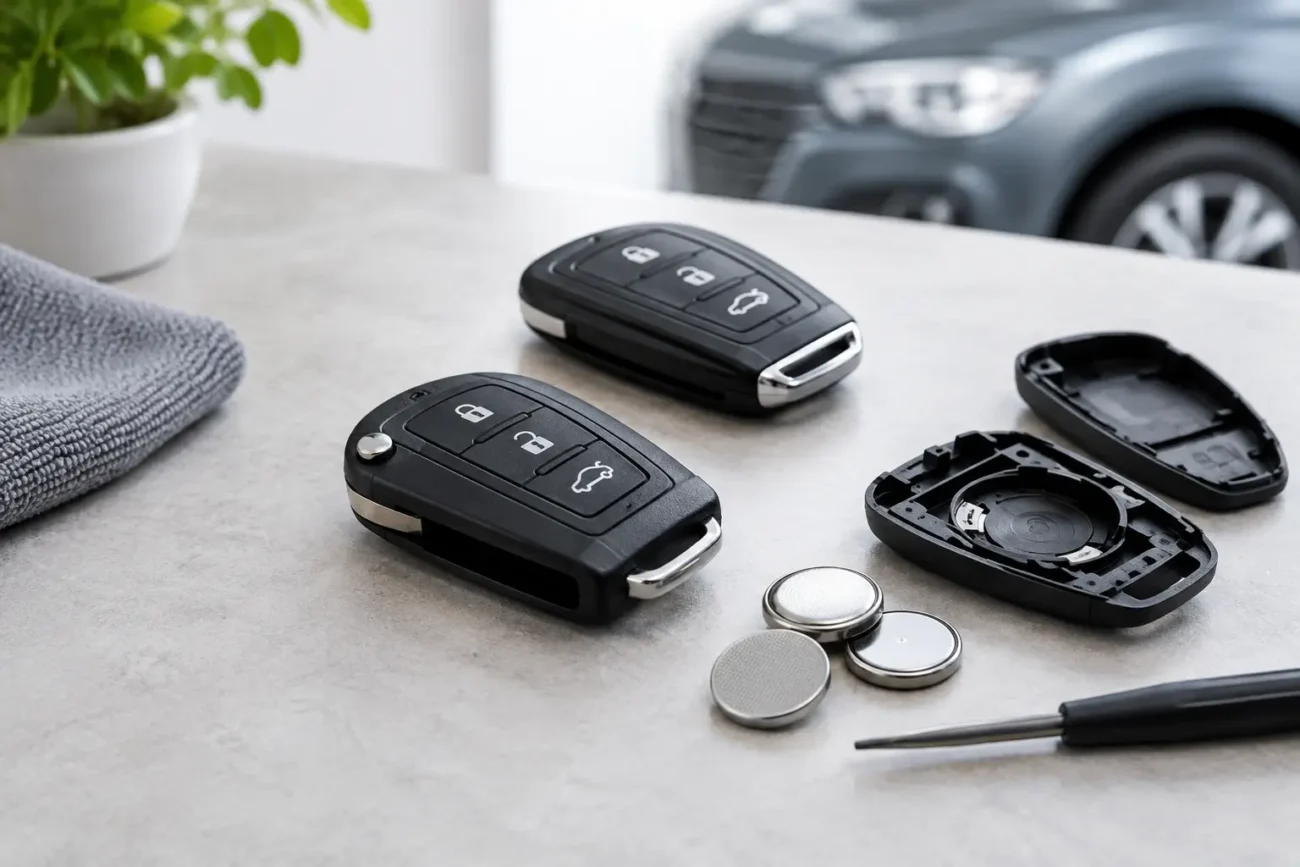
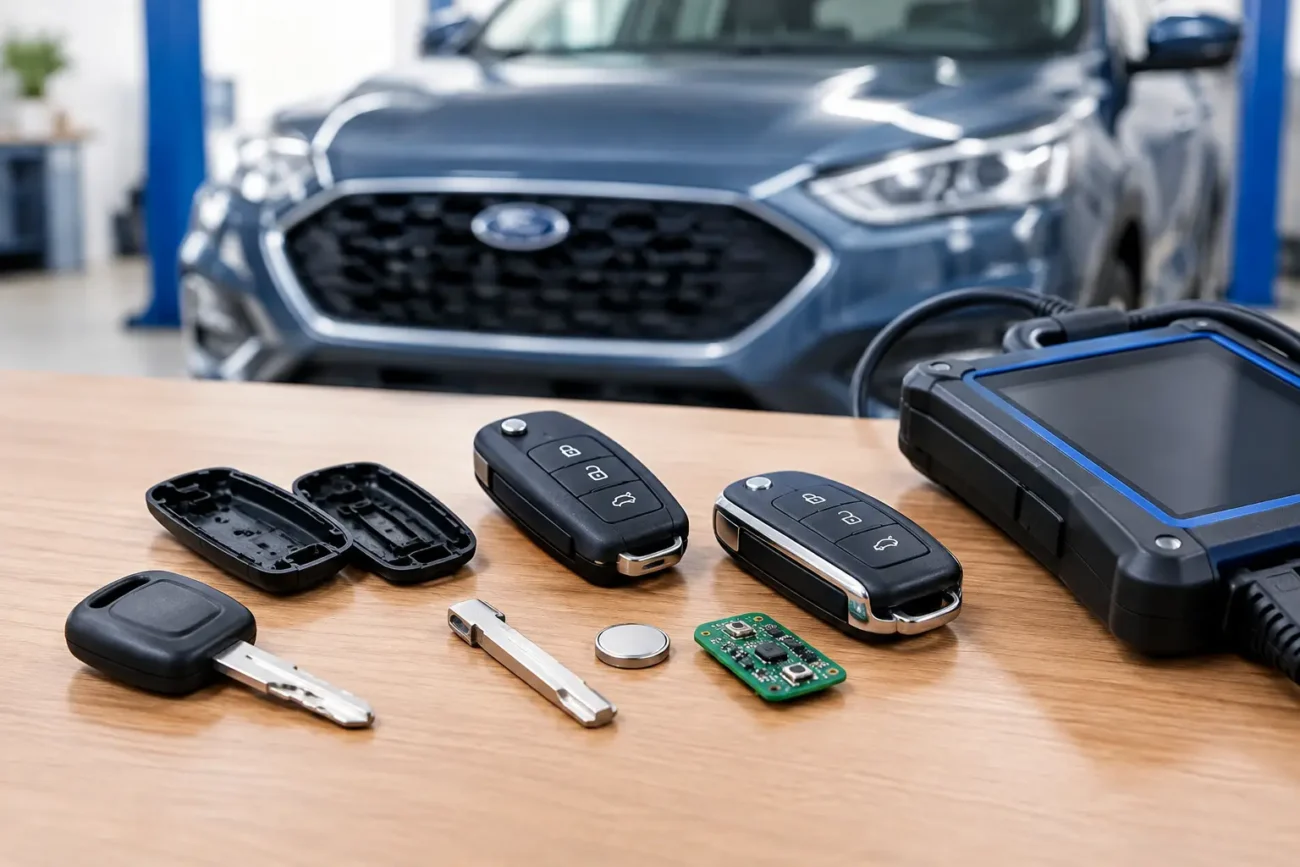
Sometimes the problem is the plastic button cover or the complete key casing. If the key has cracked around the buttons, the battery cover no longer stays in place, or the blade mechanism is damaged, a complete replacement shell is usually more practical than replacing a pad alone.
A less common fault sits on the circuit board itself. Small tactile microswitches on the board can wear out, detach or fail. A new shell or rubber pad will not repair an electrical microswitch fault. If the button feels normal but the remote does not respond, first consider the battery, board condition and whether the key needs diagnostic assessment. For trade buyers, confirming the switch operation before selecting a shell prevents a cosmetic repair from being mistaken for a complete fix.
How to choose replacement key buttons accurately
Start with the key in your hand, not only your vehicle registration or model name. Manufacturers often used different remotes across the same vehicle range, especially after facelifts or changes to keyless entry systems. Compare the existing fob with product images and fitment information closely.
The button layout is the quickest first check. Count the buttons and compare their exact arrangement. A two-button lock and unlock remote may look close to a three-button version with a boot release, but the button pad, shell moulding and circuit board location can differ. Also check for a panic button, sliding cover, side button or separate smart key emergency blade release.
Next, inspect the back of the fob and, where appropriate, the circuit board inside. Part numbers, frequency markings and manufacturer references are often more dependable than a broad description such as “Ford key” or “BMW remote”. Match every reference you can find with the listed product details. If there is no visible number on the case, compare the internal board shape, battery holder position and button contact locations.
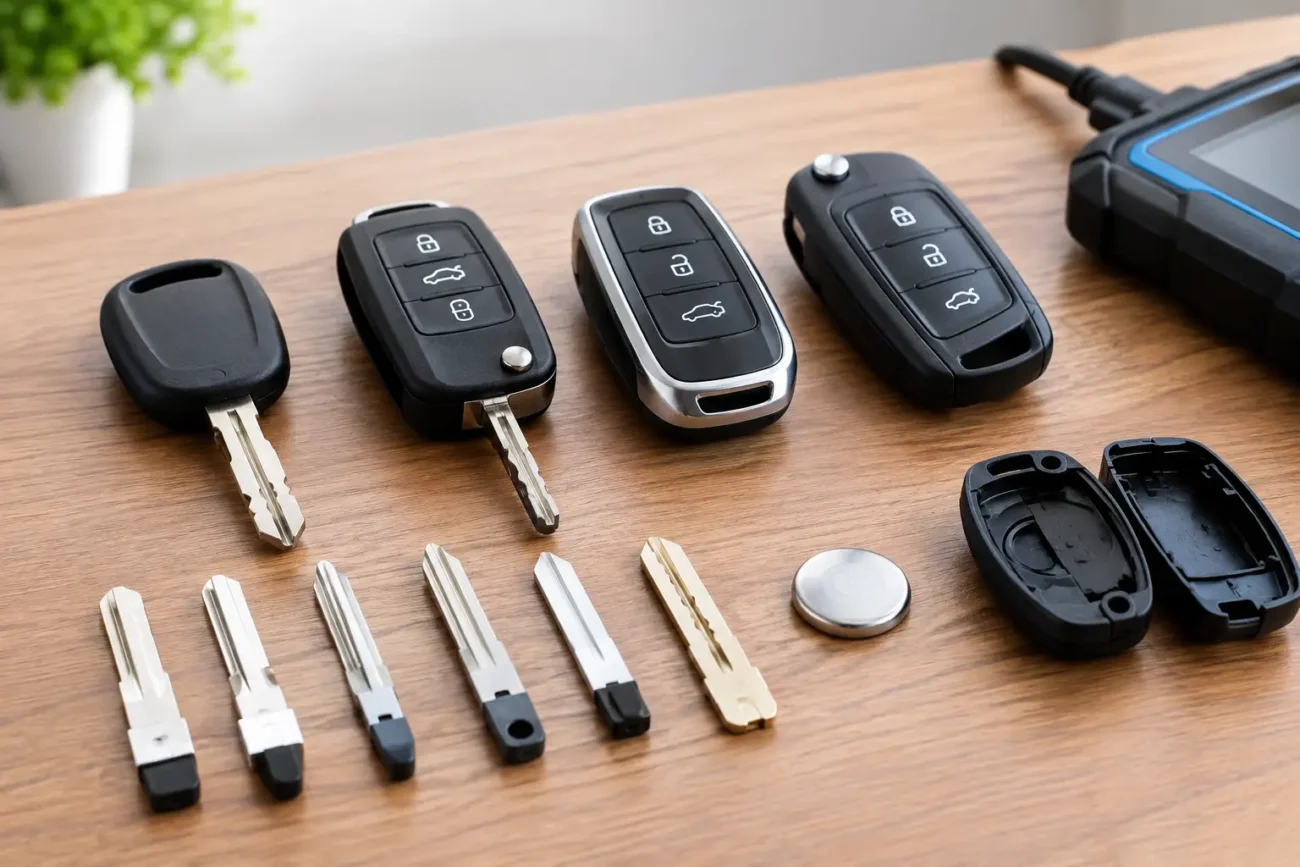
The blade type matters for flip keys and integrated remote keys. A shell may have the correct number of buttons but the wrong blade profile, blade fixing method or hinge design. Some replacement shells are supplied with an uncut blade, while others are designed to accept the original blade. Check this before ordering, particularly if your existing blade is undamaged and you want to transfer it.
For proximity or smart keys, pay particular attention to the emergency key blade and its release mechanism. Smart key cases can look nearly identical while using different internal board dimensions or button contact points. Frequency and transponder specifications matter when replacing a complete remote, although they may not be relevant when you are only moving your original electronics into a compatible shell.
Check these details before placing an order
Product fitment should be checked against the key, not assumed from the car alone. The following details provide the strongest basis for selecting a replacement button pad, shell or complete key housing:
- The number of buttons, their symbols and their exact position on the front, side and rear of the fob.
- Any part number, frequency marking or manufacturer code printed on the original case or circuit board.
- The style of key, such as fixed blade, flip blade, proximity smart key or separate remote fob.
- The blade profile, blade retention method and emergency blade arrangement where applicable.
- The internal circuit board shape, battery position, locating tabs and microswitch contact layout.
Photographs are useful, but use them carefully. Product images may show the exterior from several angles, while the internal view often provides the decisive compatibility check. If the retaining posts or contact domes are in a different position from your old case, the buttons may not press the board correctly even if the outer housing appears to match.
Choose the repair option that suits the fault
A replacement button pad is typically the sensible choice when the shell itself is sound and the pad can be fitted separately. It keeps the repair focused and can restore a clean, positive button feel without changing the blade or transferring the whole board.
A complete replacement shell is usually better when several exterior parts are worn. It is especially useful for flip keys with broken hinges, damaged blade holders, missing battery covers or cases that no longer clip together securely. In many instances, you can transfer the existing circuit board, transponder chip and battery into the new shell. Because the original electronics are retained, programming may not be required, but this depends on the key design and the repair carried out.
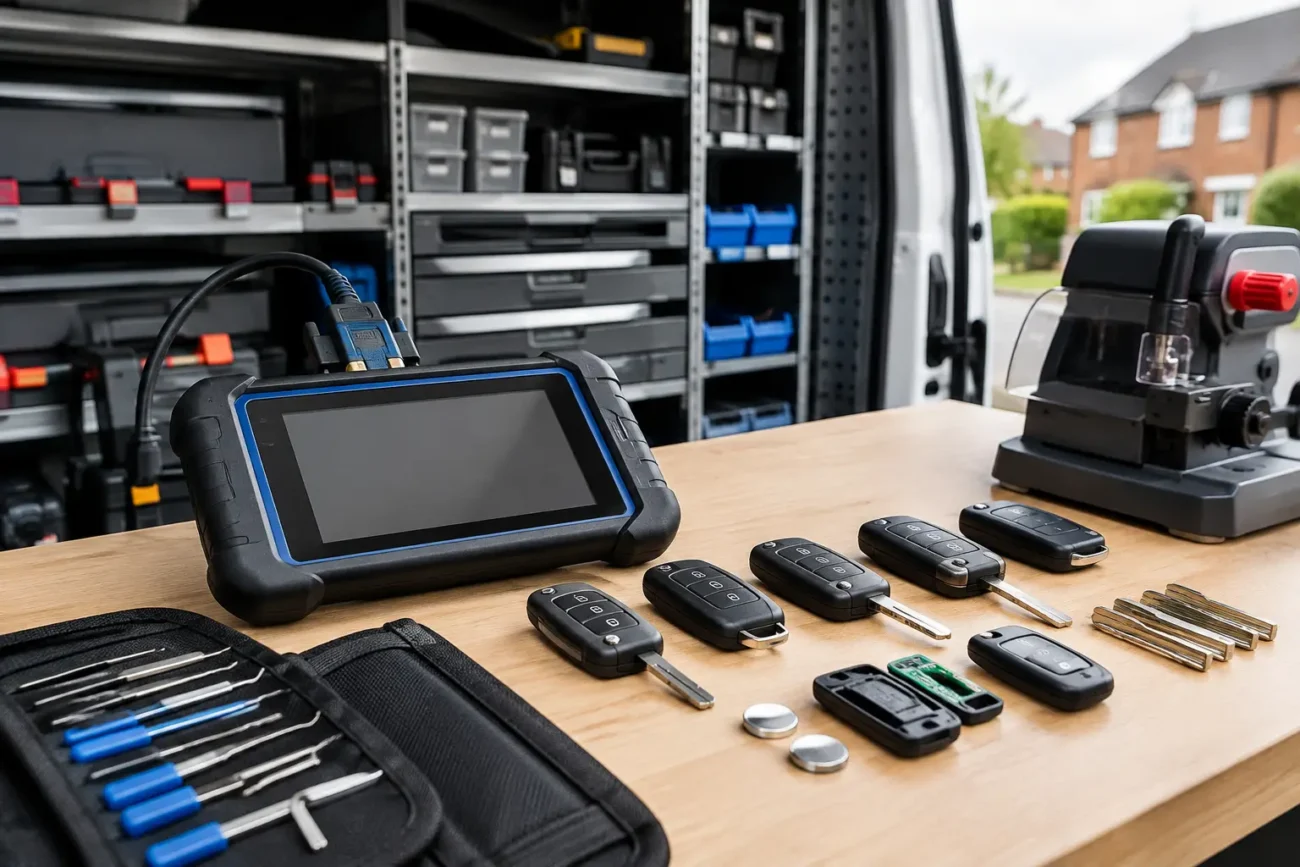
A complete replacement remote or smart key is a different purchase. It may require cutting, programming, remote synchronisation or professional equipment to make it work with the vehicle. This is often the appropriate route when the original circuit board is damaged, lost or beyond repair, but it should not be bought simply because the external buttons look tired.
For garages, locksmiths and key professionals, keeping these repair categories separate also makes stock selection more efficient. Common shell and button repairs can be completed without using programming resources, while complete remote replacement jobs should be planned around the required chip, frequency, blade and vehicle procedure.
Do not overlook material quality and fit
The cheapest-looking option is not always the best value if the rubber is thin, the button legends wear quickly or the shell clips do not hold securely. Replacement key buttons are handled repeatedly, exposed to pockets, moisture and temperature changes, and often subjected to considerable pressure over their working life.
Look for a pad or shell with clearly moulded button areas and a design that matches the original board contacts. A good fit should allow each button to return freely after pressing. Buttons that bind, sit too low or require excessive force can cause poor operation and accelerate wear on the internal switches.
Quality is particularly relevant for keys used daily or handled in a workshop environment. A properly matched aftermarket replacement shell or button pad can offer a practical alternative to replacing an entire key, provided its fitment details have been checked carefully. Global Keys Direct stocks model-compatible key repair options for a broad range of vehicle makes, helping both drivers and trade customers source the right type of replacement without dealership-level replacement costs.
Transfer components carefully
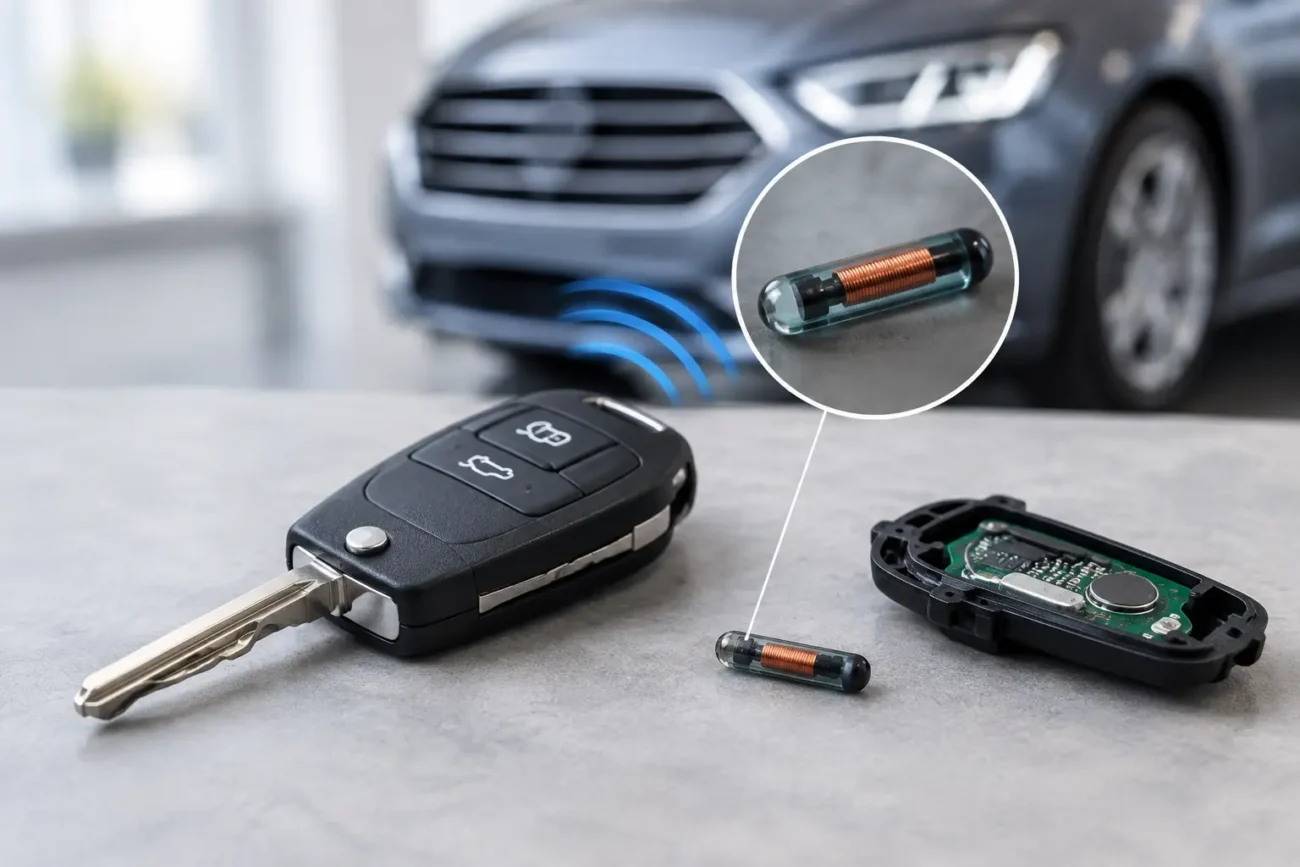
Before opening the old key, work on a clean surface and note where every component sits. Take a clear photo of the circuit board, battery orientation, transponder chip and blade mechanism first. Some keys contain a small separate transponder chip that can be overlooked during a shell transfer. If it is not moved into the new case where required, the remote may operate but the vehicle may not start.
Avoid forcing the circuit board into a shell that does not sit naturally. The board should rest on its locating points with the button contacts aligned beneath the pad. Refit the battery in the correct orientation, close the case evenly and test lock, unlock and any boot or panic functions at a safe distance from the vehicle. If the buttons do not respond as expected, reopen the case and check alignment rather than repeatedly pressing hard on the fob.
A replacement key button should make your existing key easier to use, not introduce uncertainty. Match the physical layout, internal structure and product references before ordering, then choose the smallest repair that genuinely resolves the fault. That approach keeps the job quick, protects a working key and leaves you with a remote that feels right every time you use it.
Add a review
Your email address will not be published. Required fields are marked *